Participant
May 14, 2024
Answered

TOC index pdf output

  • May 14, 2024
  • 1 reply
  • 180 views

Hi everyone, Im using Robohelp 2022.3.93.
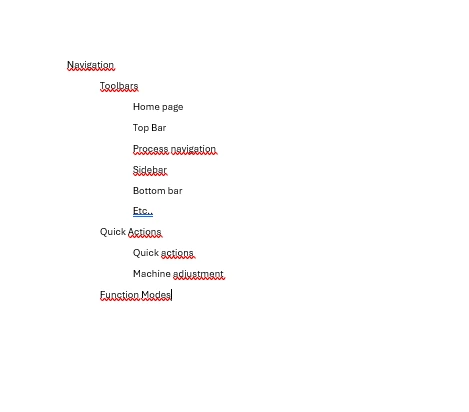
 I am trying to get this style of index in the pdf output.  

I add a picture of how I would like it to look like.
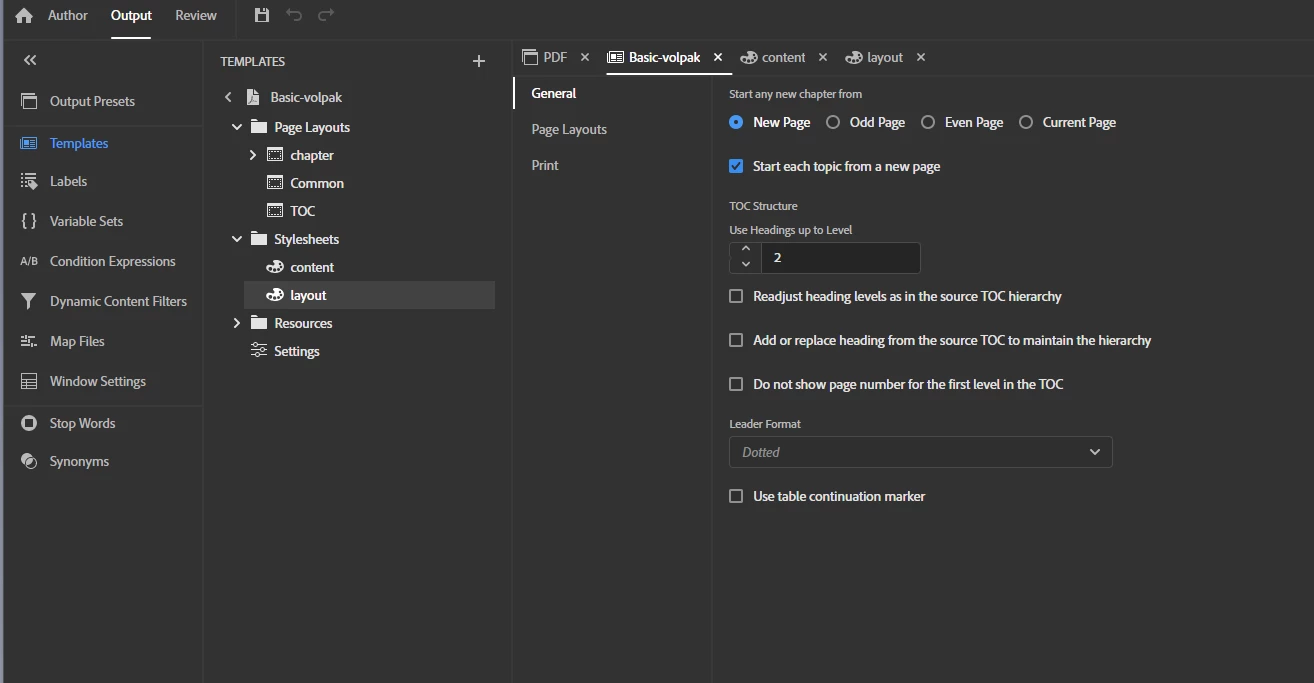
I don't know what I'm doing wrong, because I have this configuration in the pdf template, Mi Toc and my Output.
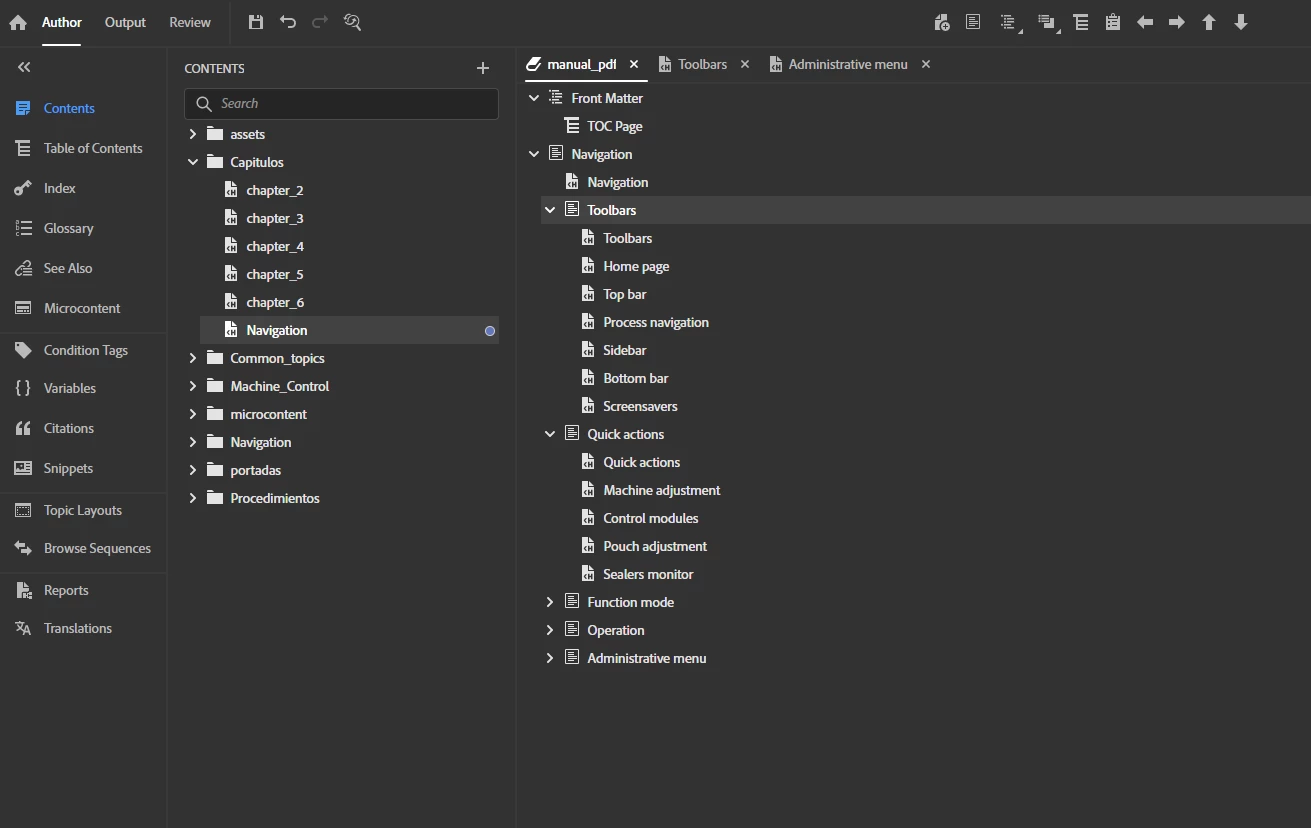
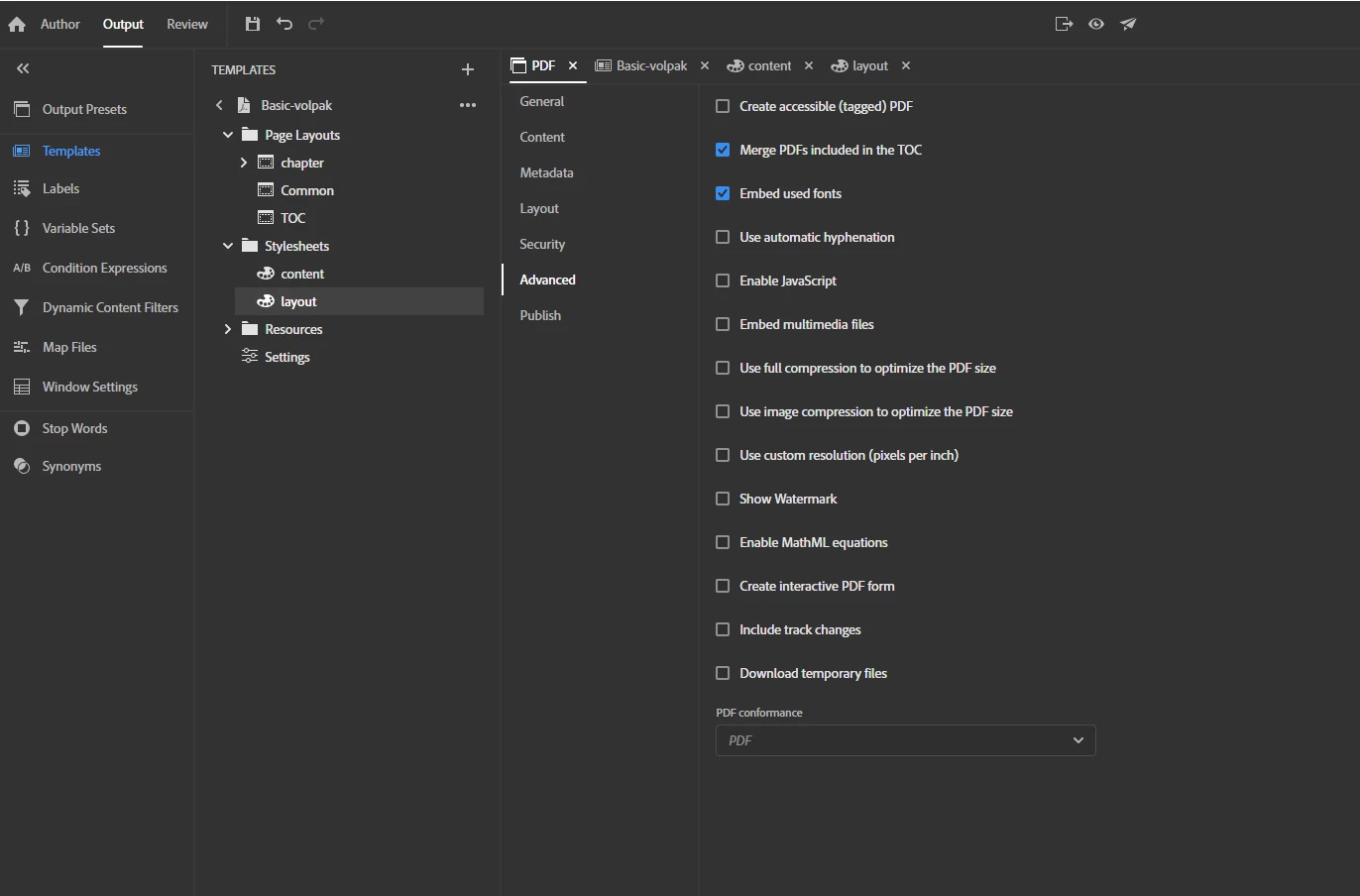
If I set this configuration, the result is as follows
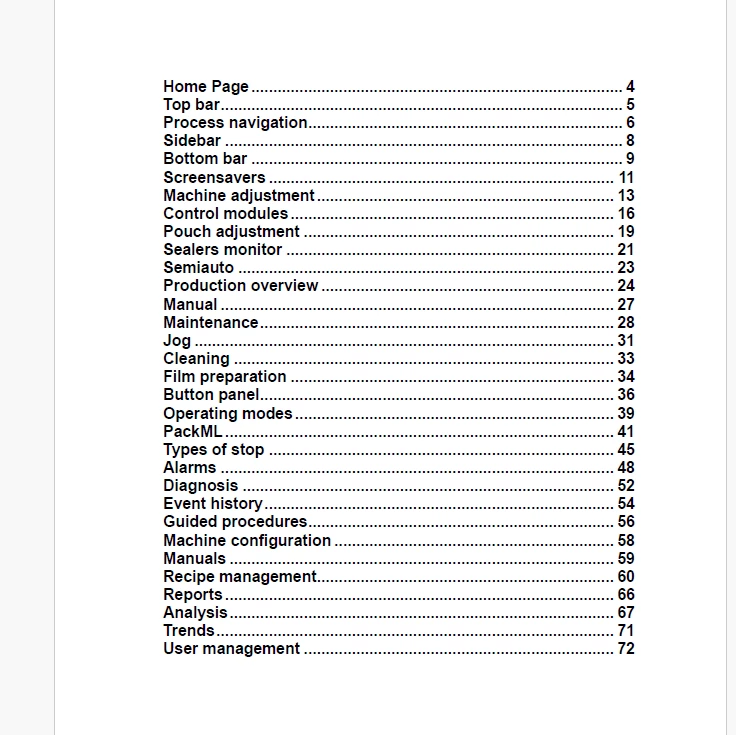
 I have tried several configurations, for example this one is activating the add or replace option.
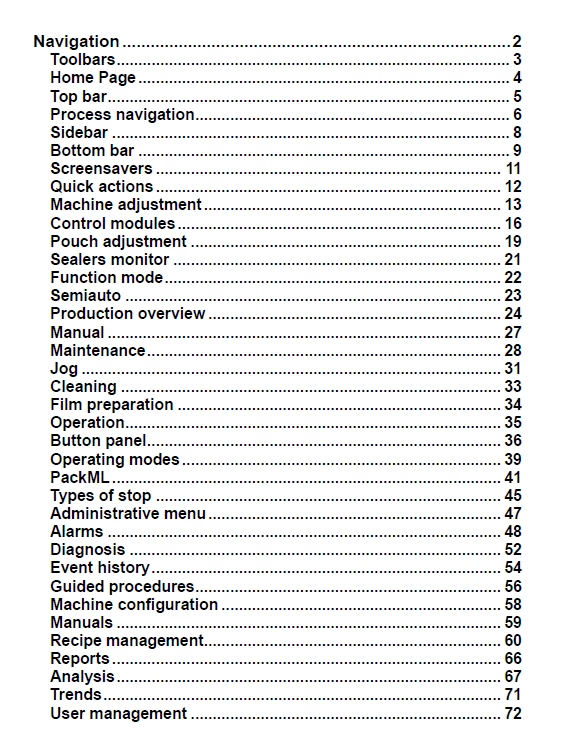
 But it's not the result I want

    If you can help me, I am new to using robohelp.

 

    This topic has been closed for replies.
    Correct answer Peter Grainge

    See the image in this page. 

    https://www.grainge.org/RoboHelp_Tour/rh2022/outputs/pdf_templates.htm#:~:text=Neither%20Option%20Selected


    It has the indentation you want. The topic explains how to achieve that. 

    ________________________________________________________

    My site www.grainge.org includes many free Authoring and RoboHelp resources that may be of help.


    1 reply

    Peter Grainge
    Community Expert
    Peter GraingeCommunity ExpertCorrect answer
    Community Expert
    May 14, 2024

    See the image in this page. 

    https://www.grainge.org/RoboHelp_Tour/rh2022/outputs/pdf_templates.htm#:~:text=Neither%20Option%20Selected


    It has the indentation you want. The topic explains how to achieve that. 

    ________________________________________________________

    My site www.grainge.org includes many free Authoring and RoboHelp resources that may be of help.


    Use menu (bottom right) to mark as Best Answer or to Highlight particularly useful replies. Found the answer elsewhere? Share it here.
    Participant
    May 14, 2024

    Thank you very much, I have solved the problem!