
Twisties
Hello,
I'm using RoboHelp 11, publishing WebHelp Pro to RoboServer 9. Viewing output on Chrome and IE 11.
I have been trying to figure out how to build twisties into my project for drop down hotspots. After struggling with it all day yesterday I gave up. Then today a reviewer sent me some revisions by copy/pasting from the published webpage to a word document. In this word doc I could see the twistie images. So I went to replicate this myself - copied a dropdown hotspot from the website and pasted into word, and the twistie image was there.
I then generated the SSL and viewed it before publishing - still no twisties visible.
Here are examples:
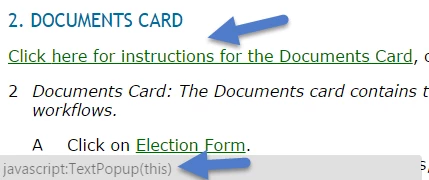
This is the Published web page, the arrows point out where twisties should be. I did notice a javascript message when hovering over the drop down - maybe this is the issue?
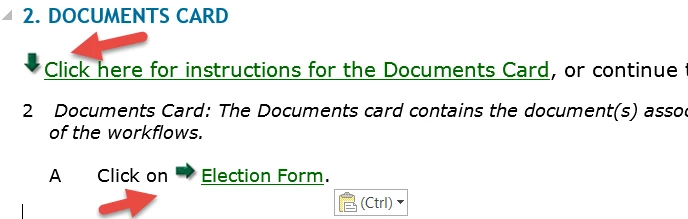
Same section Copy/pasted into Word - red arrows pointing out the twistie images I chose yesterday:
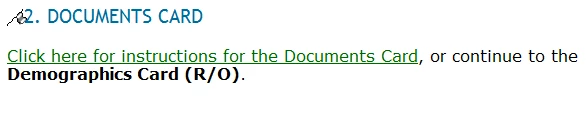
And finally, this is screen shot of the same content inside the project file in Robo:
Any ideas of what is going on here or some troubleshooting steps to take?
Thanks!
Chris


 AdChoices