


Unable to install Robohelp 2022 on my new laptop
Hello,
I have a new company laptop (Dell Precision 5690 with Microsoft Windows 11 Enterprise) and I have been trying to install Robohelp 2022. It is part of my plan (Creative suite and technical suite) and it still works like a charm on my old computer.
I have been able to install the Creative suite apps on ly new laptop without any issues.
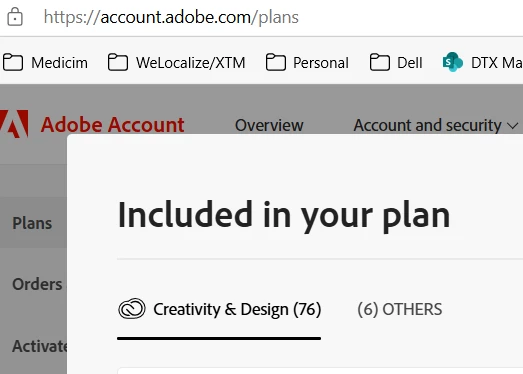
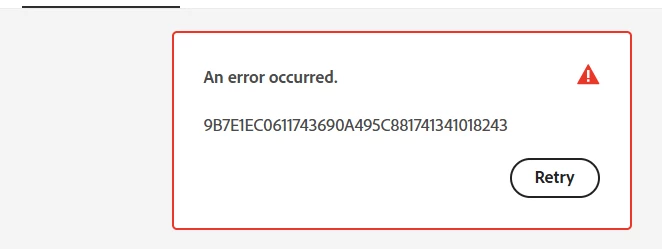
But when I go to the 'others' tab (where I supposue the Robohelp could be) I get this error:
I also tried to download the 2022.4.0 installer from the Robohelp downloads page (Download Adobe RoboHelp and RoboHelp Server). When I unzip and install as a normal user, the installation stops at 5% and gives me error code 127. If I run the installer as administator, I immediately get the message that the installer is corrupt.
My IT support has been looking into the issue, but don't seem to find a solution...
Any ideas here what could be wrong?
Thanks!
Machteld
 AdChoices