
Question
Unable to open links to other projects in Chrome, FireFox and MS Edge - RoboHelp 2019 Classic
I have a number of links to windchillhelp KB so I only have to update in one place. I cannot open links to windchillhelp with the setting: Display in frame: Page Default (none). This works in Internet Explorer without issue, but does not work for Chrome, FireFox and MS Edge. Any idea what's going on???
I also just just tried "Display in Same Frame" with same result.
Note - if I say "Display in a new page" it works, but that is not what I want, they will spawn too many windows 😞
Additional Information: Is it possible it has to do with too many dashes, it's not underscores, I have links without underscores.
- This link works: http://wpahelp.mot-mobility.com/
- This link does not work: http://windchillhelp.mot-mobility.com/Loadsheet/Request_Sales_Model.htm
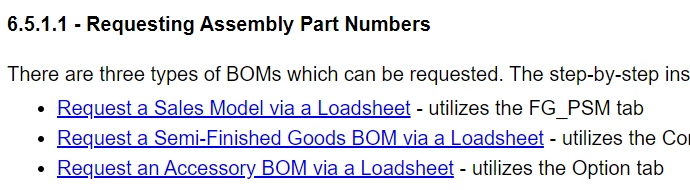
- Click on link to open in main frame - reference is: http://windchillhelp.mot-mobility.com/Loadsheet/Request_Sales_Model.htm
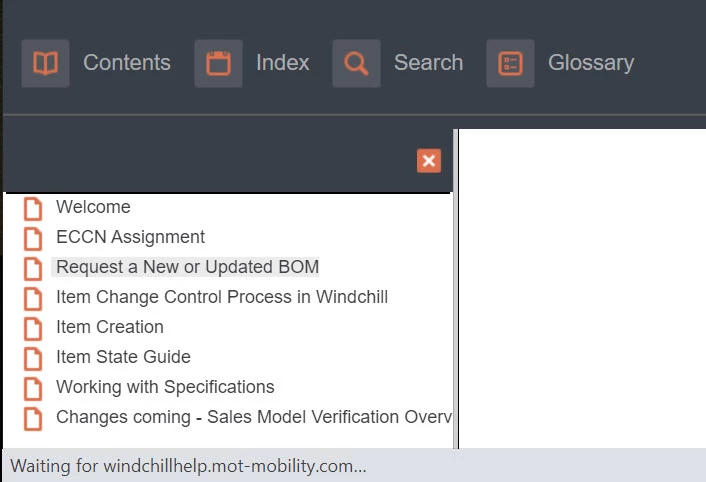
- A white page is displayed with rotating messages, "waiting for windchillhelp.mot-mobility.com..." "waiting for cache" and "Connecting".
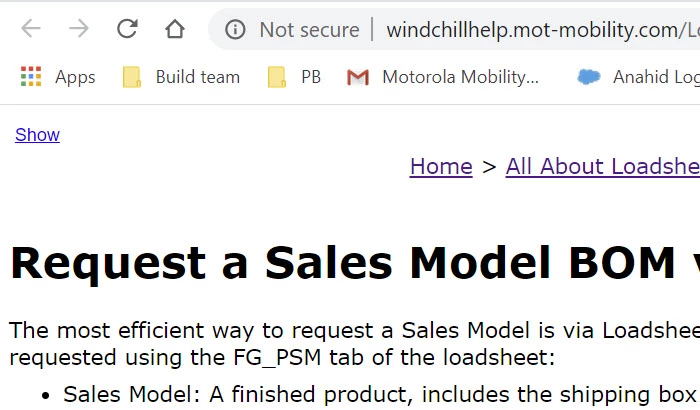
- If I right click the same link and select Open in a new tab, it works perfectly.


 AdChoices