


Answered
Unable to start application with trial license
Hello, I was going to start Rh in the new year again to continue my 30 day try out. I've activated the account on December 17.
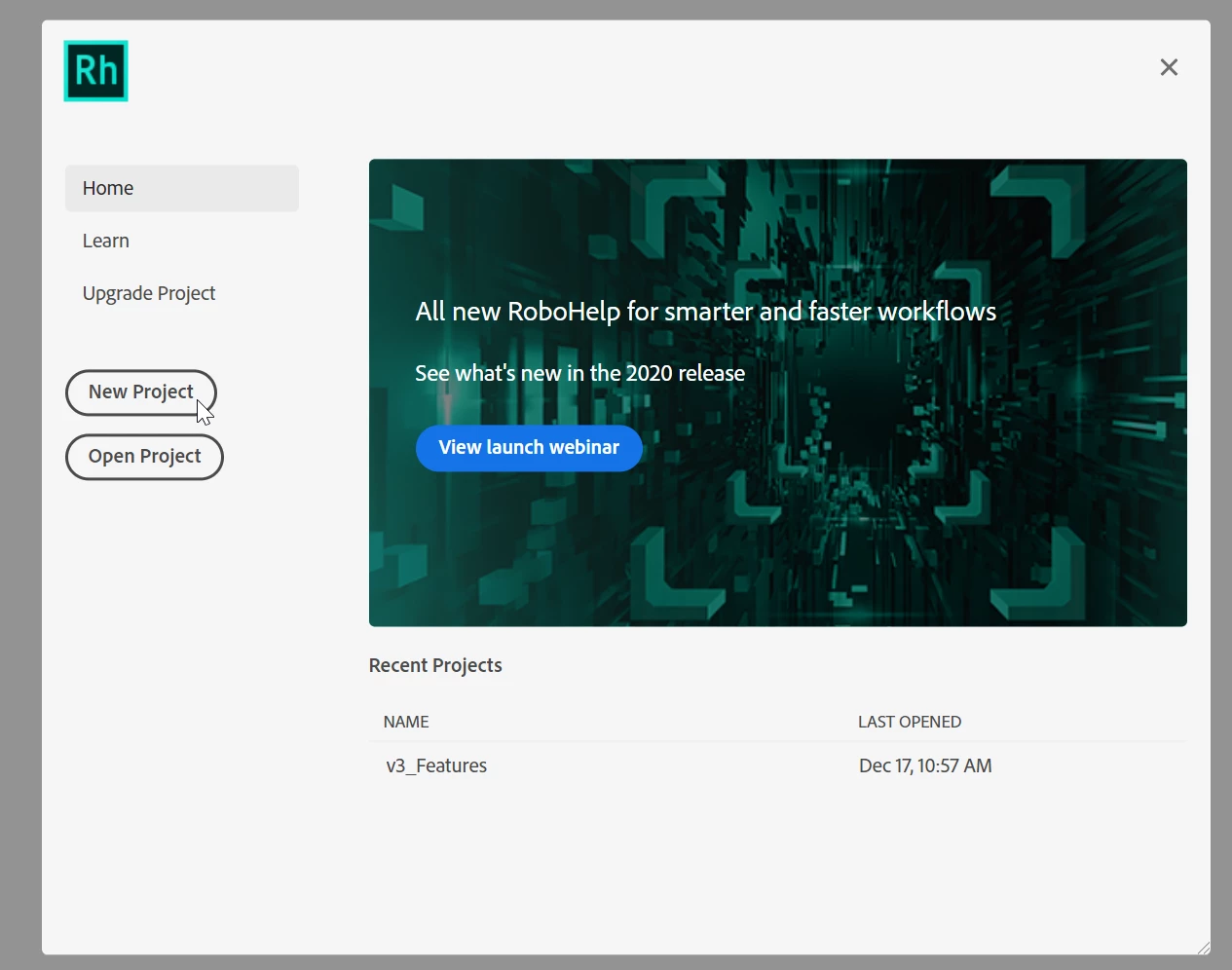
If I now start Rh I cannot access the application. The menu bar is active but opening a project won't do anything. Same to the splash screen seen below. Nothing is clickable.
The log file in temp folder does not give any help for me:
2022-01-05T05:46:29.287Z - info:   [23480] *** FOLDER: C:/Users/c**/AppData/Local/Temp/RHTMP/logs_1641361589281.log ***
2022-01-05T05:46:29.288Z - info:   [23480] Initializing...
2022-01-05T05:46:29.288Z - info:   [23480] Initializing Application...
2022-01-05T05:46:29.288Z - info:   [23480] Initializing Locales...
2022-01-05T05:46:29.288Z - info:   [23480] Constructing licensing object
2022-01-05T05:46:29.288Z - info:   [23480] Loading Modules...
2022-01-05T05:46:29.290Z - info:   [23480] initEnvironment
2022-01-05T05:46:29.290Z - info:   [23480] environment set correctly
2022-01-05T05:46:29.290Z - info:   [23480] init licensing mode: false
2022-01-05T05:46:29.290Z - info:   [23480] Initializing Licensing...
2022-01-05T05:46:29.290Z - info:   [23480] require rhngl
2022-01-05T05:46:29.290Z - info:   [23480] initCallback
2022-01-05T05:46:29.290Z - info:   [23480] initLicense
2022-01-05T05:46:29.290Z - info:   [23480] Initializing Environment...
What can I do?
I am running Windows 10 Pro 21H2.

 AdChoices