Participant
December 21, 2022
Question

Upgrade Robohelp project version 5.0.2 to 8.34

  • December 21, 2022
  • 7 replies
  • 354 views

Hi,

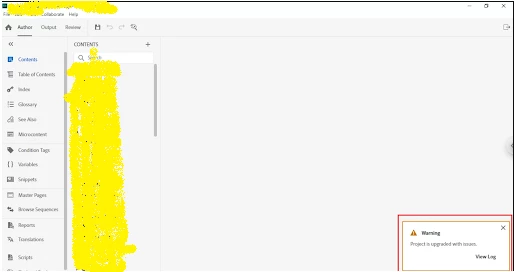
We have tried to upgrade a classic project of version 5.0 to latest Robohelp 2020(8.34Version). But after upgrading, RoboHelp shows the Project upgraded with issue. But we are unable to see the error.
 

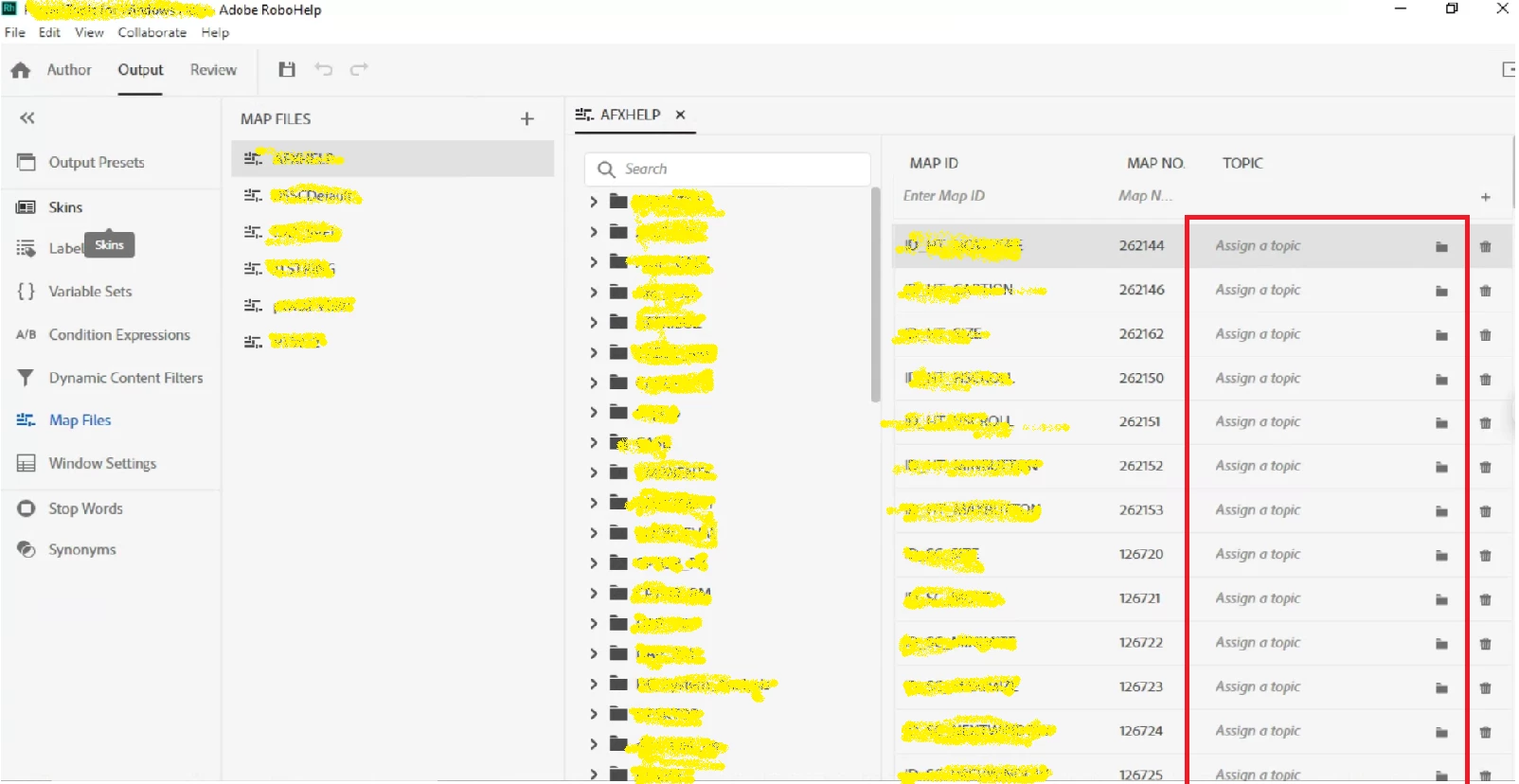
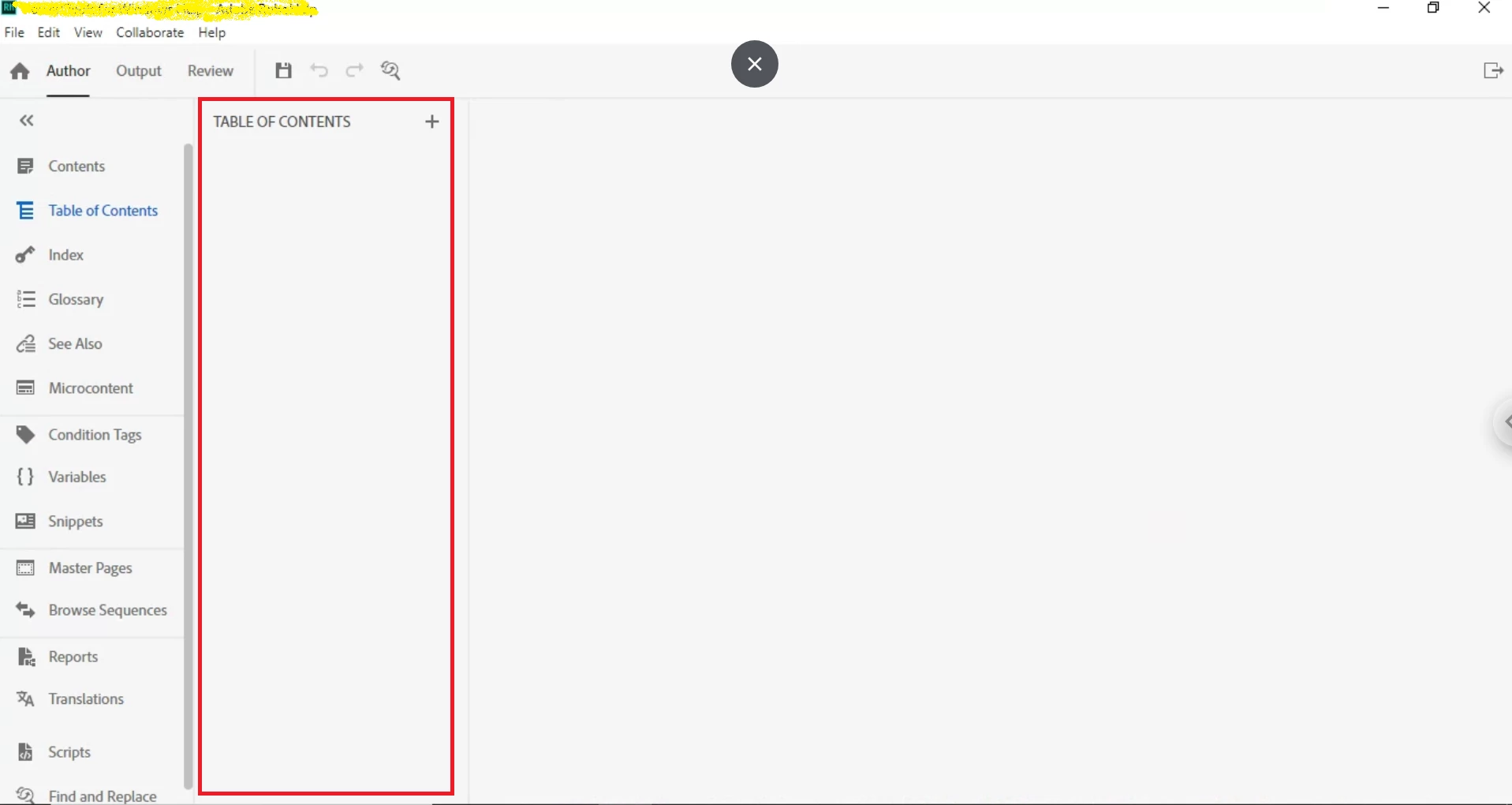
Also we are not getting the Table of contents and Assigned topic for the map ids.
Can you please help us.

Thanks in advance.

    This topic has been closed for replies.

    7 replies

    Community Expert
    January 6, 2023

    As Peter has previously mentioned, because your version is so old I suspect there is a lot that won't upgrade properly. The reason I think this is I'm sure sometime after X5 (maybe RH7 or 8-ish?) there was a behind the scenes code refresh (which, among other things, removed kadov tags, a bane of our existence 🙂 ). Then RH2019 New UI completely changed the behind-the-scenes code again. I'm not sure Adobe would have written/included scripts to convert the kadov era hmtl code. But only Adobe can say for sure.

    Peter Grainge
    Community Expert
    Community Expert
    December 23, 2022

    OK but that is a seriously old version and I'm surprised it is still running on modern operating systems. According to the Adobe site it is only compatible with Windows XP, 2000, NT 4.0, ME, and 98. If you have X5 on something later, there could have been corruption causing this problem. If you are still on one of those versions I would be very surprised RoboHelp even installed.


    As I said earlier, I think now it's a case of manually fixing the IDs if that is the only issue or going to Adobe Support.

    ________________________________________________________

    My site www.grainge.org includes many free Authoring and RoboHelp resources that may be of help.


    Use the menu (bottom right) to mark the Best Answer or Highlight particularly useful replies. Found the answer elsewhere? Share it here.
    Peter Grainge
    Community Expert
    Community Expert
    December 23, 2022

    Looking at the thread again, I see you did refer to a Classic version so maybe it was X5 to 2020.8? Please clarify.


    If it was from X5 then I think you may just have to reassign the IDs but check with Adobe Support, they may have a backdoor way of fixing it. See https://helpx.adobe.com/contact/enterprise-support.other.html#robohelp for your Adobe Support options. The email link tcssup@adobe.com is recommended as it reaches a team dedicated to Technical Communication Suite products including RoboHelp. 

    ________________________________________________________

    My site www.grainge.org includes many free Authoring and RoboHelp resources that may be of help.


    Use the menu (bottom right) to mark the Best Answer or Highlight particularly useful replies. Found the answer elsewhere? Share it here.
    Participant
    December 23, 2022

    Our classic version 


    Peter Grainge
    Community Expert
    Community Expert
    December 23, 2022

    I think there may be some confusion because you have clipped the version numbers. I read it as Version X5 rather than 2020.5. So you mean 2020.5 to 2020.8?


    The most important parts are the Version, 2020, and the next number which is the update. The build is less important.

    ________________________________________________________

    My site www.grainge.org includes many free Authoring and RoboHelp resources that may be of help.


    Use the menu (bottom right) to mark the Best Answer or Highlight particularly useful replies. Found the answer elsewhere? Share it here.
    Peter Grainge
    Community Expert
    Community Expert
    December 22, 2022

    @Jeff_Coatsworth suggested going via 2019 because at one time that did fix upgrade issues. However the issues it fixed have now been built into the upgrade process so I don't think it will help.


    Your TOC is blank. What about the Contents Panel? do the topics show there. If they do, is the mapping information showing there?


    When you say you are upgrading from Version 5, do you mean X5? That is an extremely old version so it wouldn't surprise me the upgrade is failing. I'm not sure what has gone wrong and I think you may need to go to Adobe Support. See https://helpx.adobe.com/contact/enterprise-support.other.html#robohelp for your Adobe Support options. The email link tcssup@adobe.com is recommended as it reaches a team dedicated to Technical Communication Suite products including RoboHelp. 


    It may be a case of fixing it all manually.

    ________________________________________________________

    My site www.grainge.org includes many free Authoring and RoboHelp resources that may be of help.


    Use the menu (bottom right) to mark the Best Answer or Highlight particularly useful replies. Found the answer elsewhere? Share it here.
    Participant
    December 23, 2022

    Yes I can see the contents.But mapping files not  showing the assigned topic for map ids.

    Jeff_Coatsworth
    Community Expert
    Community Expert
    December 22, 2022

    Sorry, as I'm still stuck on RH11, I don't have a subscription to go and look at to indicate where you can get the RH2019 versions - I just know that they are part of the subscription. Maybe this page will help? https://helpx.adobe.com/download-install/kb/downloaded-older-app.html

    Jeff_Coatsworth
    Community Expert
    Community Expert
    December 21, 2022

    You should be able to view the log file that it created. But with a project that old, I would suggest trying a Classic to Classic upgrade path - your 2020 subscription includes RH2019 Classic and RH2022 (the latest). I'd download both & try the RH2022 one first. If you still strike out with that, try a copy of the old Classic project upgraded to RH2019 Classic and then upgrade that to RH2022.

    Participant
    December 22, 2022

    We have downloaded 2022 version(latest) and we tried to upgrade the 5.0 classic version project. 

    And we are getting the same warning message as 2020 version.


    We tried to download the 2019 version. We are unable to find the download link.