


Uppercase title in page header
RH 2020.7.46, Frameless preset, customized Studio skin
In the Frameless preset, the title you specify on the General tab appears in the output (and in the skin preview) as all uppercase letters.
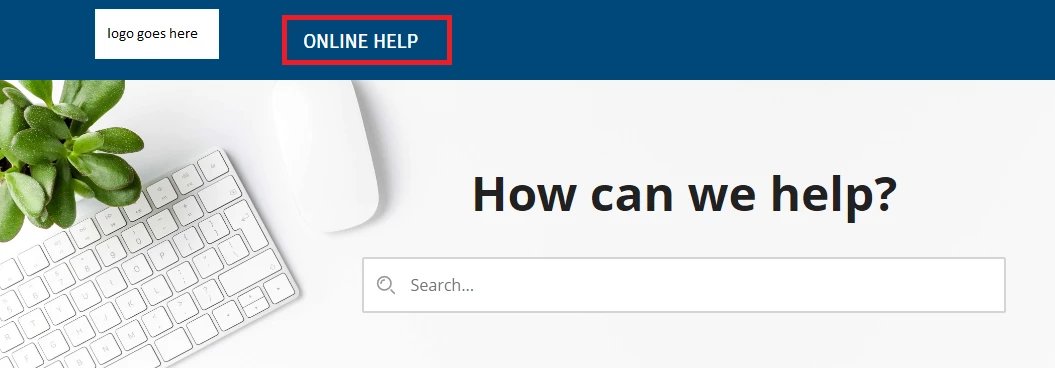
Our logo uses mixed-case letters, so the effect is a little weird. I don't see anywhere to change this in the Studio skin. I tried creating a variable using mixed-case and inserting that as the title, but RH still converted it to all uppercase in the output. Why is it doing this? It seems logical that it would display the title exactly as you enter it, or that there would be font settings to control this.
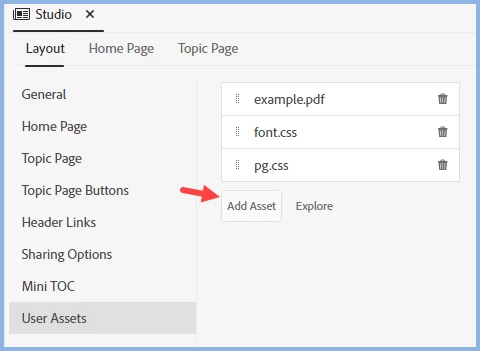
Apparently it is possible to change this by editing userstyles.css in the output and specifying text-transform:none; (once you find the right parameter to change). But since that file is only created in the output, it would have to be edited manually every time you generate the output. (Our designer figured this out, not me!) Obviously that's not ideal.
Am I missing an easy solution to this? I'm surely not the only person who wants to change this.

 AdChoices