Inspiring
September 17, 2026
Question

Visibility problems with Responsive HTML5 output

  • September 17, 2026
  • 2 replies
  • 9 views

Hello everyone!

Elisa is back! :)

I’m using RoboHelp version 2022.5.28, and I generated a Responsive HTML5 output. The ZIP file was intended for publication on a web platform, where users can access the output by clicking a button.

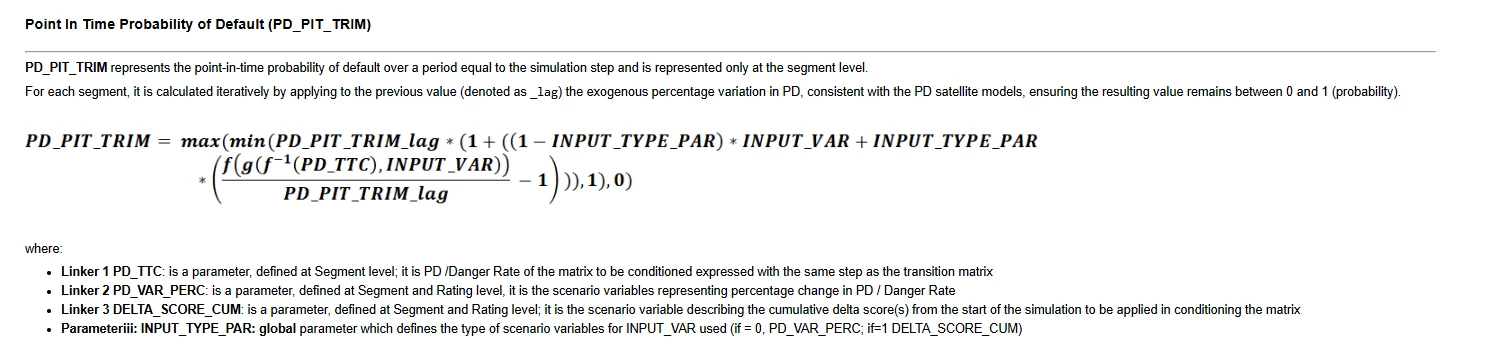
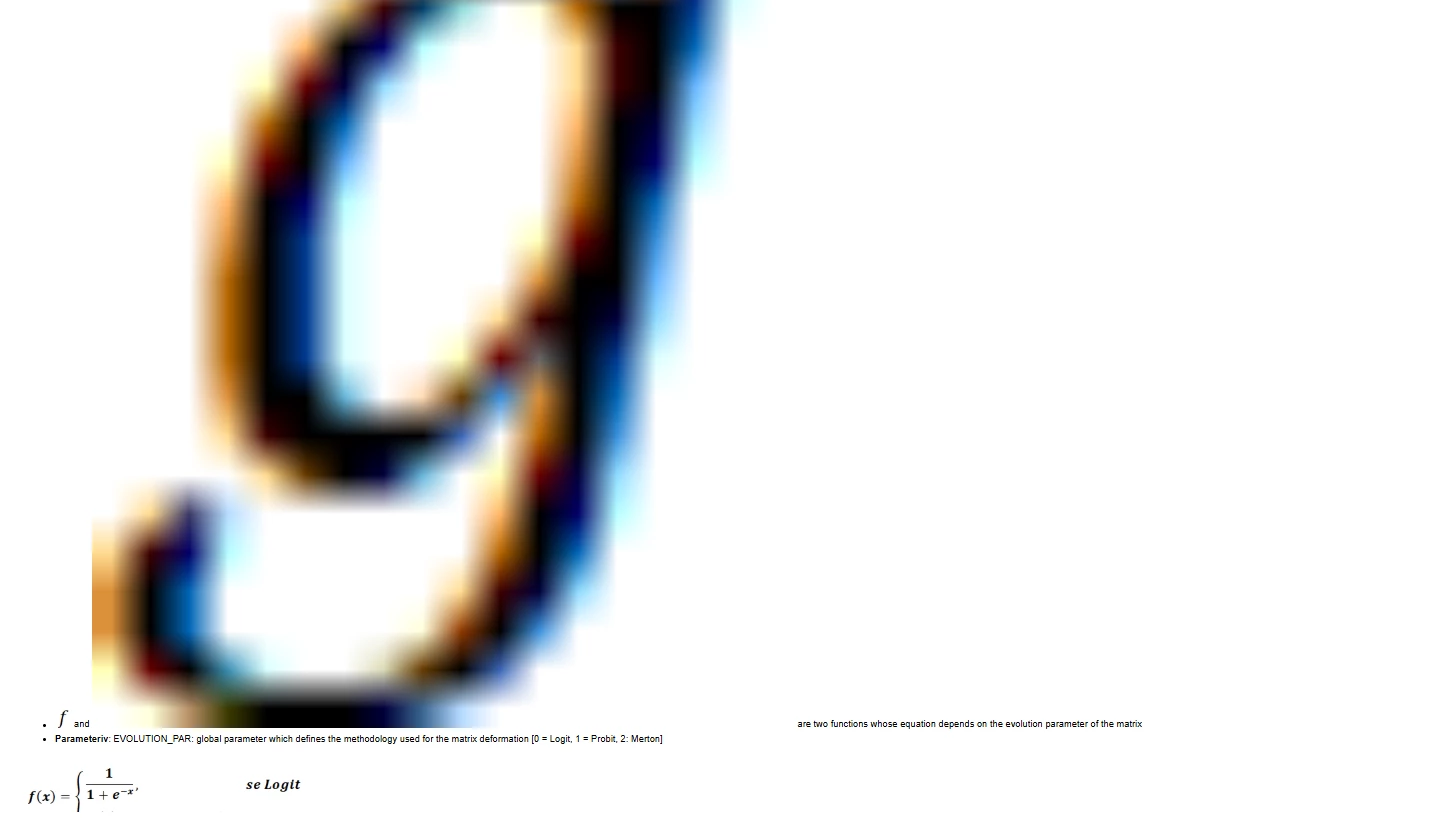
Unfortunately, after the ZIP file was uploaded to the platform, I noticed some display issues affecting the table layouts and the formulas created with Equation Editor. I inserted the formulas into the RoboHelp project by copying and pasting them from a Word document.

I’m not sure exactly how the ZIP file was uploaded or deployed to the platform.

Below are some examples:

 

The output displays correctly when opened directly, before being uploaded to the platform.

Could you please help me understand what might be causing these issues and suggest a possible solution?

Thank you!

    2 replies

    Peter Grainge
    Community Expert
    Community Expert
    September 17, 2026

    The zip file was extracted?


    My site www.grainge.org includes many free Authoring and RoboHelp resources that may be of help.

    Use the menu (bottom right) to mark the Best Answer or Highlight particularly useful replies. Found the answer elsewhere? Share it here.
    Jeff_Coatsworth
    Community Expert
    Community Expert
    September 17, 2026

    If the formulas were images in the Word doc, then I wouldn’t have copied them directly into the RH project - I would have extracted them out of the docx by using the trick of renaming the .docx as .zip and then unpacking the zip file to expose the media folder within it, then copied out the images and renamed them before copying them into my RH project folder, and then inserting them in the project files.

    But you’re saying the RH output looks fine when viewed locally after generating the output, but fails after it has been deployed to whatever webserver you’ve uploaded it to? If that’s the case, then it’s got to be either (a) something got missed & didn’t get copied up to the server or (b) some condition on the server exists that is messing things up.

    Since you’re using a zip file to package up the output, a quick test of unzipping that package on either another machine or another local folder & seeing if everything looks good will probably rule out (a).