
Known Participant
Mar 12, 2012 4:13 PM UTC
Question

WebHelp - TOC Default View

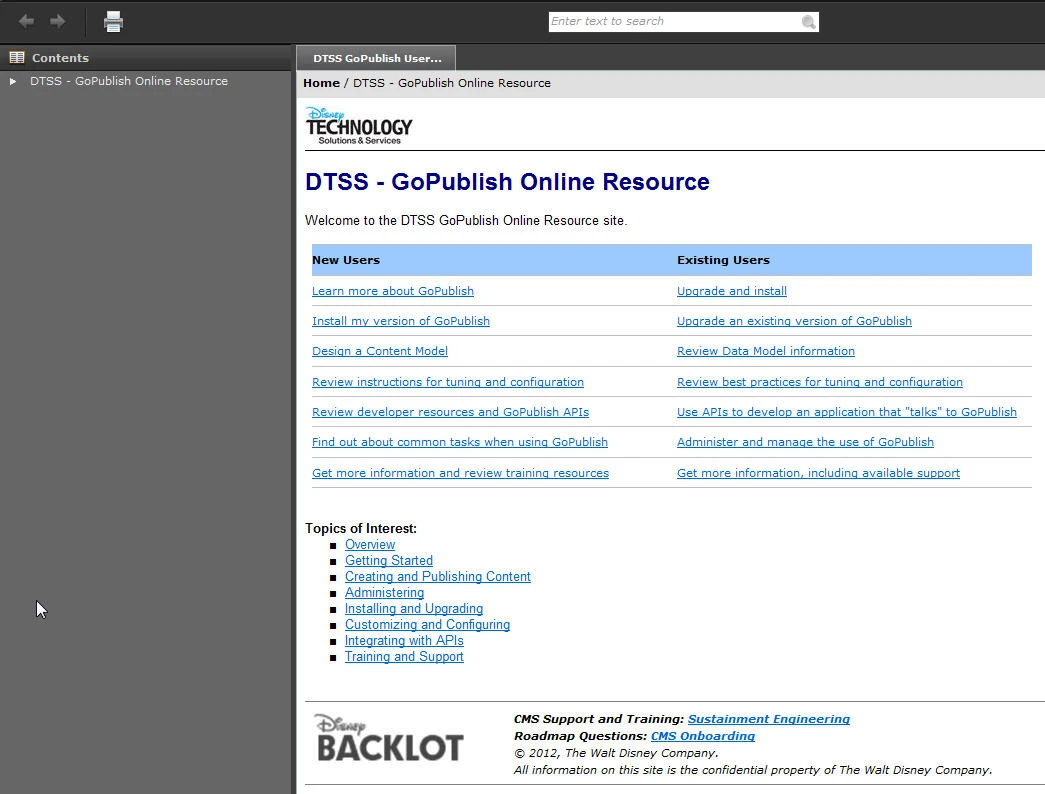
Using Adobe AIR/WebHelp, when my Help application initiallly opens and displays, only the parent-level folder is visible (see attached "TOC-current" image).

Question:

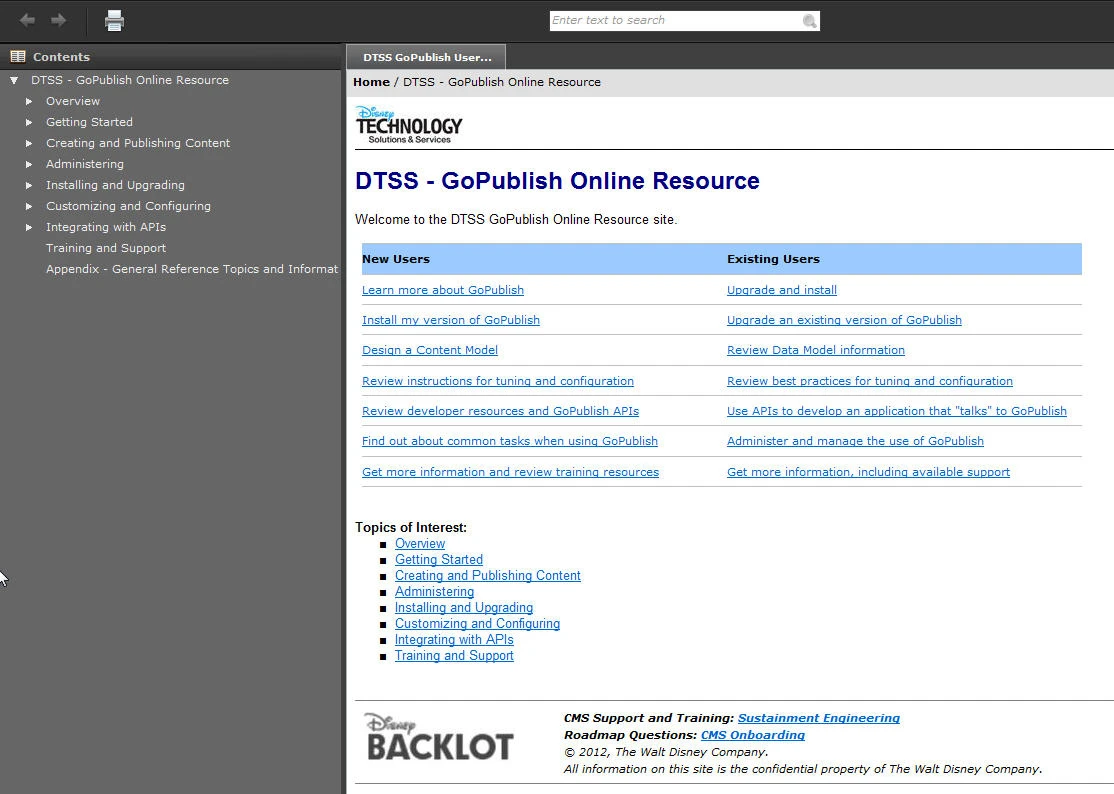
Is there any way to force RoboHelp (or the application) to display with the second tier of folders visible to the user (see attached "TOC-desired" image)?

Cheers,

Michael

P.S. If the legibility of these images is substandard, perhaps I should just attach the files . . .

Current TOC
Desire TOC View:
    This topic is closed to new replies. Start a new post to keep the conversation going.

    7 replies

    Peter Grainge
    Community Expert
    Community Expert
    Mar 13, 2012 3:25 AM UTC

    Please see the sticky topic, Before You Post. What version of RoboHelp?

    Also you talk of Adobe AIR/WebHelp but show only an image of installed AIR Help. Are you saying you get the same problem with WebHelp?

    How are you getting the second image? What is it that you do to get the additional books?

    The images are fine if clicked on to expand them.


    See www.grainge.org for RoboHelp and Authoring tips

    @petergrainge

    Translate
    Use the menu (bottom right) to mark the Best Answer or Highlight particularly useful replies. Found the answer elsewhere? Share it here.
    Known Participant
    Mar 13, 2012 4:05 AM UTC

    Apologies, Peter.

    RH version: 9.0 (part of Technical Communication Suite)

    WebHelp:  When I compile, I select WebHelp in the dropdown even though I'm using AIR. Not completely sure about the distinction.

    2nd image:  Well, I open the top-level parent folder and then the next tier of subtopic books display.

    I agree that it would seem to be reasonably intuitive that a user would know to simply click the top-level book to see the remaining contents, but I had some internal complaints from the engrg/development side of the house and just wondered if there were other ways to alter the default TOC view, perhaps to already be expanded when the site opens.

    Translate
    Peter Grainge
    Community Expert
    Community Expert
    Mar 13, 2012 12:50 PM UTC

    Now that I have had some sleep I see the problem is because you have nested all the other books within the first one.

    You need to outdent them.


    See www.grainge.org for RoboHelp and Authoring tips

    @petergrainge

    Translate
    Use the menu (bottom right) to mark the Best Answer or Highlight particularly useful replies. Found the answer elsewhere? Share it here.