

Jared Hess
Legend
April 13, 2017
Answered

What turned off my Conditional Build Tag (CBT) Colors?

  • April 13, 2017
  • 1 reply
  • 426 views

Hello all,

I'm using RoboHelp 2015 (12.0.4.460) on Windows 10 x64 OS.

In my projects, I use multiple CBTs.

For example, here's the CBTs in one of my projects (our "Core" project).
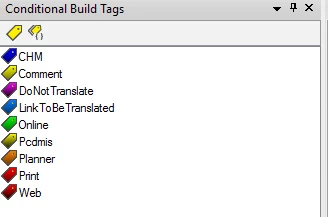
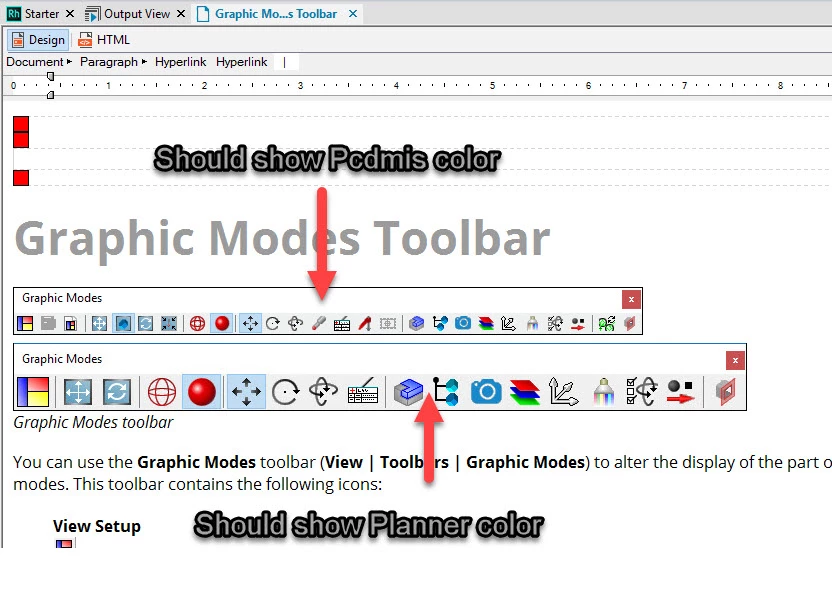
Somehow, the CBT colors have stopped showing their colors inside RH's Design view across multiple projects.

For example:
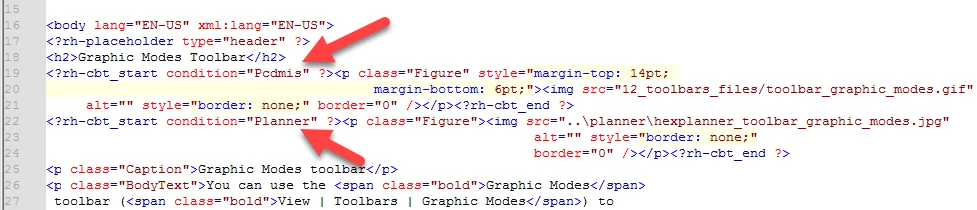
But the CBT references are in place:
My .xpj file contains the references to both rhbuildtag.apj and rhcolor.apj:
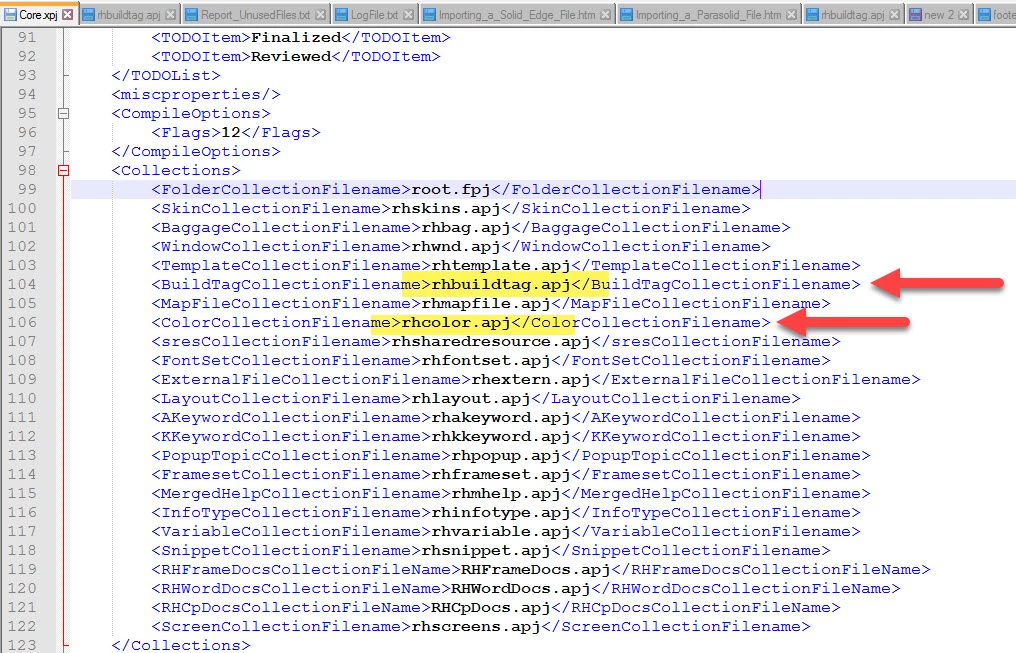
Both .apj files exist in the projects:
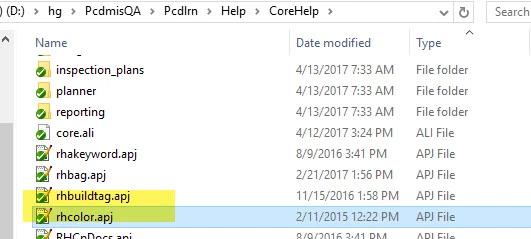
The CBTs actually function when I build. It's just the colors don't appear inside of RH anymore.

Any idea on what's going on and how to fix it?

Many thanks in advance.
This topic has been closed for replies.
Correct answer Captiv8r

Hi there

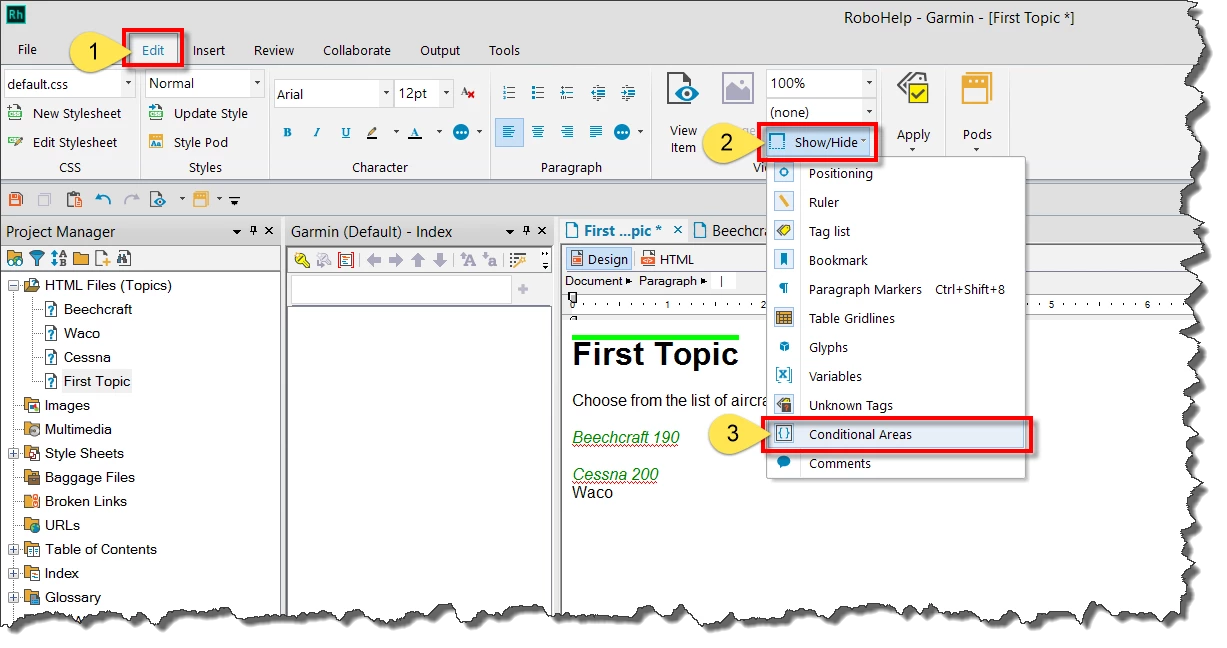
Normally you toggle the colors by clicking the Edit tab, then the Show/Hide button and choosing Conditional Areas.

Cheers... Rick

1 reply

Captiv8r
Captiv8rCorrect answer
Legend
April 13, 2017

Hi there

Normally you toggle the colors by clicking the Edit tab, then the Show/Hide button and choosing Conditional Areas.

Cheers... Rick

Jared Hess
Legend
April 13, 2017

Wow... I didn't even know that was there.

Exactly what I needed.

I think it accidentally got turned off when I was using AutoHotKey (automation software) to do an automated task on the software.

Many thanks Rick!