Yes it's a bit of a dilemma. My thoughts:-
- I know it's a cop out but do you think your users will notice as much as you or I would?
- If you want to stick with Classic, I don't see much option but to clean up.
2019 Classic
OLD TOPIC
<p class="Corpo_de_Texto" style="margin-left: 60px;">1. Item One</p>
NEW TOPIC
<?rh-list_start level="1" an="1" class="rl-p-Passos" style="list-style: rh-list;
list-style: rh-list;" ?><p class="Lista_de_Passos">Item
One</p><?rh-list_end ?>
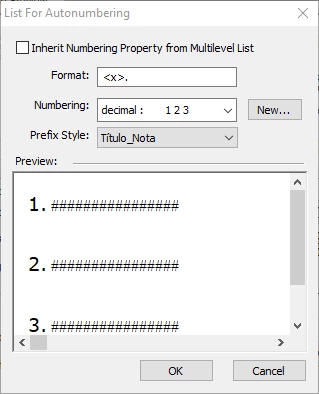
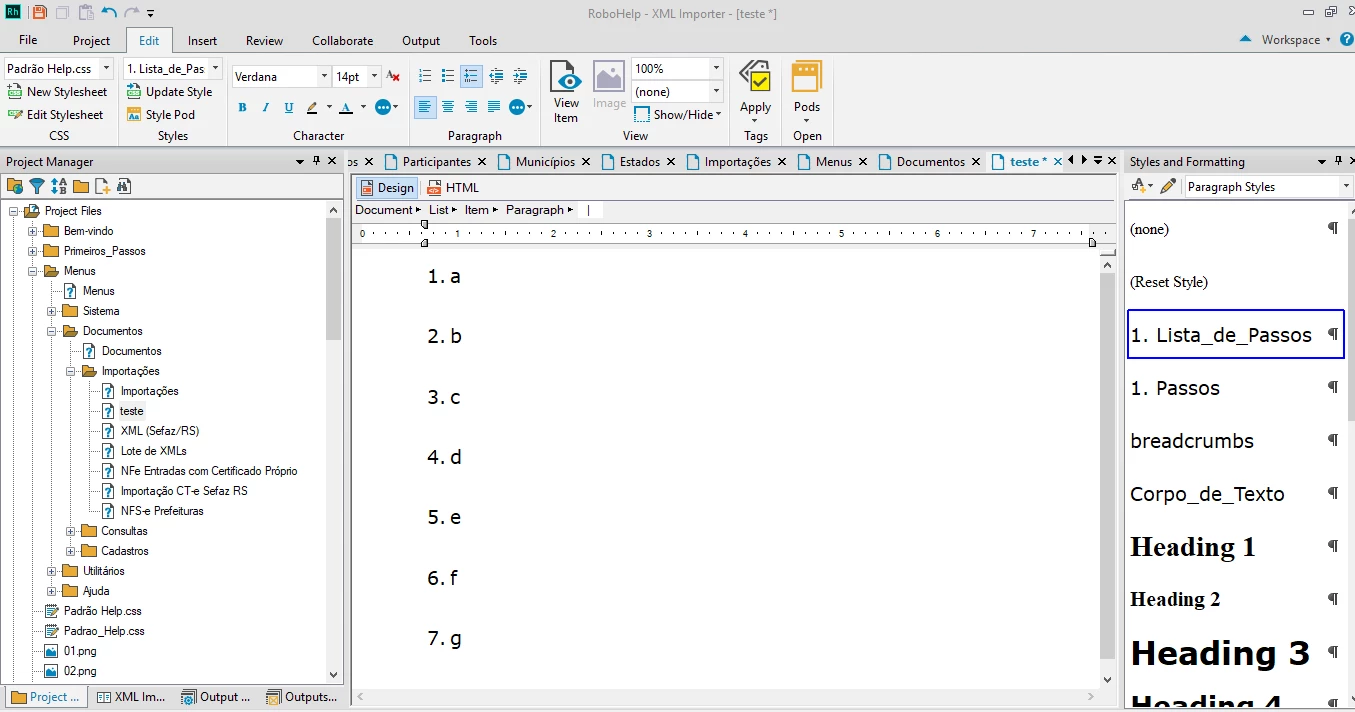
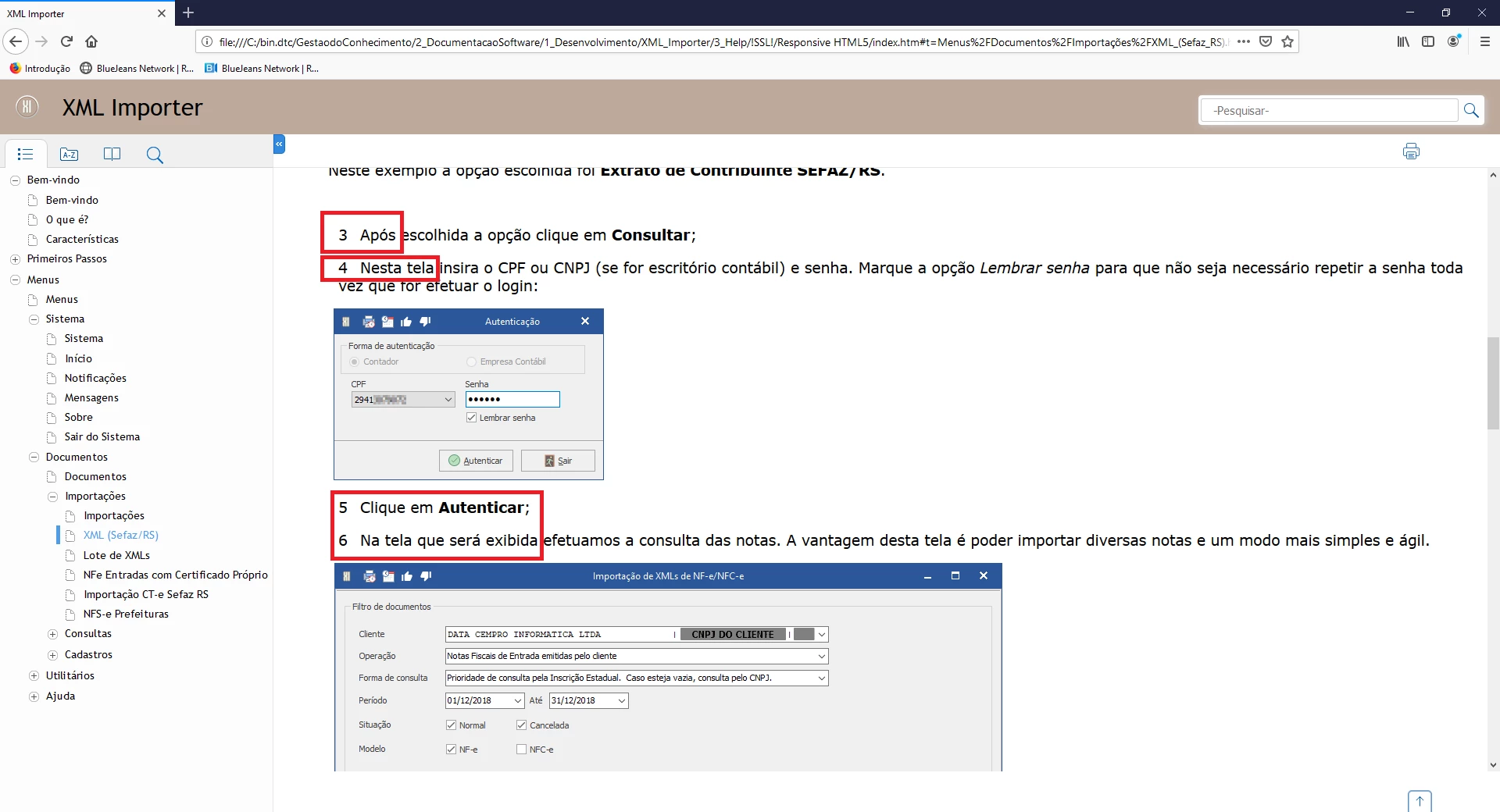
The old code was wrong in the sense that it was not a list style. It was an autonumbered paragraph and worse still the indent was then applied inline rather than being part of the style.
The new style contains the old style but with the indent coming from the combination of a list style and a paragraph style.
2019 New UI
I have now upgraded the example to 2019 as you already have that option.
OLD TOPIC
<p class="Corpo_de_Texto" style="margin-left: 60px;">1. Item One</p>
This is unchanged from Classic.
NEW TOPIC
<p class="Lista_de_Passos rl-p-Passos">Item One</p>
This is a complete rewrite of your code and has been done as a paragraph style.
Both topics are correct in the output I generated and you could either live with the two classes or it would be easy enough to do a Find and Replace in 2019 New UI to changes things to one class.
Two things to consider.
- There's a learning curve with the New UI. I now find that UI much easier but I've been using it from the start.
- Whilst it fixes this problem, it is possible it will create others.
When you upgrade to the New UI, your old project is left untouched so you could upgrade to check it out without losing your Classic project.




 AdChoices