
Inspiring
July 10, 2015
Answered

Why am i missing sections in printed documentation

  • July 10, 2015
  • 1 reply
  • 735 views

Hi All

New to RH and using 2015

I have some text (not entire topics) that I want excluding from HTML output. Everything will be in printed ouptut. I tagged the text that I don;t want in online as "Print" and it  is correctly absent from HTML.

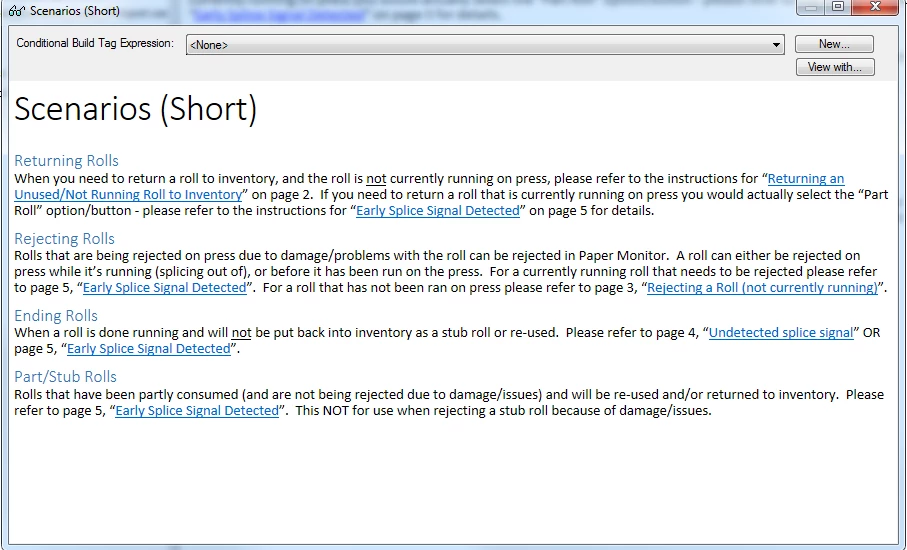
However in my print output, which has no CB expression, two entire topics are missing. I'm puzzled why. Everything previews fine, here I see the page no refs (they will be changed later - just testing right now) when filter applied
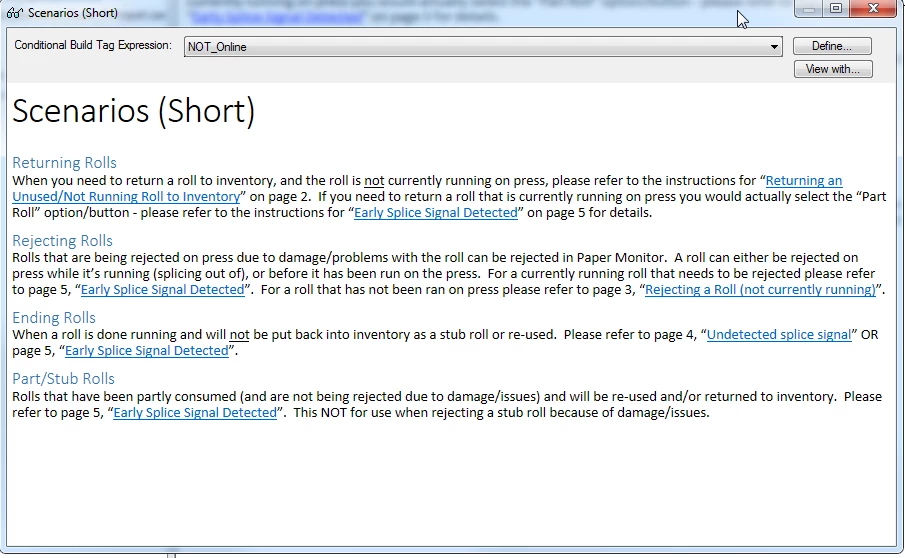
when I say NOT online (ie. printed) I get them
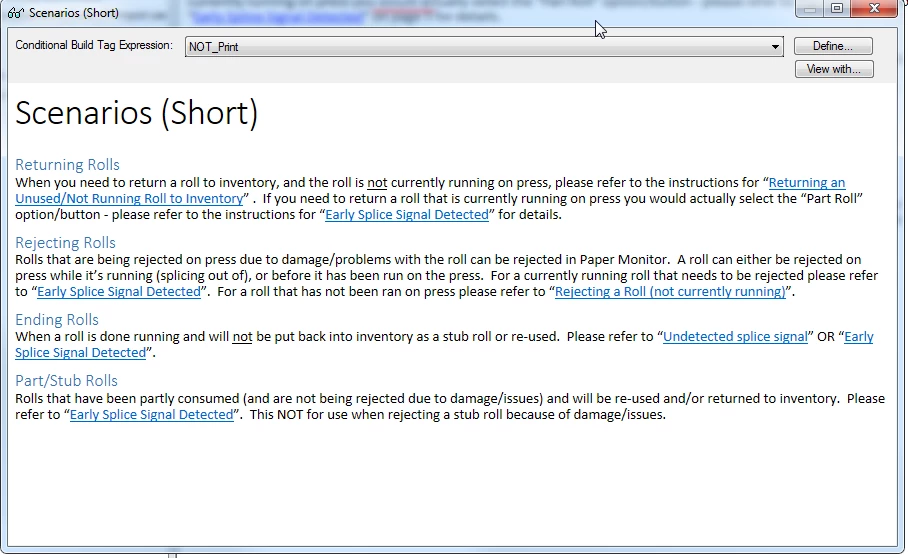
When I say NOT print (i.e online) they are missing
But when I generate with NO CB expression, the first two topics are completely missing from Word and PDF: only Scenarios Detailed is in PDF). HTML is perfect
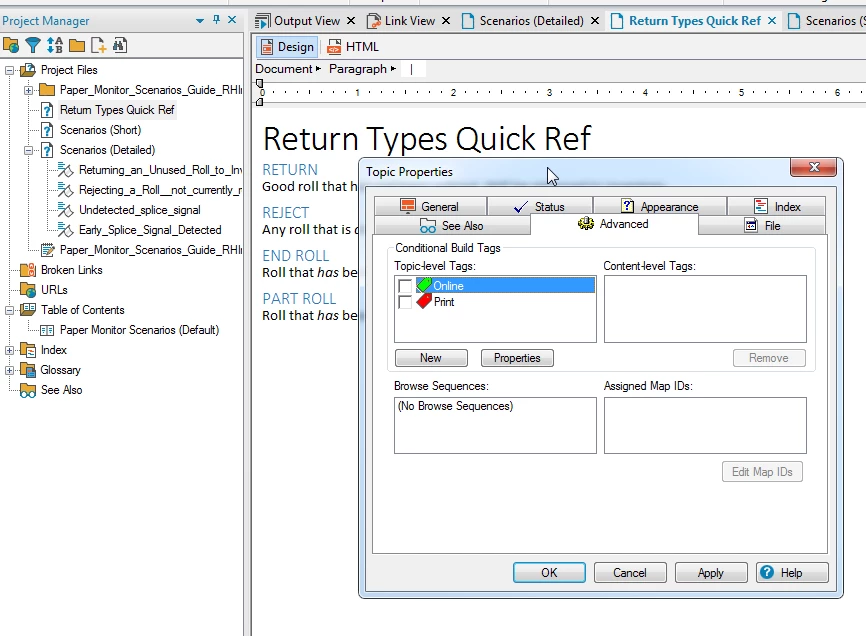
Figure it's gotta be something dumb that I'm doing

Any suggestions?

mark

This topic has been closed for replies.
Correct answer Peter Grainge

I suspect this is nothing to do with CBTs and a common misunderstanding with how printed documentation works. With online help you get all the topics and content not excluded by the build expression. With printed documentation you only get the topics in the TOC and then only the TOC at the time you created the layout. If you later update the TOC for online help, Rh for good reason does not automatically update the print layout, you have to do that manually, The reason being that you may well want different topics in the print layout so the TOC is just a default to start with.

Check the list of topics in the print layout and I think you will find the missing topics are not shown there. Add them and all should be well.

There's more about Printed Documentation on my site.


See www.grainge.org for RoboHelp and Authoring tips

@petergrainge

1 reply

Peter Grainge
Community Expert
Peter GraingeCommunity ExpertCorrect answer
Community Expert
July 11, 2015

I suspect this is nothing to do with CBTs and a common misunderstanding with how printed documentation works. With online help you get all the topics and content not excluded by the build expression. With printed documentation you only get the topics in the TOC and then only the TOC at the time you created the layout. If you later update the TOC for online help, Rh for good reason does not automatically update the print layout, you have to do that manually, The reason being that you may well want different topics in the print layout so the TOC is just a default to start with.

Check the list of topics in the print layout and I think you will find the missing topics are not shown there. Add them and all should be well.

There's more about Printed Documentation on my site.


See www.grainge.org for RoboHelp and Authoring tips

@petergrainge

Use the menu (bottom right) to mark the Best Answer or Highlight particularly useful replies. Found the answer elsewhere? Share it here.
Inspiring
July 13, 2015

Thanks Peter

That was exactly it. In my cases the online and printed TOC's will mirror each other for the most part. Is there a way to have it use same TOC (i.e. auto-update)?

Thanks again for quick and correct answer

Mark

Peter Grainge
Community Expert
Community Expert
July 13, 2015

There's no auto-update but there is a simple solution. Each time you into the layout, go to the page with the TOC shown and click the left facing double chevron to clear what is included, then click the right facing double chevron to insert the TOC as it is. Alternatively note the colours on the left. Blue if included, yellow if not.

This is covered in the tutorial.


See www.grainge.org for RoboHelp and Authoring tips

@petergrainge

Use the menu (bottom right) to mark the Best Answer or Highlight particularly useful replies. Found the answer elsewhere? Share it here.