
Participant
November 27, 2018
Answered

Why do users have to refresh a page if they want figures to be displayed correctly?

  • November 27, 2018
  • 1 reply
  • 471 views

I am working with RoboHelp 2015 and compiling HTML (chm) output. Recently, we noticed that figures do not display any longer correctly in the output (seen with Windows 10, Version 1709. All figures display like this:
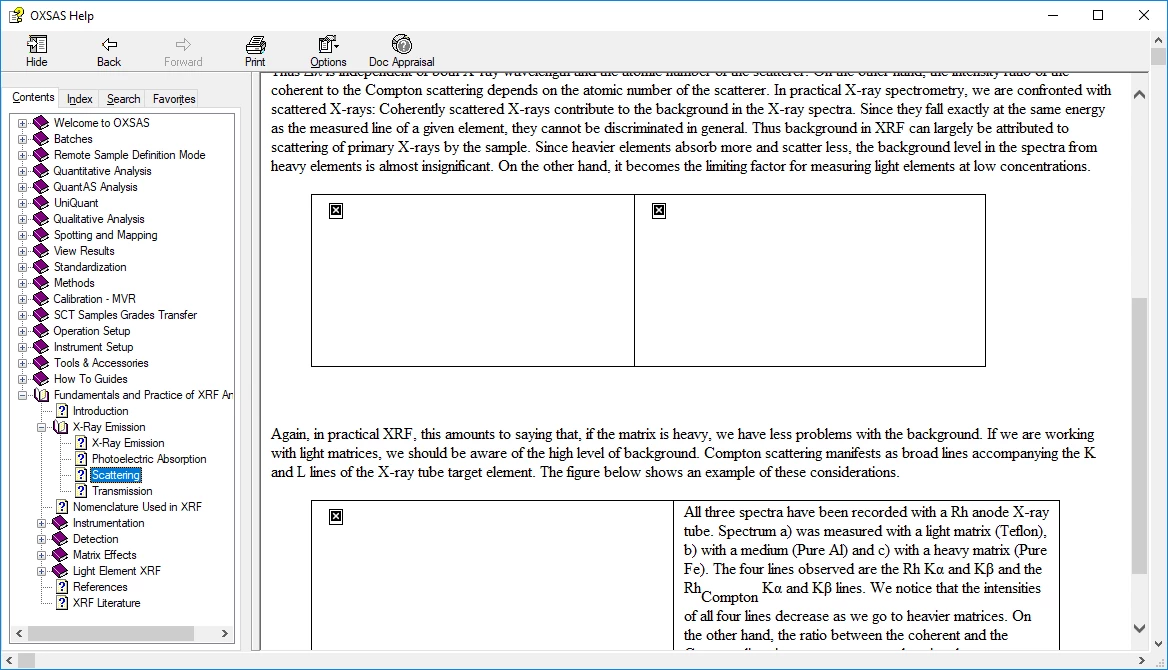
You have to refresh in order to display them correctly. When opening another help page, same procedure: figures are not displayed correctly - refresh - then it will be ok.

Do you have an idea how to get around this?

Regards,

Kerstin

This topic has been closed for replies.
Correct answer Horizon_bleu

Do you have admin rights on the PC?

You can download from Adobe - Support : RoboHelp Support Center : Service Releases but you will not be able to install unless you have admin rights.


See www.grainge.org for free RoboHelp and Authoring information.

@petergrainge


Hello Peter,

Finally, it seems that the problem was not a RoboHelp problem. IT guys modified a registry key on the PCs where the error occured and now the help displays fine again.

Regards,
Kerstin

1 reply

Peter Grainge
Community Expert
Community Expert
November 28, 2018

I had been hoping someone would have an answer to this as I don't. I have rarely worked with CHMs and I don't have an answer.

The thing I would ask if the output is generated to the same drive as the project and whether that is a local drive. Also do you have all updates applied. In your project are the images in a folder near the root rather than being buried deep inside and is the project near the root of the drive?

Otherwise I suggest you contact Adobe Support on this one. If they can help, please post the answer here.


See www.grainge.org for free RoboHelp and Authoring information.

@petergrainge

Use the menu (bottom right) to mark the Best Answer or Highlight particularly useful replies. Found the answer elsewhere? Share it here.
Participant
November 28, 2018

Hi Peter,

My project is on a local drive and the output is generated to the same drive as the project. But I need perhaps to check for updates. I found the menu in the sub-menu of the Help button, but it is greyed. Is there a location on the web to download RoboHelp updates?

Peter Grainge
Community Expert
Community Expert
November 28, 2018

Do you have admin rights on the PC?

You can download from Adobe - Support : RoboHelp Support Center : Service Releases but you will not be able to install unless you have admin rights.


See www.grainge.org for free RoboHelp and Authoring information.

@petergrainge

Use the menu (bottom right) to mark the Best Answer or Highlight particularly useful replies. Found the answer elsewhere? Share it here.