
Inspiring
June 7, 2018
Question

Why doesn't my TOC book show its one topic?

  • June 7, 2018
  • 3 replies
  • 975 views

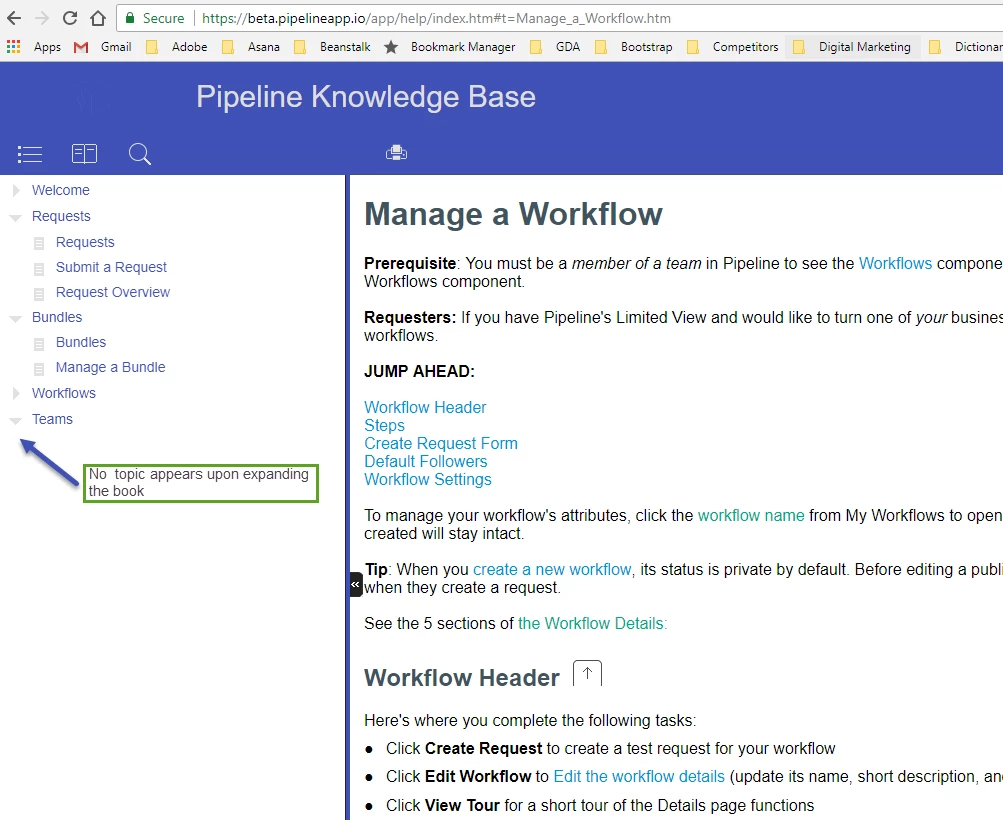
The Responsive HTML5 version that I committed via GIT and deployed to our app via Team City will not open a topic correctly from the Table of Contents. The book doesn't open the one topic that's inside it:
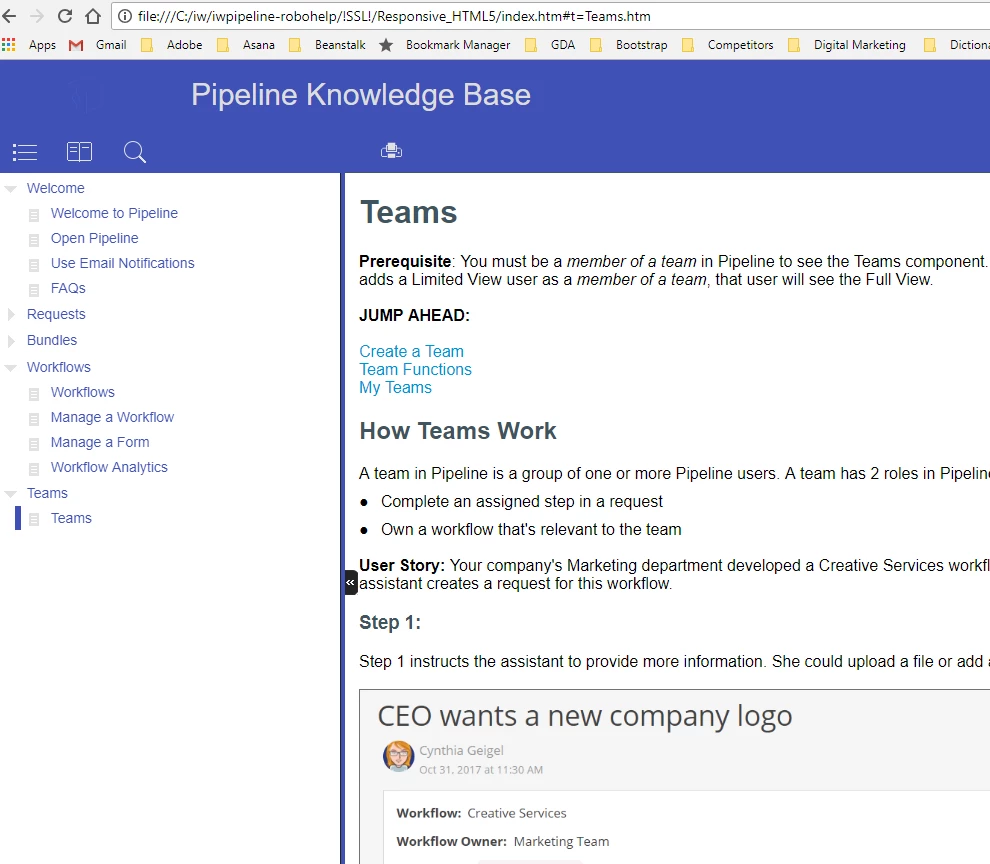
Clicking the Teams book should expand to show its single topic called "Teams" - as shown on my local machine:
This makes me suspect that a glitch occurred in the commit-deployment process, which is always possible, though this has never happened in 3 years' time. Am I on the right troubleshooting path? Appreciate any advice.

This topic has been closed for replies.

3 replies

Inspiring
June 7, 2018

Hmmm. What's weird to me is that the topic is searchable, and in fact, appears properly when I do search for it. It just doesn't appear in the TOC under its book. The plot thickens ...

Jeff_Coatsworth
Community Expert
Community Expert
June 7, 2018

I was going to suggest you check that the topic existed, but the fastest way is to just clear all the existing files on the web server & copy them all back up again to ensure that your local files = web server files.

Inspiring
June 7, 2018

When this has happened to me, it's usually because there is a conditional tag that is not specified correctly in the "Conditional Build Expression" area of the Content pane when I generate. For example, I might have made it "not print" for one project but then I want it to print for this one. in RH2017, the Basic/Advanced, Build/Exclude display is different, which caused me some problems at first.

Just a thought.

Karla

Inspiring
June 7, 2018

Interesting observation, I'm taking a look - thanks!

Jeff_Coatsworth
Community Expert
Community Expert
June 7, 2018

My off-the-cuff response would be to suspect that not all files produced in the generation of the help made it to the website...

Inspiring
June 7, 2018

Definitely an option I'll check into further - thanks!