


Participating Frequently
December 7, 2022
Question

Why the difference between Topic View and Generated Output?

  • December 7, 2022
  • 2 replies
  • 259 views

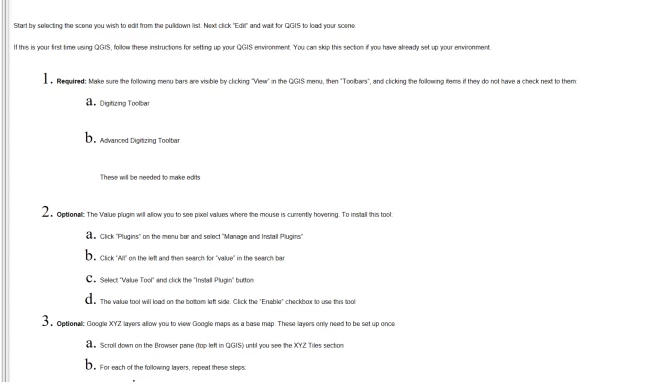
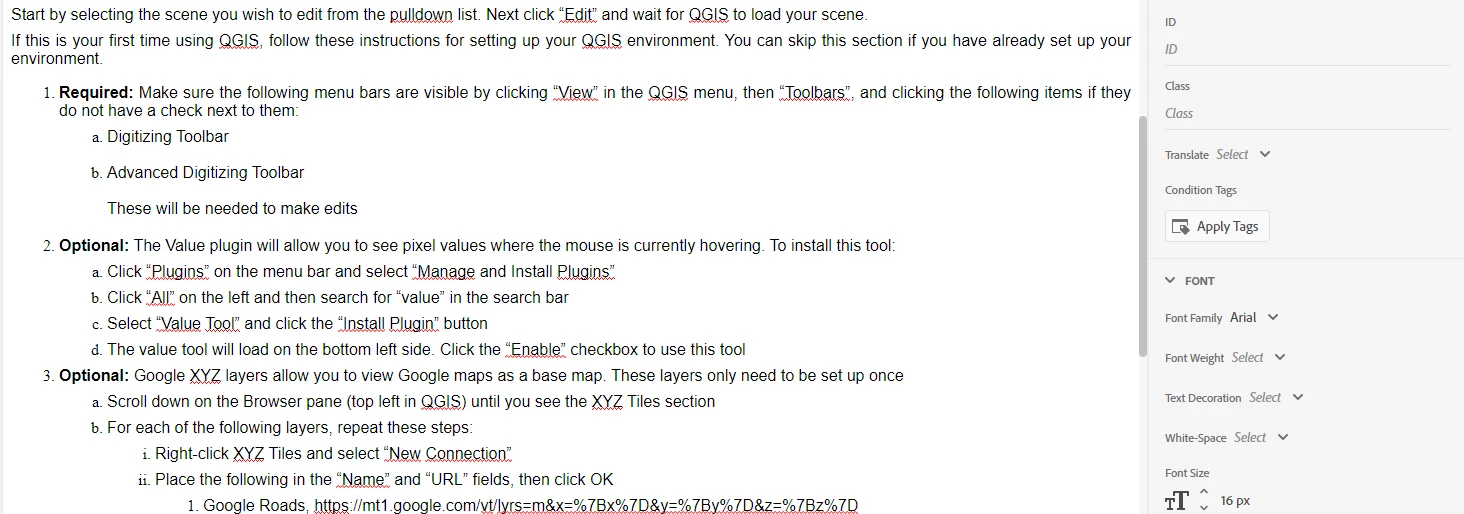
I recently edited a project in RoboHelp 2022, and I am completely confused. When I generate the chm file and look at the results, the formatting doesn't match my topics in many, if not most cases. I have a total of 10 topics separated under two sections. The topics under the first section look fine, but most of the ones in the second are all messed up. I am including a couple of  images of what I'm talking about. I can't figure it out because it looks perfect in the RoboHelp topic view.
chm view:
RoboHelp Topic view of same topic area
I would appeciate any assistance.

    This topic has been closed for replies.

    2 replies

    Community Expert
    December 7, 2022

    If you're using a master page for your output you could make sure the stylesheet is applied to it. That should ensure it's used for every topic in the output. (I think the terminology has changed again in RH2022 but I don't have access to today to check the correct words to check - Peter's Robohelp tour probably describes the changes though, if that's the version you're using.)


    Or, use the Topic List report (in the Author view). In RH2019 you need to first scroll all the way to the end to ensure all topics have been listed in the report, then use the checkbox to select everything and right-click > Properties to apply the stylesheet. I'm not sure if they fixed this bug in newer versions


    Jeff_Coatsworth
    Community Expert
    Community Expert
    December 7, 2022

    All comes down to the css you use for the output.

    Participating Frequently
    December 7, 2022

    Not sure how to apply .css globally. This is a new version of RoboHelp and I despise it with a white hot passion. I used it many, MANY years ago and they had all sorts of cool menu choices. Now they have Author, Output and Review and I am completely lost.

    Peter Grainge
    Community Expert
    Community Expert
    December 8, 2022

    Bit harsh. 🙂 Yes the product has changed beyond recognition. That's true of most software. Like most users I was completely confused by the new UI at first but give it a bit of time. I can honestly say that I now hate going back to the classic versions.


    Once you familiarise yourself with the new UI, it is actually more intuitive and much quicker to find your way around. It may not be perfect but it is easier and you can do more. As @Amebr has pointed out, the RoboHelp Tour Introduction (grainge.org) explains the features.


    That said, CHMs haven't changed much as Microsoft have not updated the compiler for nearly twenty years and all CHMs are dependent on that.

    ________________________________________________________

    My site www.grainge.org includes many free Authoring and RoboHelp resources that may be of help.


    Use the menu (bottom right) to mark the Best Answer or Highlight particularly useful replies. Found the answer elsewhere? Share it here.