

Question
Word Document Formatting Issues Once Imported into RoboHelp
I'm using RoboHelp 2015 and sometimes, a document will look completely fine in Word but for some reason, it looks different in RoboHelp.
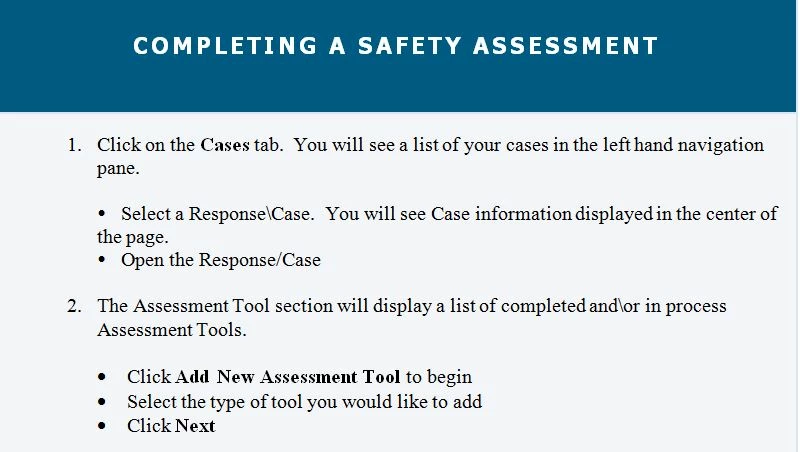
Here is an example of what this looks like. This is a screenshot of the top of a Word document:
This is what it looks like in RoboHelp (not in the project itself, but once I view the Output and choose a browser:
Here's a closeup of the bullet points:
I also noticed a stray bullet point that appeared that wasn't showing up in Word, but I fixed it by reformatting the Word doc. I'm not sure how to fix the issue with the bullet points though. Do I need to save the Word document as a PDF and then try uploading that?


 AdChoices