



Question
Adobe Team Projects - Media Management not showing most of my media
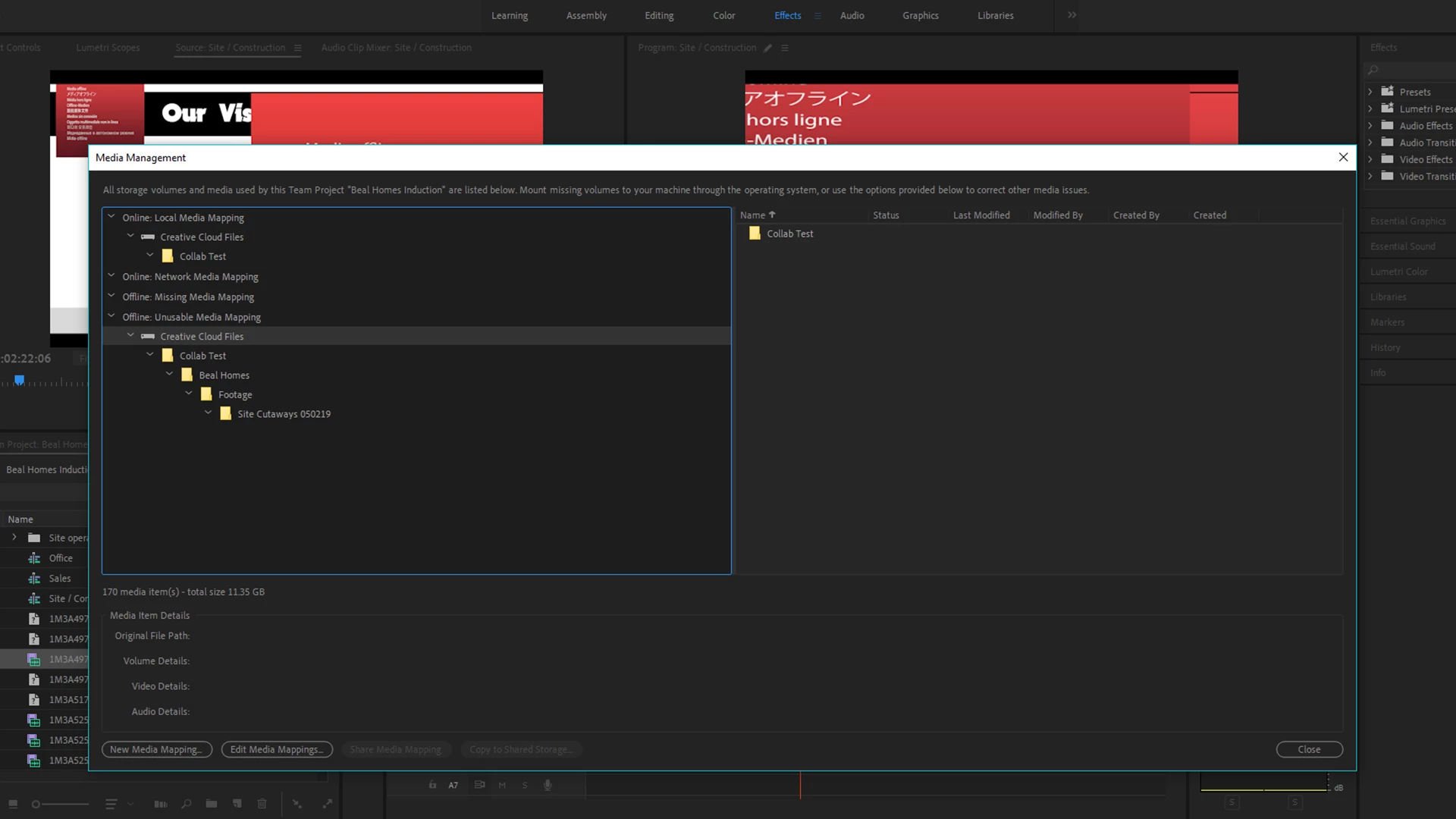
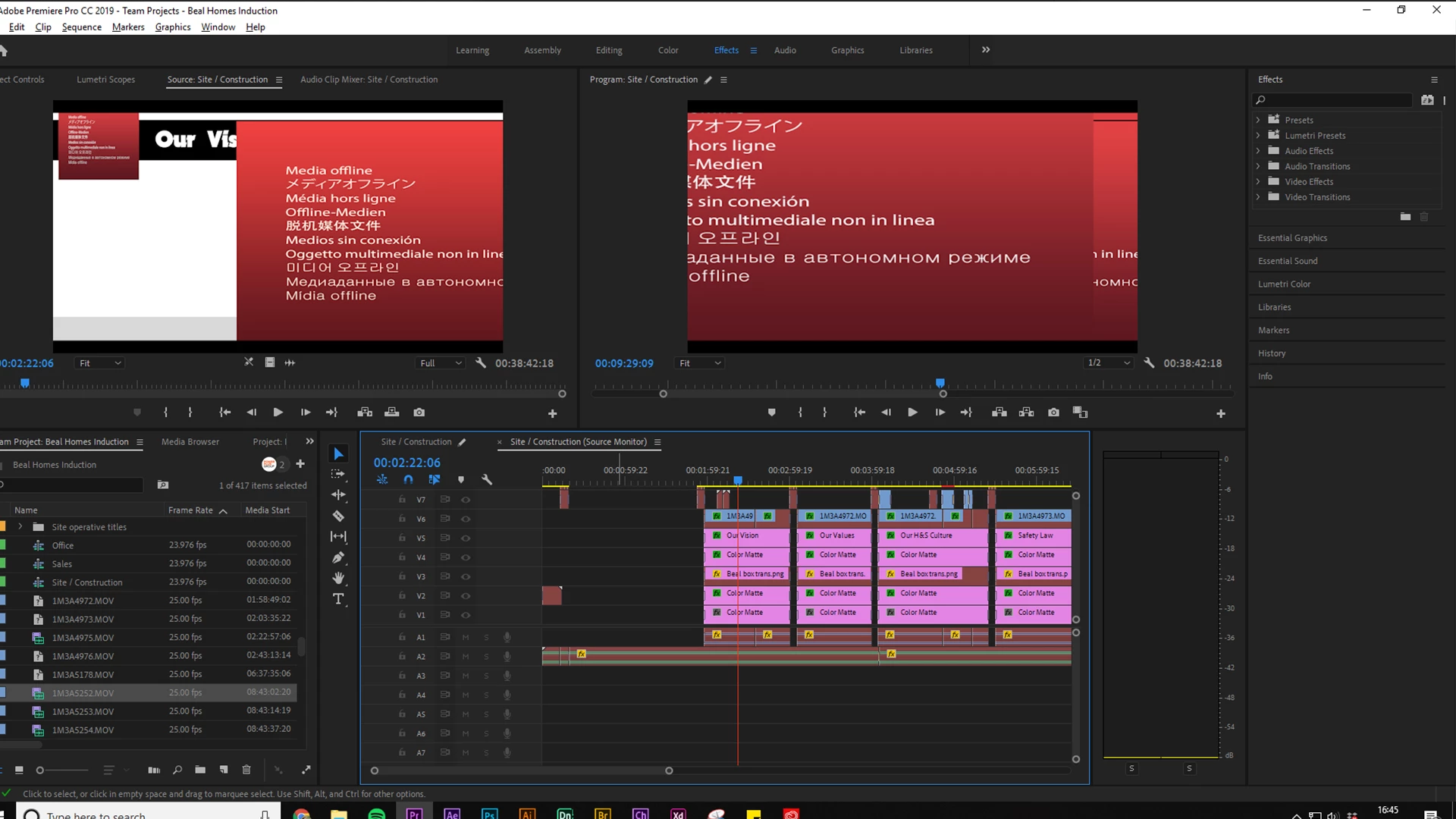
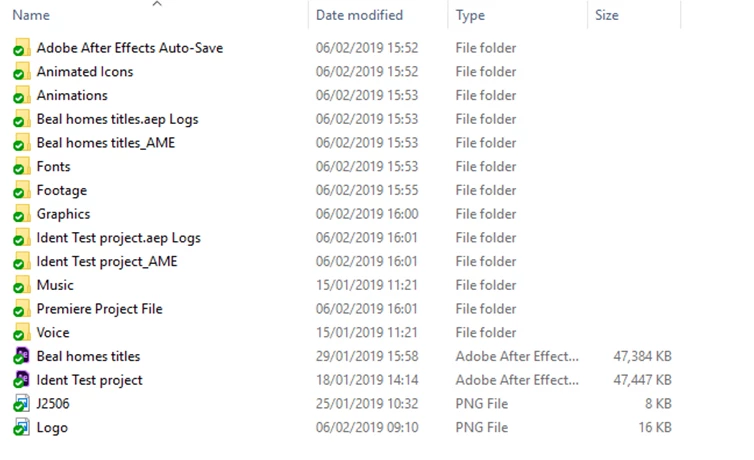
Most of the media used in the project has suddenly gone offline. I am looking in the media management menu in the team projects tab and it is only acknowledging that 171 pieces of media even exists when there is much more in the project. So how can I replace the media mapping for the footage when it isn't showing up in the window at all? I have been trying to fix this for a frustratingly long time and I've had no luck, any help would be appreciated, thanks
[Here is the list of all Adobe forums... https://forums.adobe.com/welcome]
[Moved from regular Premiere Pro to Team Premiere... Mod]
 AdChoices