

September 14, 2017
Question

[Ae] Team project problems

  • September 14, 2017
  • 3 replies
  • 630 views

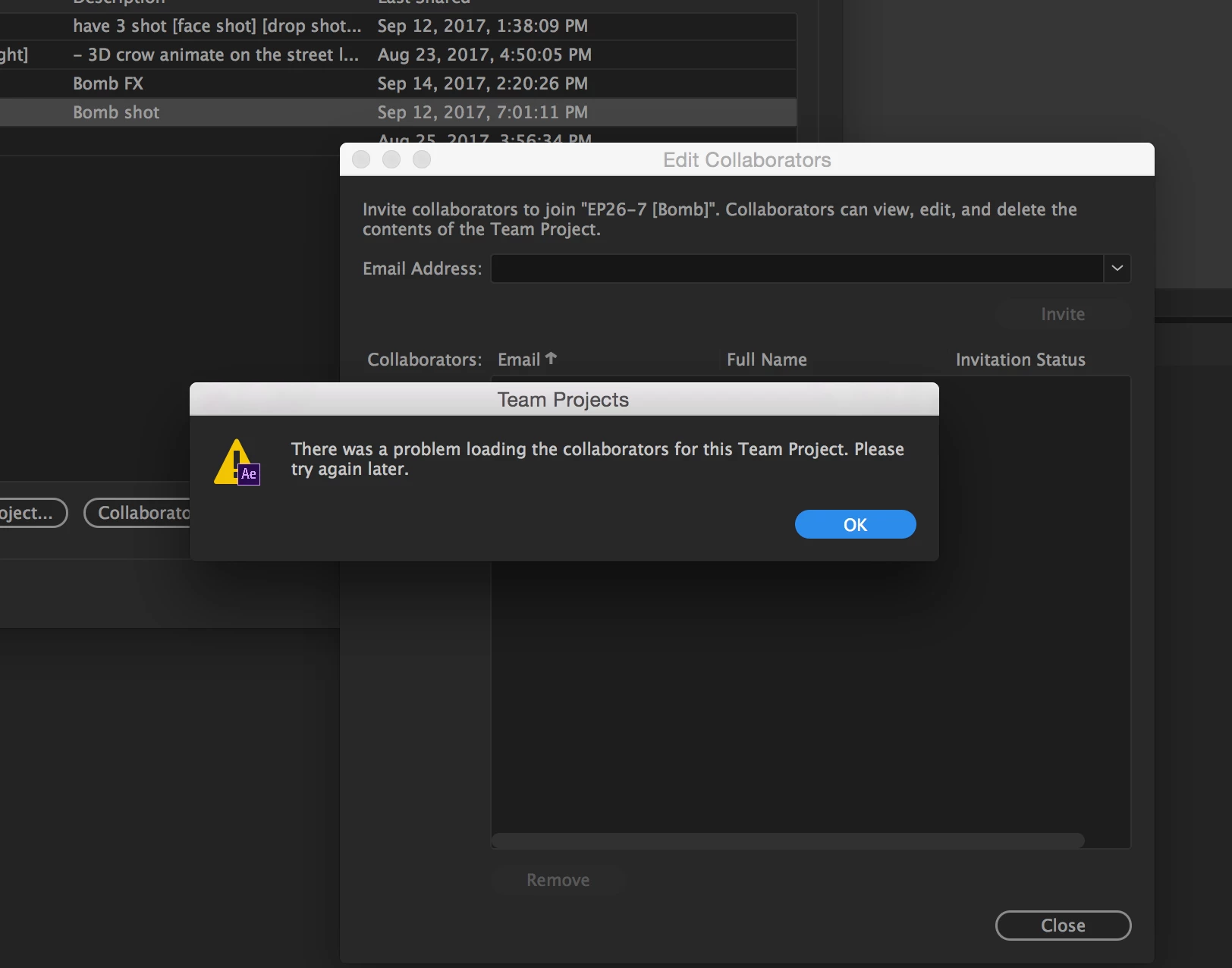
Team project problems somebody have solution for this ?
This topic has been closed for replies.

3 replies

October 4, 2017

it's appear caution icon, and i try to sync again but it's not work

September 26, 2017

Thanks for your comment Christian, anyways how can i just delete this Team Project? Coz this team project owned by me but i can't archive to delete it.

Wuth 

christiane4686395
Adobe Employee
Adobe Employee
September 26, 2017

Please open the project once and be sure that it is connected and synchronized with the Team Projects Service (you should see the green Team Projects status checkmark in the  Ae toolbar, not a caution icon). Close the Team Project. Then you should be able to archive and delete it. Please let me know how it goes.

Christian

christiane4686395
Adobe Employee
Adobe Employee
September 14, 2017

This may happen due to an outage in a part of the Team Projects collaboration service. This should be a rare occurrence.

The only thing to do is to wait until the collaboration service is available again. When this happens, you should be able to continue your editing work, but you may not be able to invite collaborators or accept invitations.  

Christian
