Hi -
You can convert any Team Project into a stand-alone Premiere Pro project file using the following menu command from the EDIT -> Team Projects main menu:
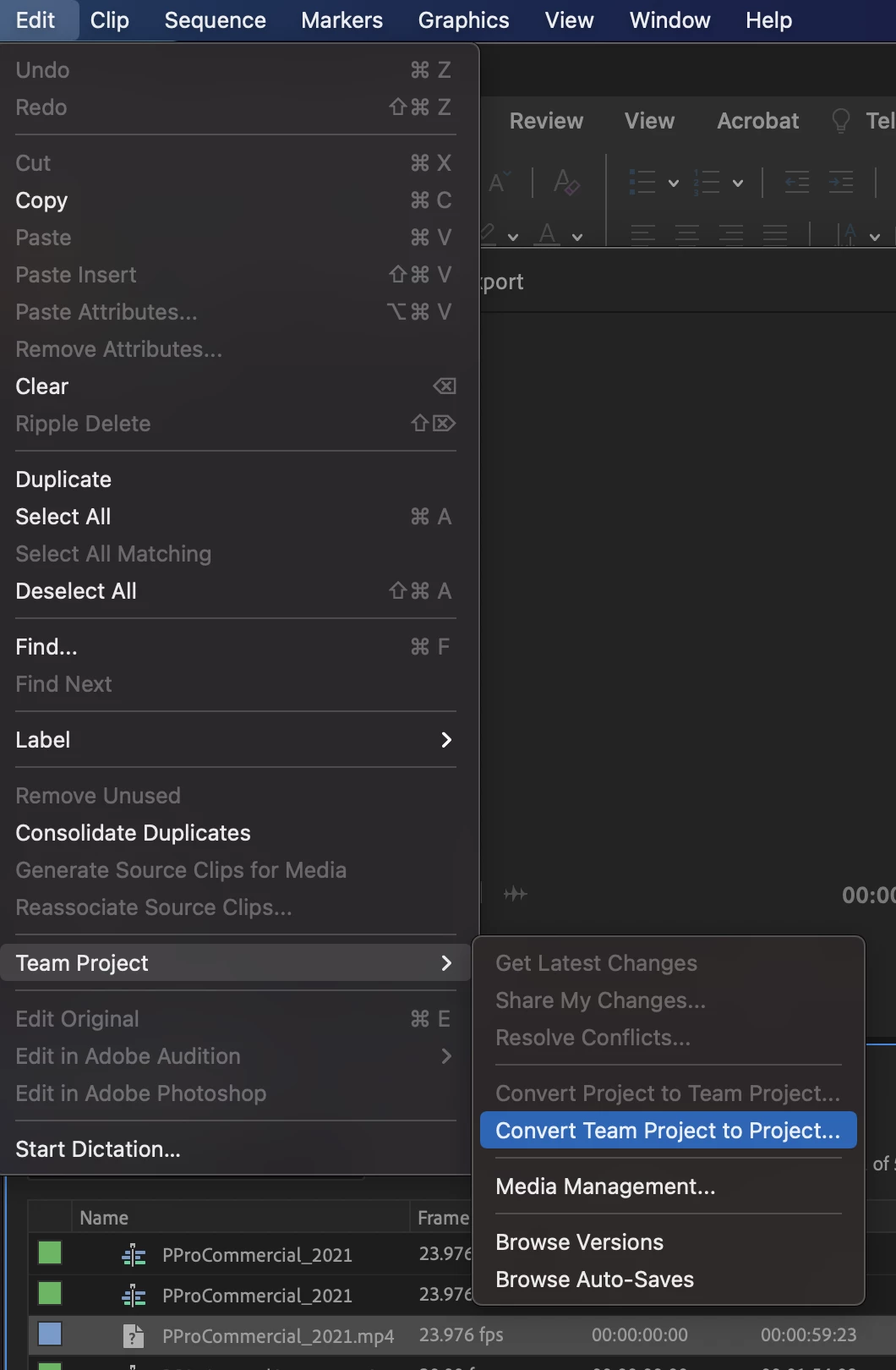
This will generate a local copy of your team project. At this point that local project file will be a regular Premiere Pro project file and will not have any collaboration capabilities or connection points.
In a similar manner, you can convert an existing Premiere Pro project file into a Team Project to gain the collaboration capabilities by loading the project and selecting the menu option immediately above the one pictured above: "Convert Project to Team Project". Please note that once you convert a local Premiere Pro project into a Team Project, any project changes you make to the Team Project will NOT update your local Premiere Pro project (and vice-versa). At this point in time the two project types are not connected and will be treating uniquely for all operations.
Hope this helps!
Regards,
Michael




 AdChoices