


Participating Frequently
April 14, 2022
Question

Error opening autosave version

  • April 14, 2022
  • 1 reply
  • 187 views

Hello y'all 🙂

I have been working with Premiere Pro for a couple of years and recently came into contact with the Team Project feature. It works very well, however an error message keeps popping up for many projects. 


I am using a MacBook Pro 2020 M1 and my work partner is using an HP Elitebook x360 1030 g7. 

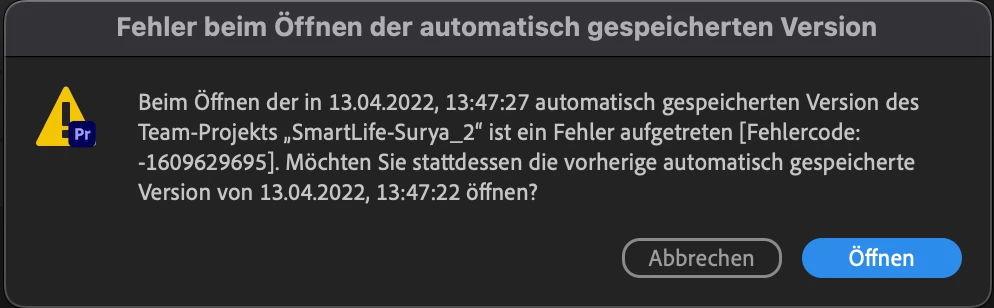
I was working on a team project yesterday and this morning I wanted to continue working, but each time the same error message comes up with the code "Error code:-1609629695". I could not find anything on the website regarding such an error code. 


Here is a german screenshot of it:
 

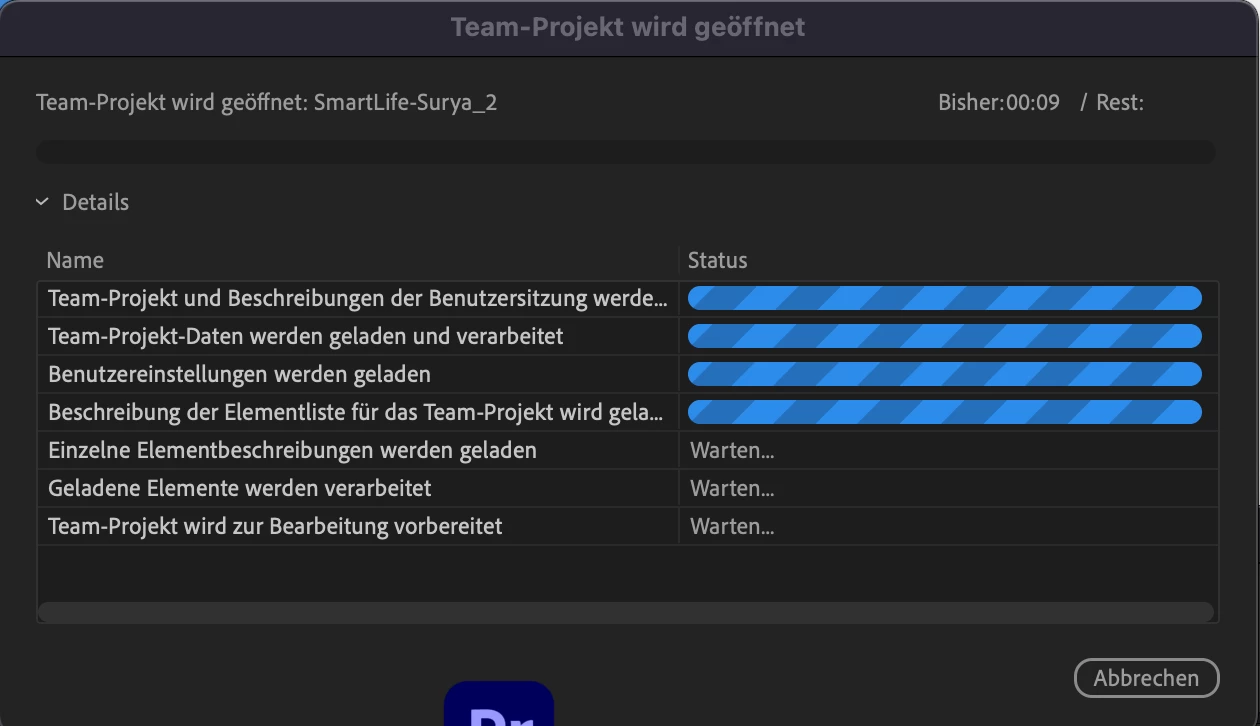
after I click open it hangs here before returning to the error message:
 

I hope someone can help me. It would help me really much!


Thank you and have a nice day! 😄

This topic has been closed for replies.

1 reply

Kevin J. Monahan Jr.
Community Manager
Community Manager
April 14, 2022

Sorry about that, Loris. The team fixed this Team Projects bug in the new version, 22.3. You should see it over there in the EU by now. Update the software to see if you get the error. Let me know! 

BTW, are you in Germany, Austria, or where? I'm planning a trip to both places this year.


Tchuss,

Kevin

Kevin Monahan - Sr. Community and Engagement Strategist – Adobe Pro Video and Audio
Loris_CHAuthor
Participating Frequently
April 24, 2022

Hey Kevin

Thank you for your Answer. I checked the Creative Cloud and there actually is an update for Premiere Pro. I am installating it now and i hope the issue is fixed now, as you say. 🙂

I am from Switzerland, next to Germany and Austria. I hope you will enjoy these places - they are really beautiful! Im glad to be in Switzerland, it is even more beautiful than Germany and Austria :^). Maybe you will visit Switzerland too someday?

Have a nice day

"Liebe Grüsse" (Greetings)
Loris