


New to Team Projects - unable to import new media, also unable to save
I am new to Adobe Team Projects (working in latest version of Premiere), working on setting up a client video. I haven't even been able to begin editing because 2 errors keep occurring.
First of all, I have some media I need to add to the project, and every time I import, even just one video file, it freezes the project altogether and I'm forced to force quit.
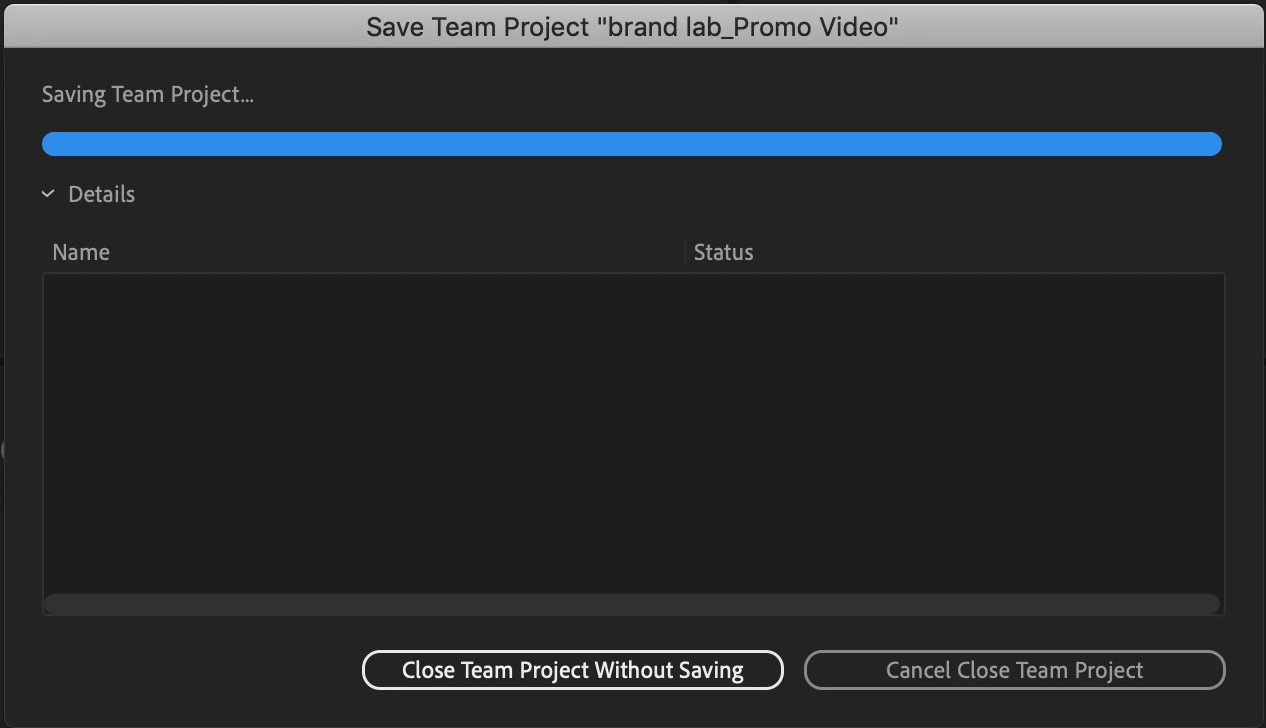
In some cases, I've been able to get a video file added - only my small stock footage - and then when I hit Command-S to save, or when I close the project to trigger a save, I get stuck on this bar progress ad infinitum:
How the heck am I supposed to work this thing if I can't import new footage, and I can't save? Please advise…
I tried finding the answer in previous posts before making my own to no avail.
 AdChoices