janw4141693
Participant
December 3, 2018
Answered

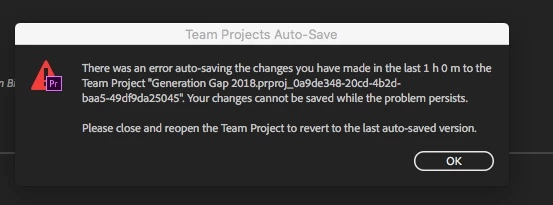
Premiere Team Project save error

  • December 3, 2018
  • 1 reply
  • 885 views

hi everyone!

i have a problem:

i can't save the project in any way..

thx for help!

This topic has been closed for replies.
Correct answer David Arbor

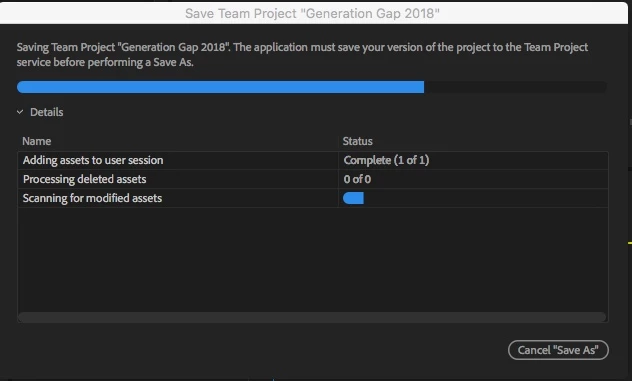
Team Project convert doesn't work :-(


Hmm. Are any assets offline? If you go into the Media Browser and look at the Team Project there you'll see versions and auto-save. Are the versions (the ones in the cloud up-to-date?) If so, then you can always create a new Team Project, open the Media Browser, import a previous version and try to start with a clean project.

1 reply

Inspiring
December 3, 2018

Did you close and reopen the project like the dialog recommends? I've had this happen to me before, and sometimes, even when reopening Premiere (you might as well restart your computer too) I've had to import my project into a new Team Project.

You can also try converting the Team Project to a local .prproj so you can troubleshoot without worrying about losing any work.

Also, have you been working on this as a Team Project the entire time or did you convert it at some point?

janw4141693
Participant
December 3, 2018

hi davidarbor!

i worked on this the entire time.. when i close the project then comes this and premiere don't save:

janw4141693
Participant
December 3, 2018

Team Project convert doesn't work :-(