


Team Porject Auto-save Error
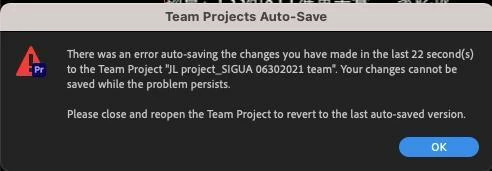
We are working on a Team Project. And one of the editor keep having auto-save issue. Like this. And she has tried relaunching Premiere, logging in with a different account or cleaning up the Team Project Locak Hub Folder. However, none of them solved the issue. Now she couldn't make any change or save any change in this teamproject.
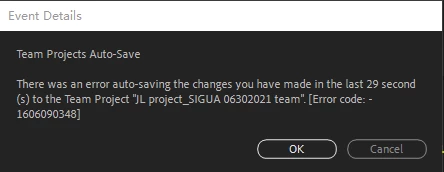
When I tried to log in her account on my computer, I can edit and share changes but I also get auto-save issue with error code 1606090348. Don't know if we are having the same error.
I saw somebody suggest convert it to Project and let the whole team jump into the new teamproject. But if this issue appears from time to time, we could not move on to new projects over and over again. We need a solution. HELP!
 AdChoices