


briand37962961
Participant
February 18, 2021
Question

Team project autosave

  • February 18, 2021
  • 1 reply
  • 499 views

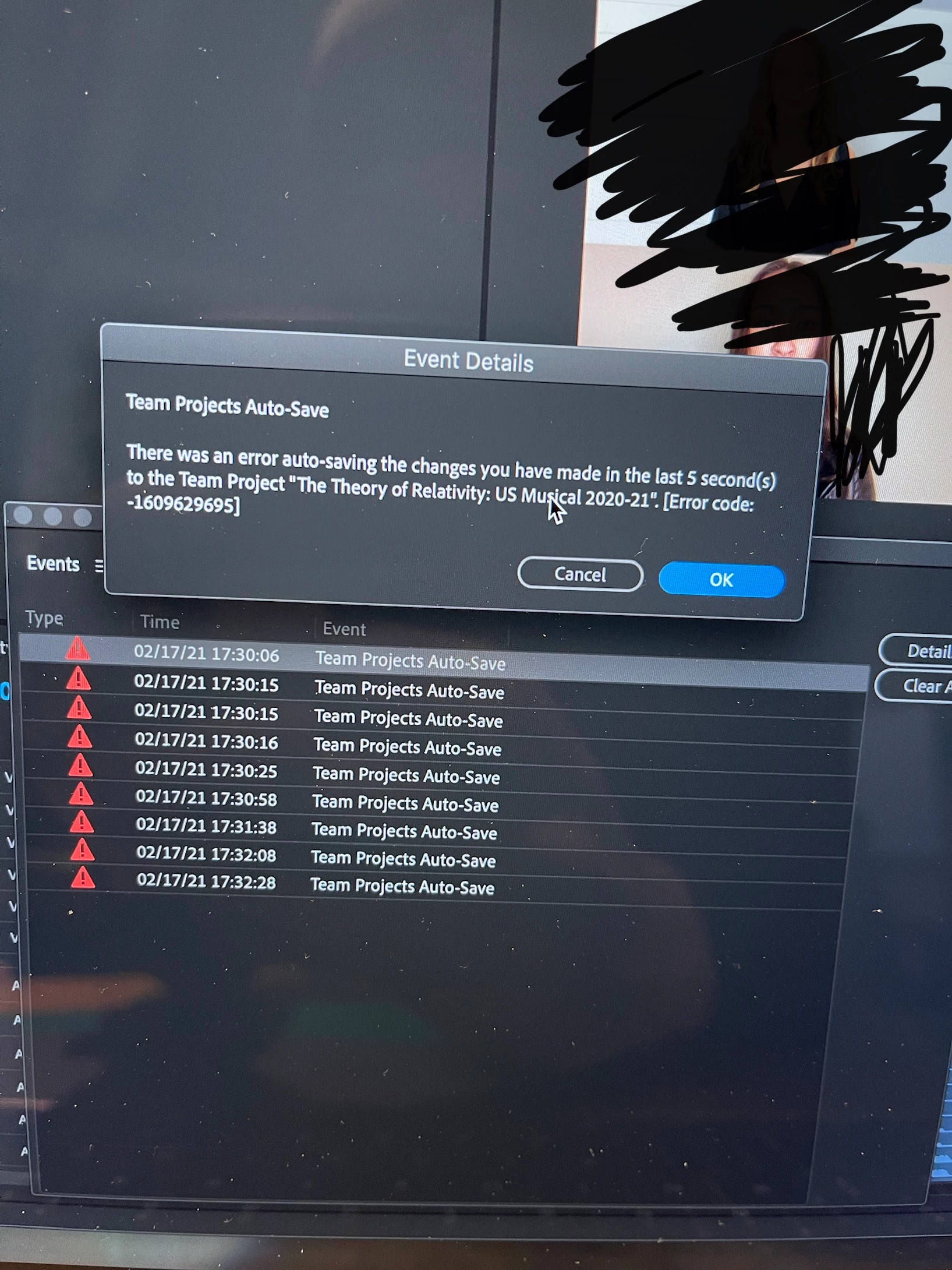
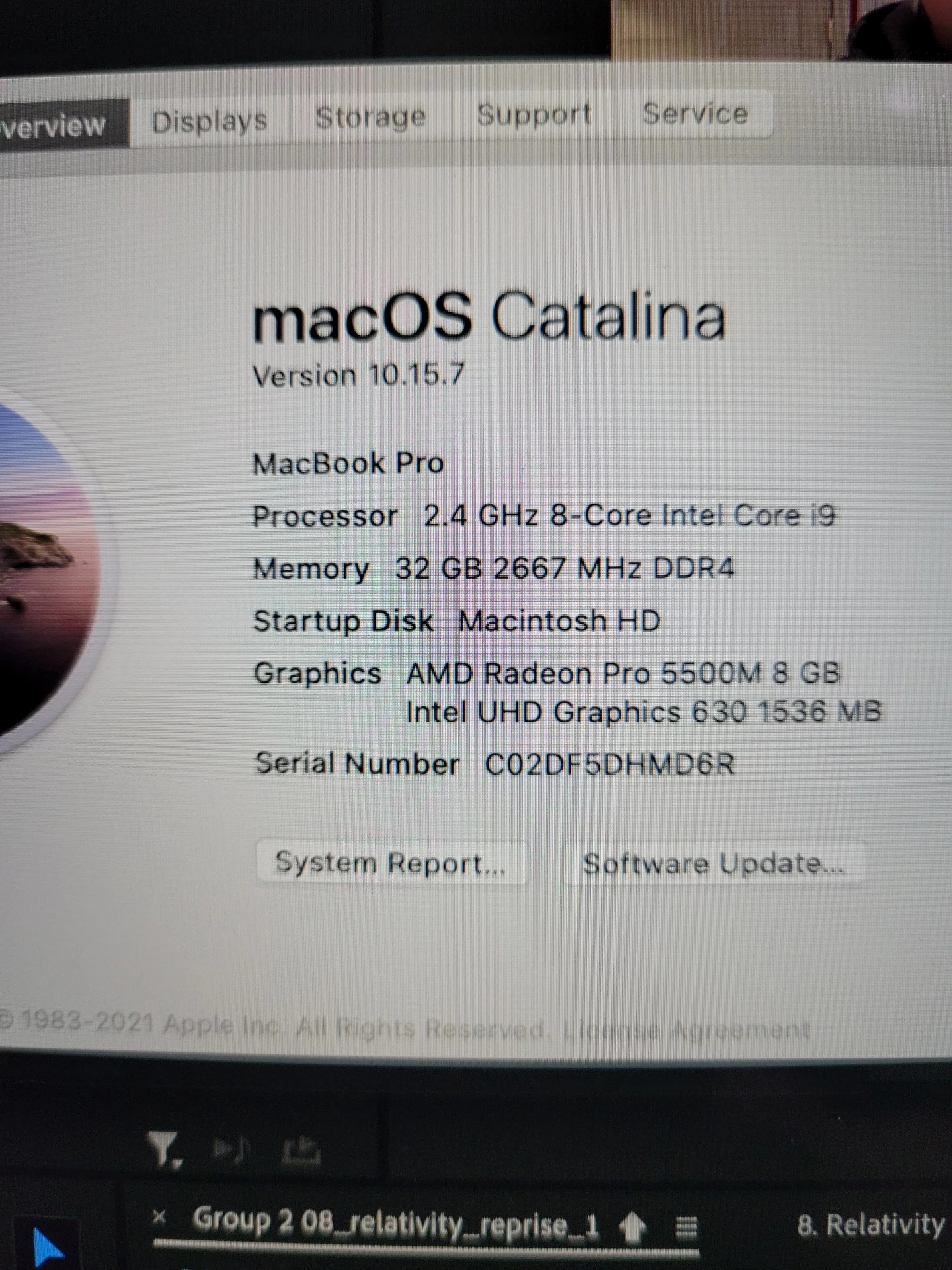
Hi all! I'm working on a team project with three editors all working on different pieces of footage in different sequences at the same time. On two of the computers (MacBook Pros with specs below), I receive the below error pretty often (every 20 mins or so). I’ve tried closing Premiere, deleting the team project folders from the Common folder of Library and that solves it for a little while and lets me open the project without any errors until the whole thing happened again ~15 mins later. Any suggestions are much appreciated!
 

This topic has been closed for replies.

1 reply

Participant
March 16, 2021

I have the same problem and can't figure out a reason. I just updated Premiere and my OS yesterday, and so both are current. My team project partner did the same and we're the only 2 in this project. Any ideas what's wrong or how to fix? Thanks!

PeterELee
Adobe Employee
Adobe Employee
March 19, 2021

Sorry to hear this! A few questions:


Are you seeing the same error code (-1609629695)?

Have you noticed if the error comes after adding a particular clip or effect (e.g. a MoGrT or AE comp)?

Does your Team Project contain both After Effects compositions and Premiere Pro sequences?

Is your project partner running the same versions of Premiere and After Effects?