


Question
Team Project Disconnnected
Hello,
As of yesterday my team project (only one other user) seems to load fine, but is not showing the blue CC circles that indicate who is online working. In the bottom left corner there is an alert that says the project is disconnected, and changes will be saved locally. However I cannot recieve or share changes.
And when I checked the File > Team Projects> General, it simply says I am diosconnected. (see below) After closing and re-opening yesterday it resolved itself, but today I cannot get connected. I am connected to Creative Cloud, and ran an update on that last night, but the problem returned this morning and I can't get the project to connect. Any ideas why this occurs? (Pr. 14.9.0)
Thanks,
Bob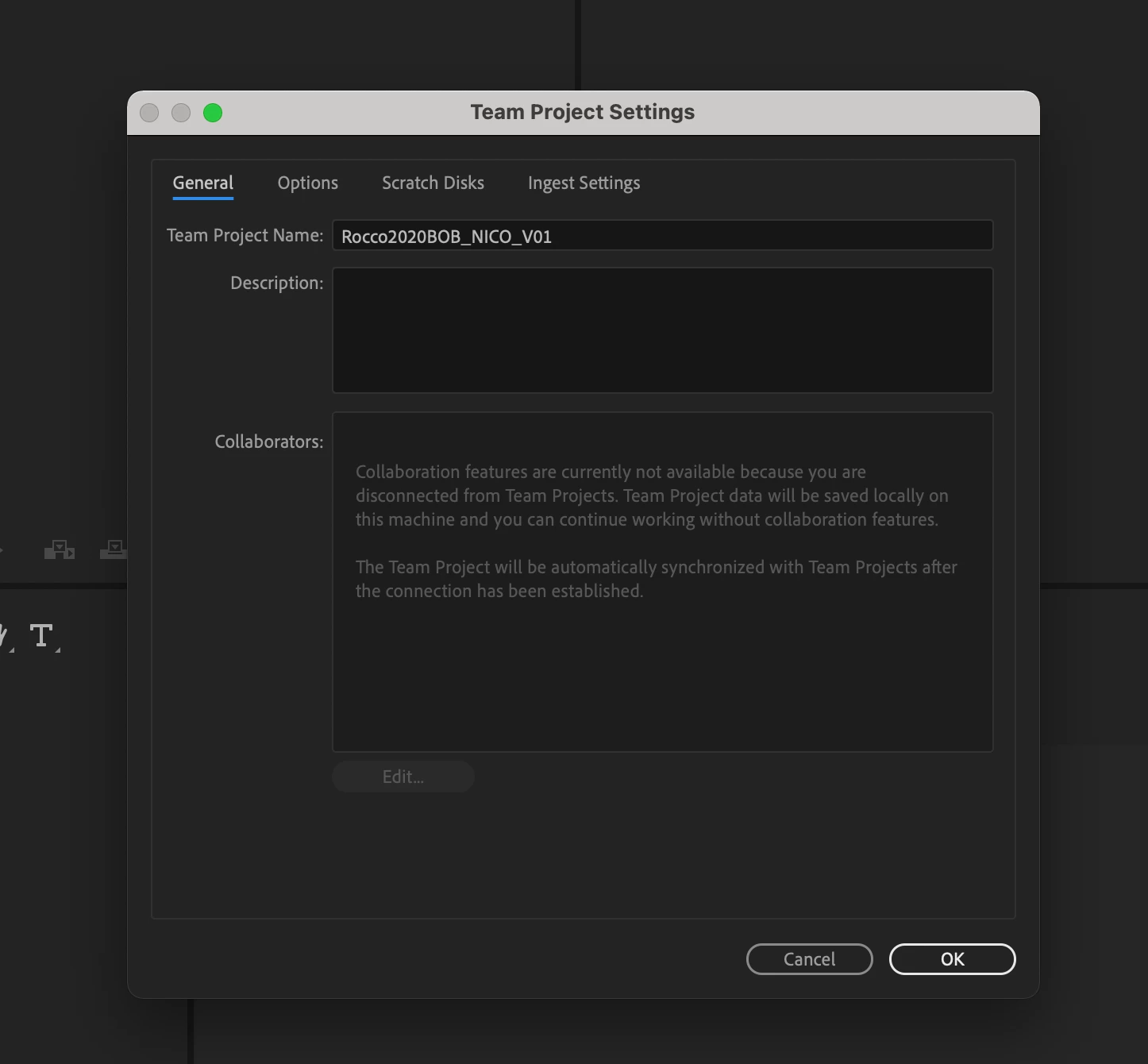
 AdChoices