


Participant
November 20, 2018
Question

Team Project stuck on "Sharing Changes"

  • November 20, 2018
  • 1 reply
  • 1038 views

Hi, I created a Team Project and have tried to share my changes with my collaborator. It seems to get stuck on processing deleted assets (see screenshot). It's a brand new project so I don't know what "deleted assets" I would even have..

I have left it for over an hour but with no luck. What can I do?
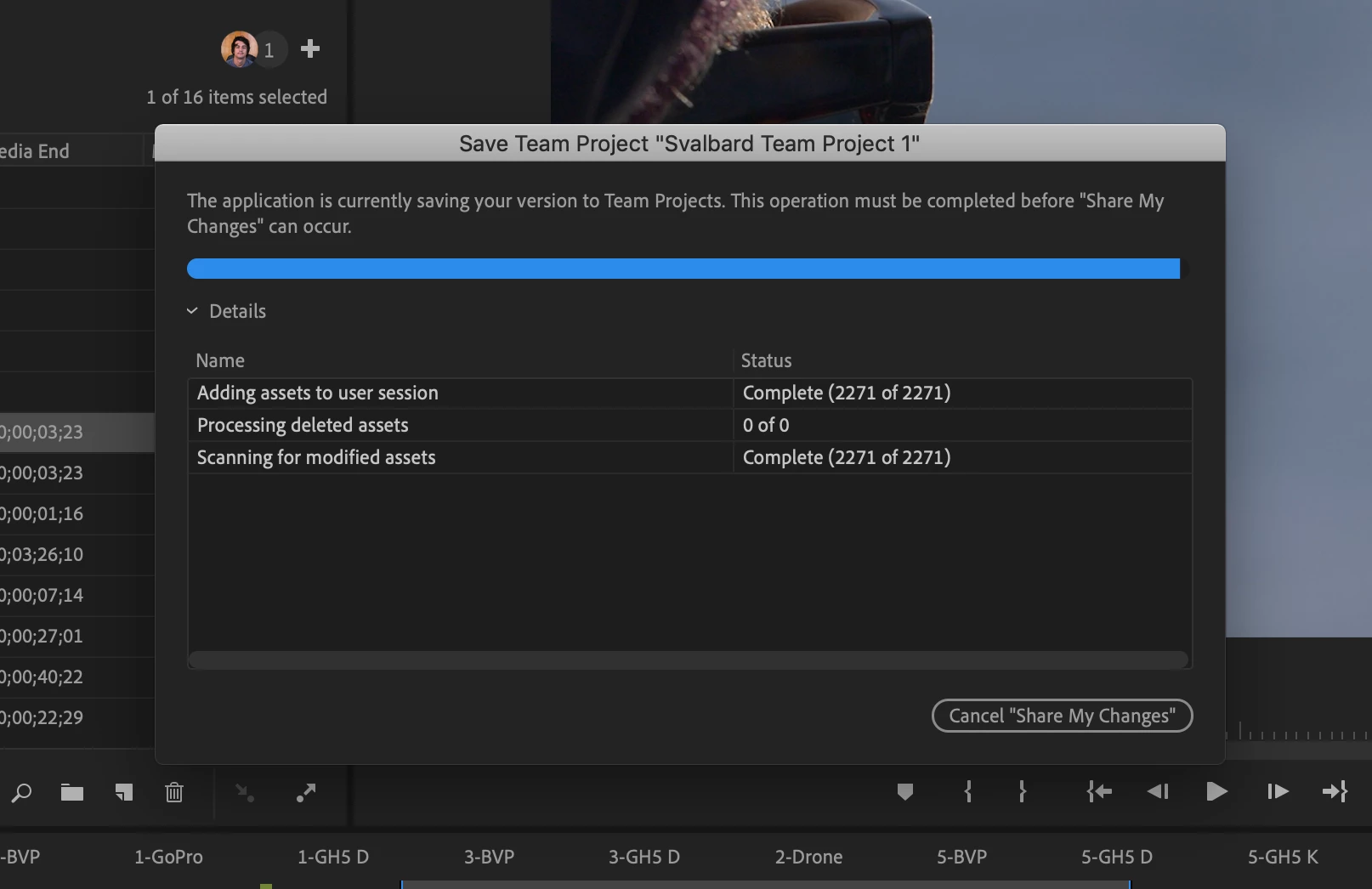
This topic has been closed for replies.

1 reply

Vinay Dwivedi
Adobe Employee
Adobe Employee
November 20, 2018

Hi Kiril,

Please mention the OS version and version of Premiere Pro in use.

Have you used any Creative cloud library files in the project?

//Vinay

Participant
November 20, 2018

Apologies. Im using OS X Mojave Version 10.14.1 (18B75) with the latest Premiere Pro CC 2019.

I have added some files to the creative cloud library yes, but all the ones in this  project are linked locally.

Thanks!

Vinay Dwivedi
Adobe Employee
Adobe Employee
November 20, 2018

Thanks Kiril.

First try to check and open your latest auto-saves.

Learn how to share changes, receive changes, resolve editing conflicts when working on team projects.

If it doesn't help the try the below step.

Close all your Adobe applications and services from the activity monitor and go to below location.

MAC HD>User>User Library>Application Support>Adobe and rename Creative Cloud Library folder. Please don't delete anything.

User library is hidden so you can click on go menu>Go to Folder and type ~/Library and click ok.

Once done try to load the project again