


Answered
Team Project Sync Issue
Hi,
I setup my first Team Project today. All seemed to be good with my remote editor. We are using Dropbox to upload and sync proxy files. All seemed to be good.
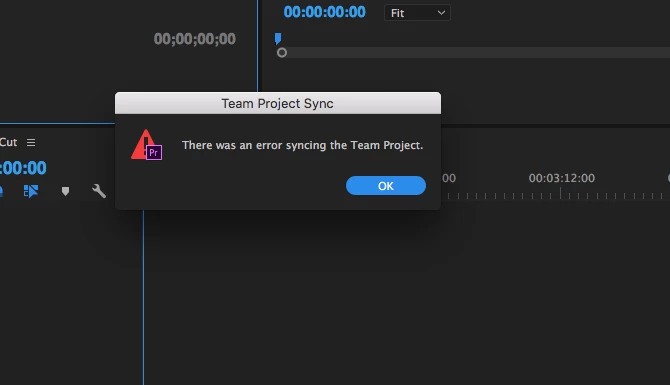
However, when I click to Get the Latest Changes I get an error message "There was an error syncing the Team Project" with an OK command.
The Get Latest Changes arrow is greyed out now and I still don't have the latest changes. It only becomes available again when he posts another change update. However, when I click Get Latest Changes it still won't sync and I get the error again.
I've tried restarting and logging out of Creative Cloud.
Is there a way to force load changes from the Cloud or reset the sync feature?
Thanks, Jerit
 AdChoices