


Team Project won't open on After Effects but will open in Premiere
I'm losing my mind. This is my first time working with a Team Project and it's been a complete nightmare.
I'm editing with Premiere, and I linked various After Effects compositions. It worked all right for a day, and then a bunch of bugs started happening. First, I couldn't open Premiere (that seems to have solved itself), but now I cannot open the AE compositions I had linked. When I try opening them from Premiere by clicking on "Edit Original," it gets stuck at "Preparing Team Project for editing" and never opens.
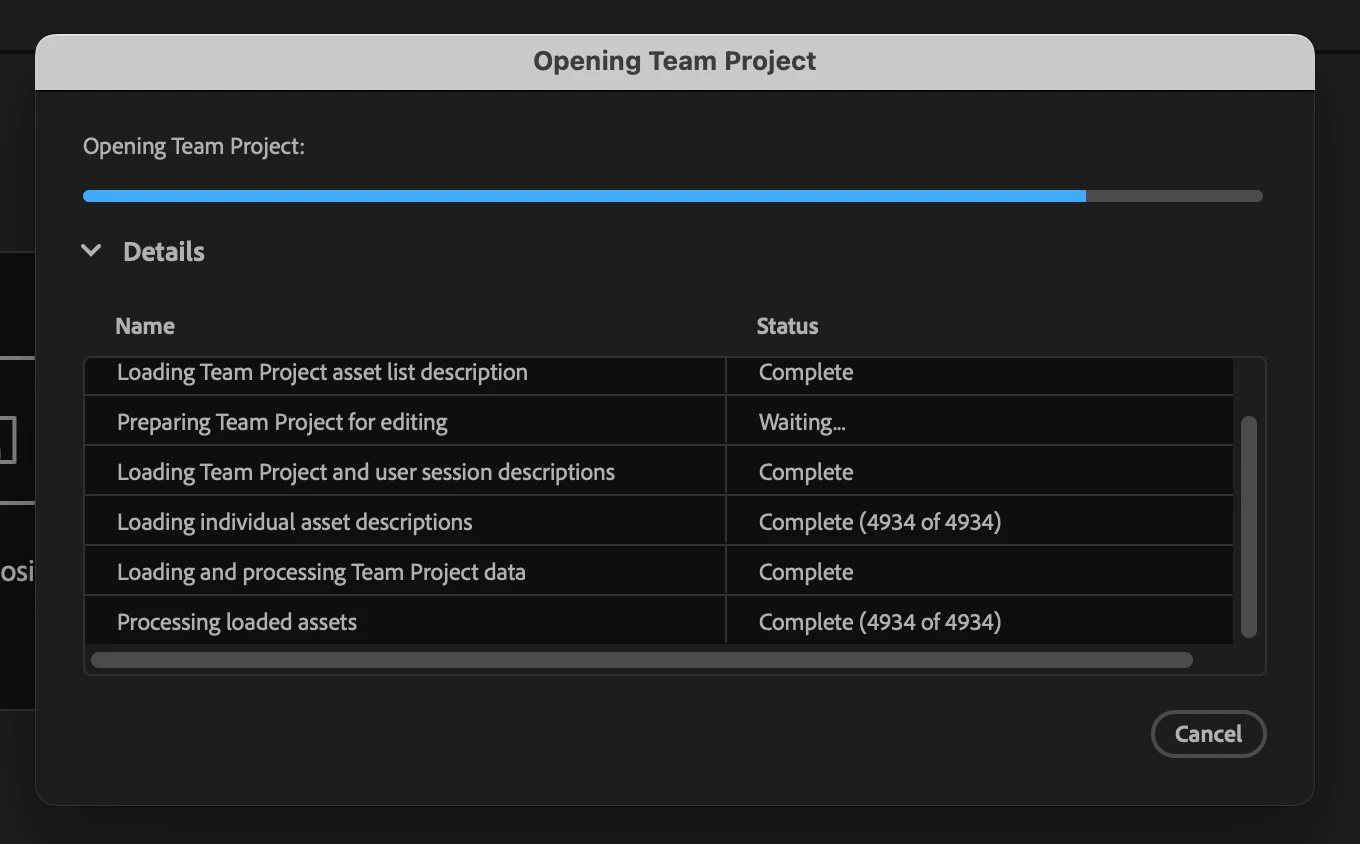
I don't know what to do. I've cleaned the media cache, moved the .tpr file, deleted the plug-ins on the MediaCore folder, and deleted the file on the Team Projects Local Hub folder. Nothing works.
Help, please.
I have a MacBook Pro, Apple M1 Max, 64 GB RAM.
My Premiere and After Effects version is 25.1.
 AdChoices