Known Participant
September 14, 2020
Question

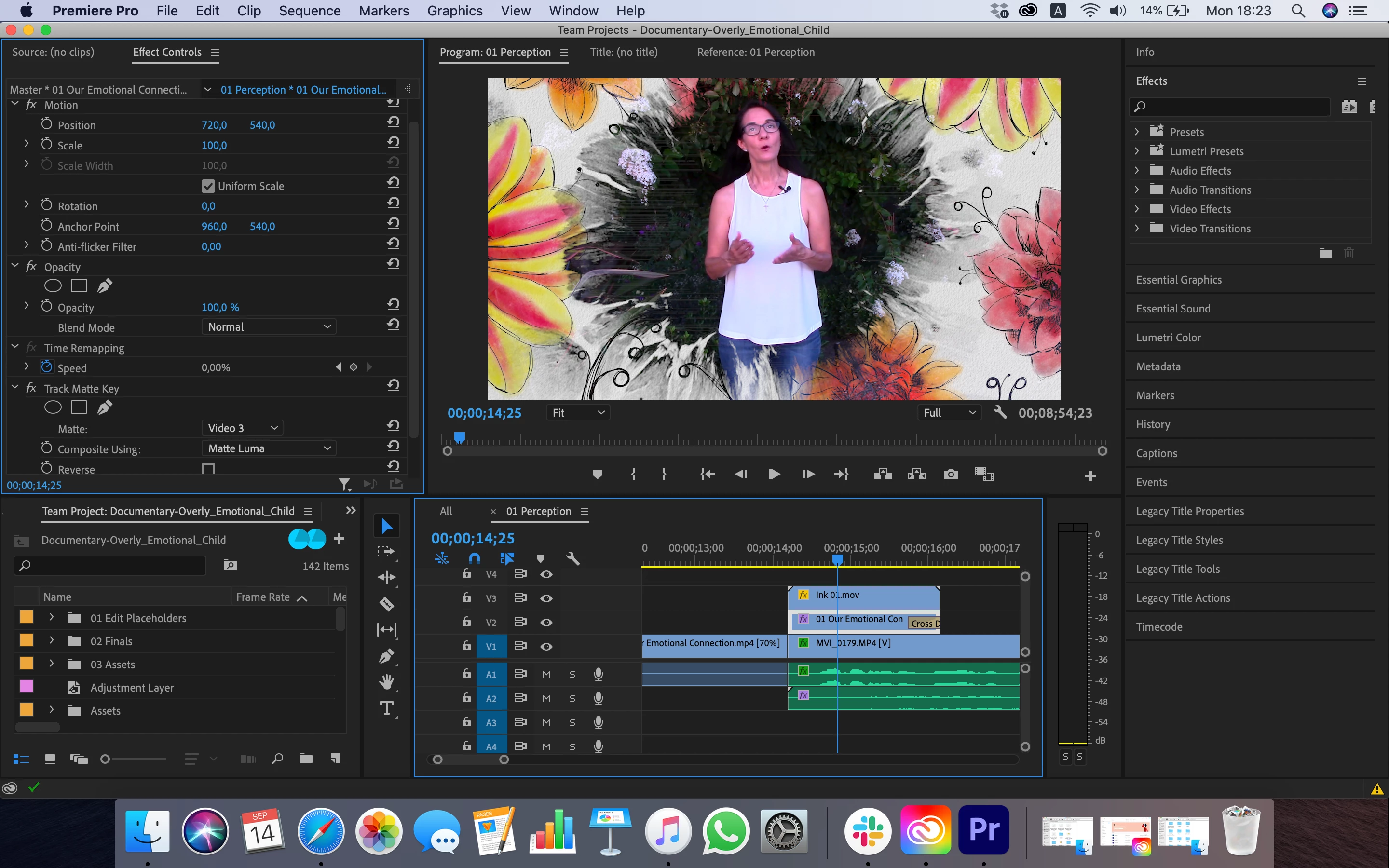
Track Matte shared in team project does not play

  • September 14, 2020
  • 2 replies
  • 263 views

Working in a team project. Transition created using a track matte. It plays fine on my associates machine but not mine. Files are linked. I can see them. We've checked settings against each other. Really strange.


Screenshots of his and mine
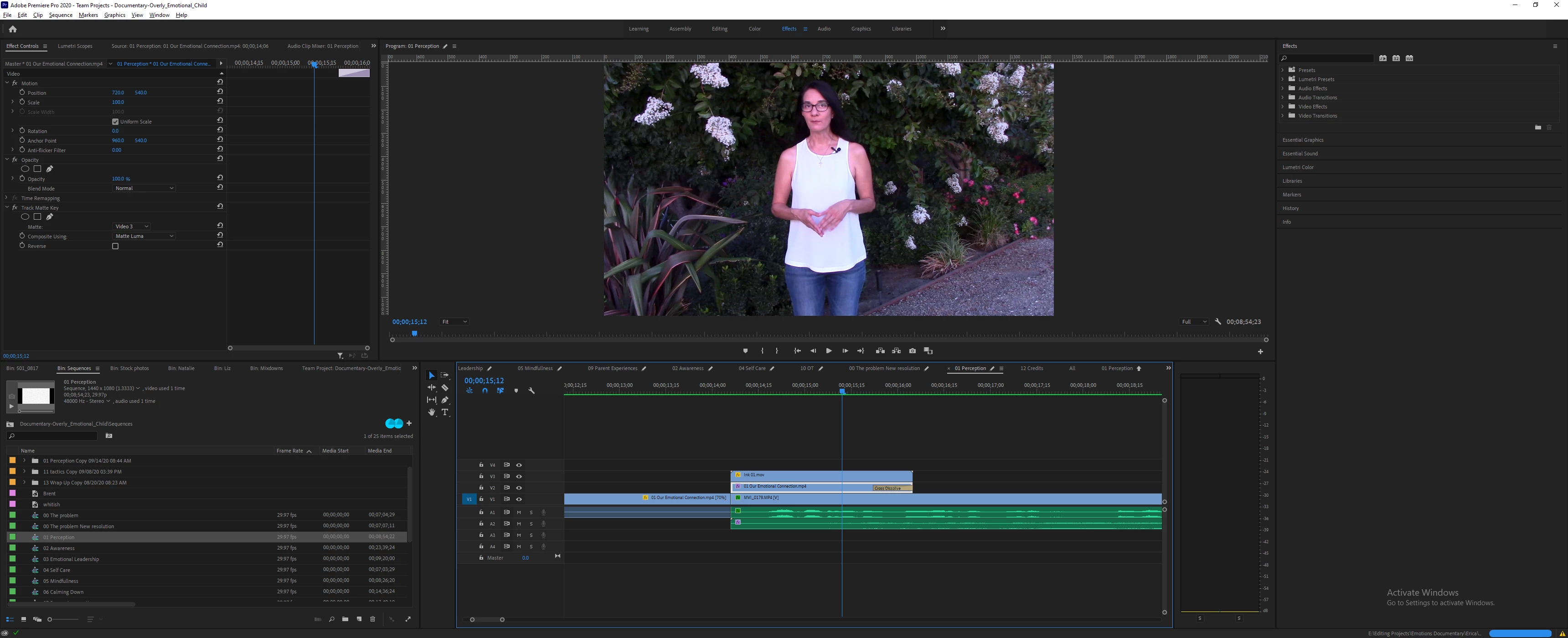
 

[Moderator note: moved to appropriate forum and moved images directly into your post. Please drag/drop images onto your reply box rather than using the 'attach files' option, as the latter requires others to download strange files to their computers to see the images.]


This topic has been closed for replies.

2 replies

Adobe Employee
September 15, 2020

I'm sorry for your troubles with Team Project. What version of PPRO are both of you using? 
What happens when you add and share the 'Track Matte' instead of your collaborator?
I've unsuccessfully tried to reproduce the issue on my end. Could you invite me [upawlik@adobe.com] to the Team Project or a copy of it? Or can you send me the .prproj file after you converted the Team Project to a local project? 

Best,
Udo

Known Participant
September 14, 2020

the other thing I see is that when I close the program it wants me to share changes. I have not made any changes. Yet when I look at the dialogue it shows many changes that need to be shared.