



Question
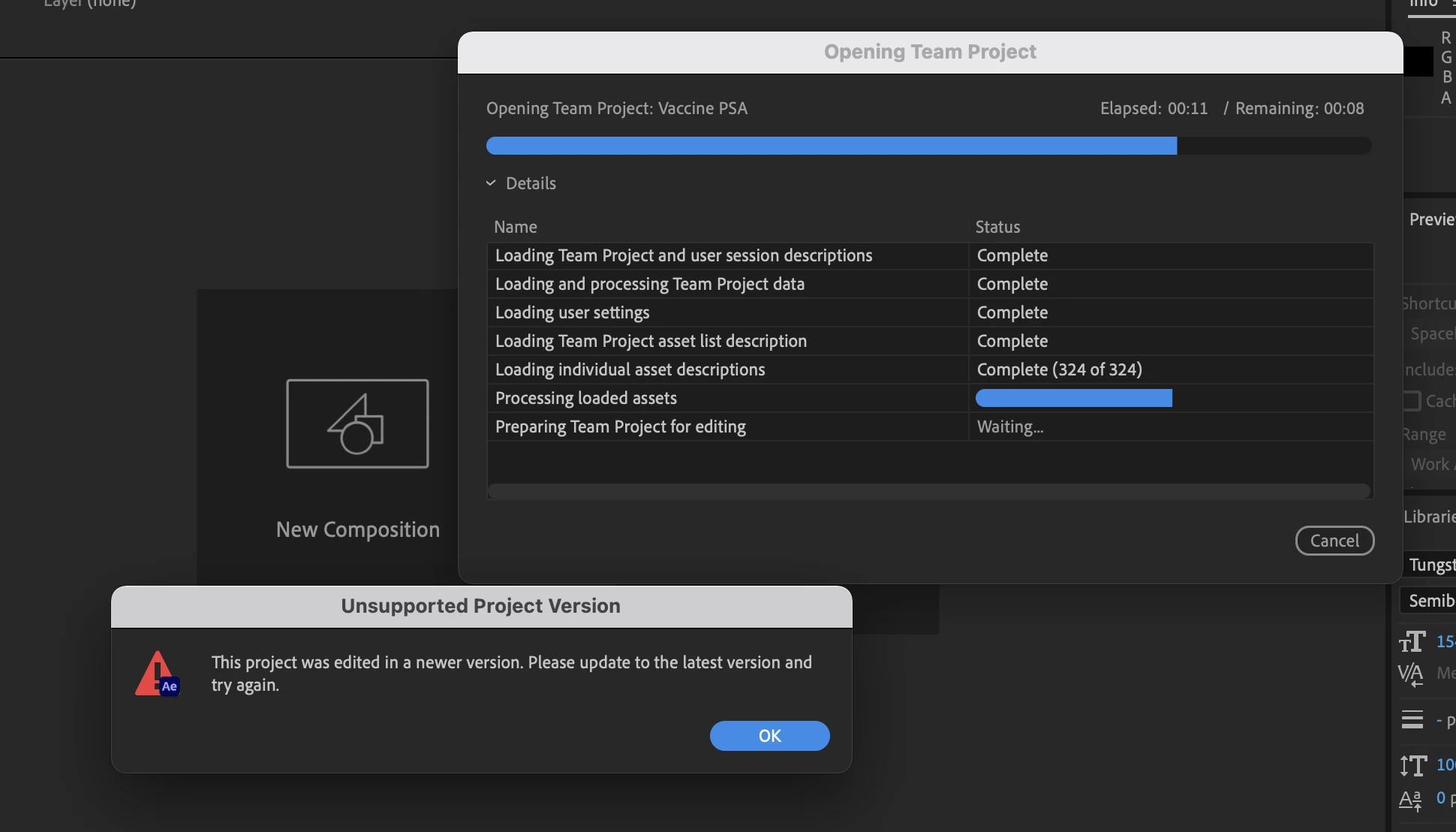
"Unsupported Project Version" unresolvable After Effect warning
My teammate and I have been collaborating on a Premiere Teams project for the past week. Something happened where the dynamic link between the Premiere project and After Effects file was broken.
We've spent hours now looking through our local files, Dropbox files, application cache, Creative Cloud files, and can find no trace of the After Effects file. Whenever I attempt to open the AE teams file I get the following "unsupported project version" dialog, but after pressing ok there's no way to update as it suggests.
Any assistance would be appreciate as it's nearly 30 hours of animation work lost.
[Moderator note: moved to appropriate forum.]
 AdChoices