
Acrobat Pro Accessibility Tools not working
I'm having an issue with the Selection tool and the Drag and Drop function not displaying their visual indicators in Acrobat Pro on my iMac (version 10.14.6). Like when you right-click and hold to select an area, typically, a thin outlined box will expand as you drag your curser. Similarly, in the Tags Panel, when you select a tag and drag it to a new location within the tagging tree, a thin line will appear between the tags where it is being moved to. (See image below. Not the large arrow pointing upward) Unfortunately, this visual indicator is not displaying either. 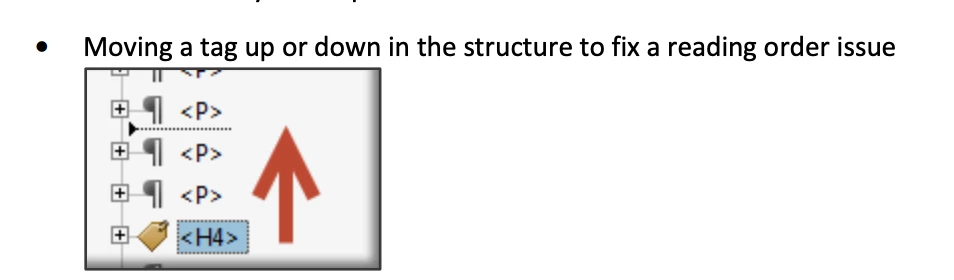 I've tried uninstalling and reinstalling Acrobat Pro (version 2021.007.2009) and restarting my computer, but these visual indicators are still missing. Before these features disappeared, I never realized how handy these visual indicators were when selecting and moving tags around. Kind of ironic when I'm trying to make a document accessible for individuals who may be visually impaired.
Any suggestions on how to get these functions/features to return would be greatly appreciated. Thanks!
 AdChoices