Inspiring
August 17, 2022
Question

Acrobat search content disappears

  • August 17, 2022
  • 1 reply
  • 695 views

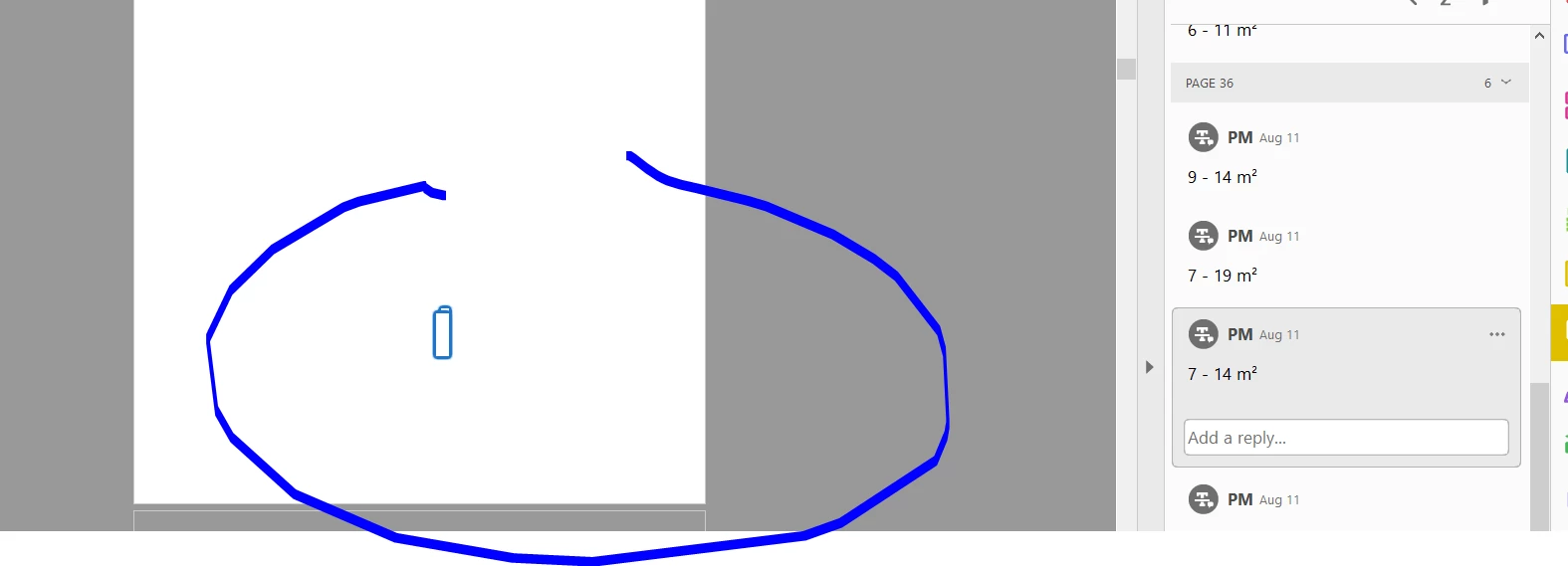
A couple of people have reported to me that they're having problems with PDF content disappearing when they do searches, particularly it seems consecutive searches on large PDFs. See attached. Acrobat is not using that much memory with a large PDF open, so I don't think that's the problem. Wondering if anyone can suggest anything?
This topic has been closed for replies.

1 reply

Amal.
Legend
August 18, 2022

Hi there


Hope you are doing well and sorry to hear that.


Would you mind sharing the steps you are doing? A small video recording of the same with the issue occurring would be very helpful.


Also, make sure you have the recent version 22.2.20191installed. Go to Help > Check for updates and reboot the computer once.


Please try to repair the installation from the help menu (Win Only)


Also, try to reset the Acrobat preferences as described here https://community.adobe.com/t5/acrobat-discussions/how-to-reset-acrobat-preference-settings-to-default/td-p/4792082


Let us know how it goes


Regards

Amal


Inspiring
August 22, 2022

I have asked whether there is something particular that triggers the problem but been told no, it is random. So I'm afraid I can't give you steps to follow. I will try resetting the preferences as you suggest. The version is 2020 and there is no update available.

Amal.
Legend
August 22, 2022

Hi there,


Please try to reset the Preferences as described earlier. you may also try to crate a new test user profile with full admin rights in Win or enable the root account in MAC and try using the application there and check.


~Amal