Participating Frequently
January 20, 2020
Question

Acrobate Pro XI Stops Working Windows 8.1

  • January 20, 2020
  • 3 replies
  • 2884 views


HELP I have a small business to run.


"ADOBE ACROBAT XI PRO with Windows 8

Started crash on 1/17/20

Get message

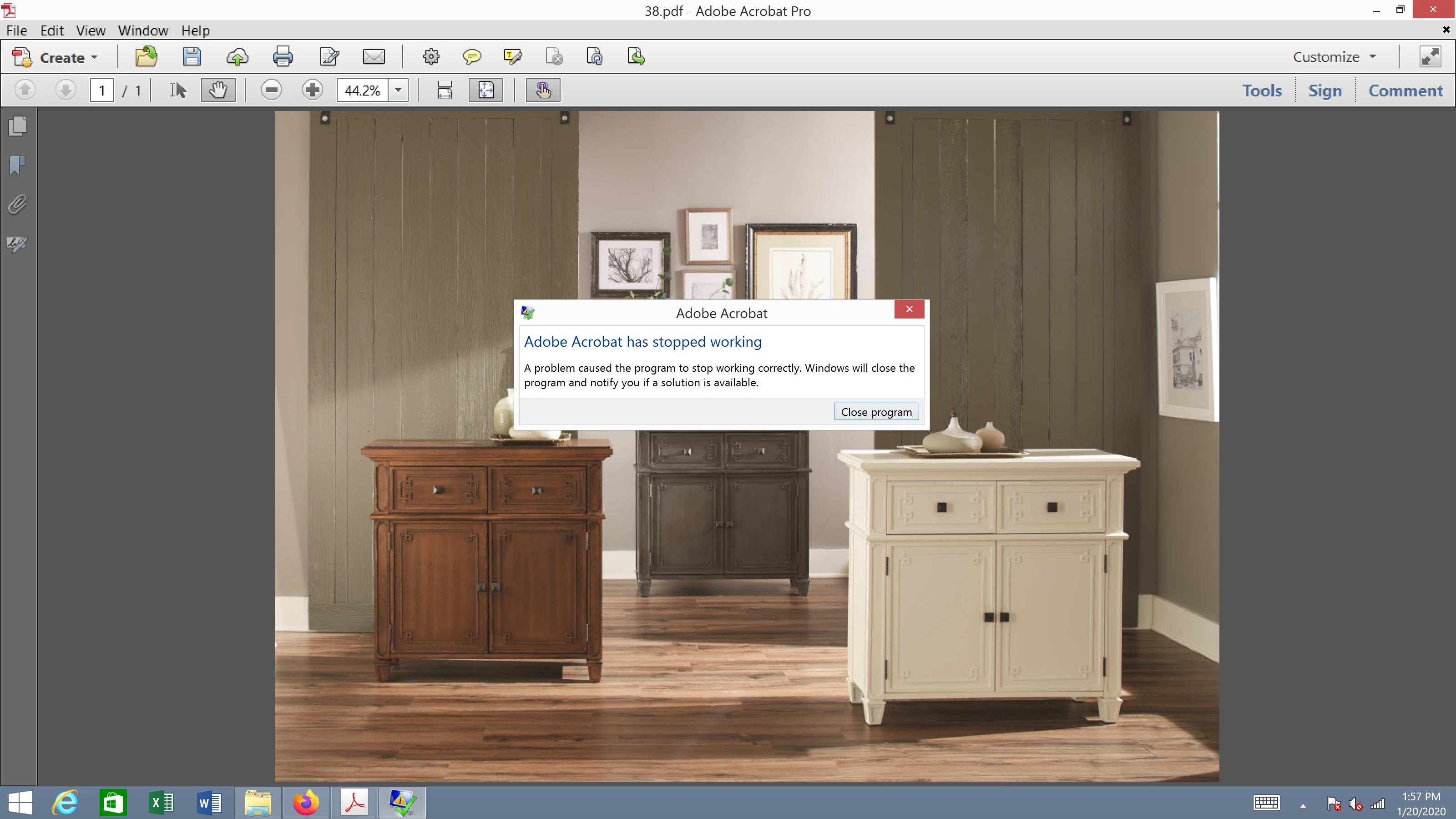
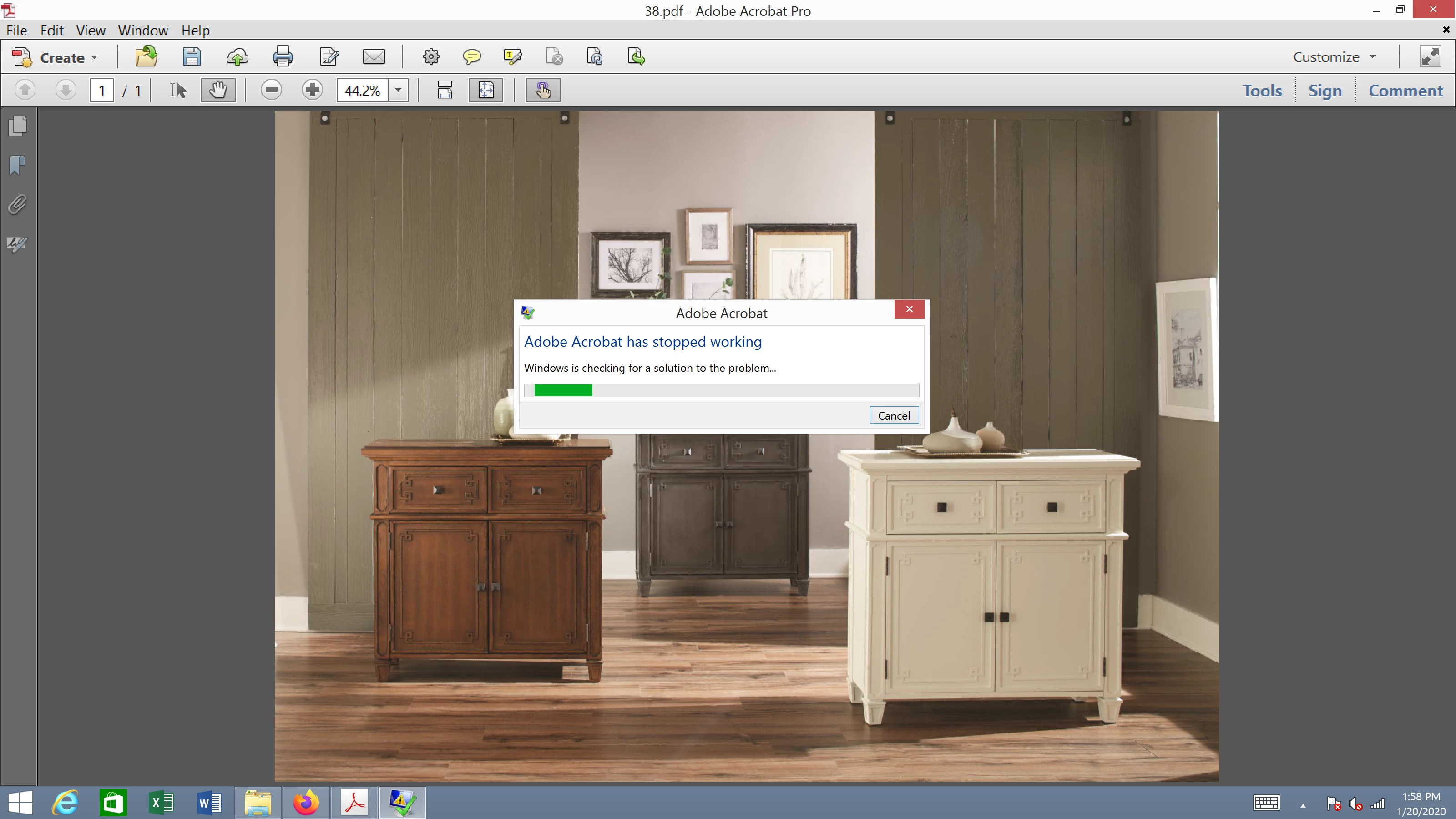
Adobe Acrobat has stopped working

A problem caused the program to stop working

Windows will close the program and notify you if a solution is available.

I have uninstalled Adobe Acrobat XI Pro from the Programs and Features in the Control Panel

I have downloaded and ran the Adobe Reader and Acrobat Cleaner Tool

I have removed the following folders from windows

C:\ProgramData\Adobe

C:\Program Files\Common Files Adobe

And reinstalled Adobe Acrobat XI Pro and it is still crashing.

I would greatly appreciate any help with this issue." 
 

This topic has been closed for replies.

3 replies

JR Boulay
Community Expert
Community Expert
February 14, 2020

Updating your Acrobat XI to version 11.0.23 should solve this issue.

(Help menu : Check updates)

Acrobate du PDF, InDesigner et Photoshopographe
assause
Community Expert
Community Expert
January 21, 2020

Try user Acrobat Cleaner Tool and re-install.

https://labs.adobe.com/downloads/acrobatcleaner.html


But Acrobat XI Support has ended at 2017.
Therefore, it is recommended to move to Acrobat DC subscription.


Moved from Acrobat Reader to Acrobat this post.

Kevinm363Author
Participating Frequently
February 13, 2020

I have tryed the cleaner, einstall, it does not fix the issue. Adobe wants me to buy 2017 $349 lifetime support. How long is lifetime? Why does Pro XI not have lifetime support? 2017 will have lifetime support until Adobe desides that it nolonger supports 2017. Then Adobe will say you need to buy ....... of $......... and it will have lifetime support. UNBEALVEABLE!

Dov Isaacs
Legend
February 13, 2020

There is no such thing as “lifetime support” for Acrobat Pro 2017. It is a perpetual license but that does not mean support beyond two releases out, typically no more than about five years at most from when the software was initially released. I am very sorry if anyone from Adobe misled you by using the words “lifetime support” or implied same. It simply is not true!


In terms of software support, I know of absolutely no software issued by any company that includes “lifetime support” whatever that even means. In recent times, the underlying operating systems and device drivers have changed so much that major changes and in some cases re-architecting of software products are necessary for a product to continue to work. You wouldn't expect your automobile manufacturer to have given you a free new engine for your 1950's car when laws in the 1980's eliminated leaded gasoline or for your television manufacturer to give you a free update to support the new digital television standards when the old analog standards were abandoned, would you. The same is true for software.


Although Adobe still does provide perpetual licenses (with time-limited support) on some of the software products, including Acrobat Pro, most Adobe products are moving to a subscription basis (monthly payments) where updates are provided on a regular basis to accommodate OS and other changes as they occur with ongoing support as long as your subscription in active.


- Dov Isaacs, former Adobe Principal Scientist (April 30, 1990 - May 30, 2021)
AkanchhaS8194121
Legend
January 21, 2020

Hey there,


Thanks for sharing the detailed information.

I see that even after reinstalling it still didn't work. I found on discussion where similar issue has been addressed and resolved.

Please refer to the troubleshooting steps suggested and perform the same.

Let us know if that doesn't help: https://community.adobe.com/t5/acrobat/acrobat-xi-keeps-crashing/td-p/10695580#M226306


Thanks,

Akanchha