


Adobe Acrobat for ChatGPT overview
Explore how Adobe Acrobat in ChatGPT can help simplify and expedite PDF workflows.
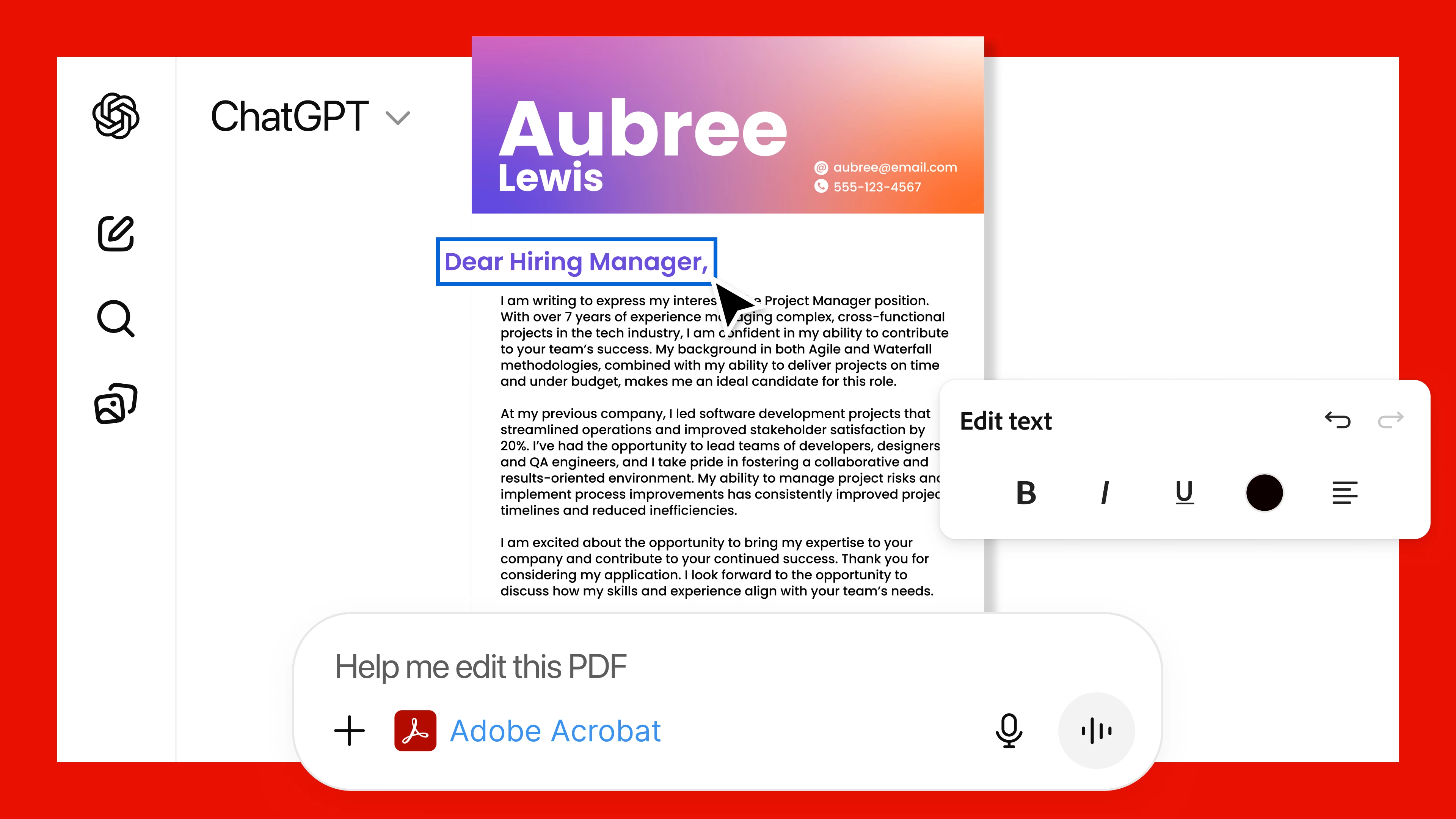
Adobe Acrobat for ChatGPT redefines how you interact with PDFs, providing an intuitive and easy way to create, edit, organize, and extract information from documents using natural language commands. You can easily access the powerful PDF tools directly within the chat, eliminating the need to switch between applications and saving time while enhancing productivity.
Whether you’re preparing professional documents, managing complex workflows, or organizing research material, Acrobat for ChatGPT empowers you to achieve precise, high-quality results effortlessly.
Access and availability
To access and use Adobe Acrobat in ChatGPT, enable the application by navigating to your profile icon > Settings > Apps & Connectors. Select the Adobe Acrobat tile, then select Connect, and sign in to your Adobe ID when prompted. Adobe Acrobat is accessible to all ChatGPT users, including those on the free plan.
Once Adobe Acrobat is enabled, start your prompt with “Adobe Acrobat,” and the application will automatically activate and handle your request.
Learn how to edit and organize PDFs with Adobe Acrobat in ChatGPT.

Note: Adobe Acrobat for ChatGPT is currently not available in the European Economic Area (EEA), Switzerland, or the United Kingdom.
Key features
Adobe Acrobat for ChatGPT offers powerful, productivity-boosting tools, such as:
- Content editing: Edit PDF content to create professional and shareable documents.
- Redaction: Remove sensitive information from documents with precision.
- OCR technology: Extract information from scanned documents with high accuracy using Optical Character Recognition (OCR).
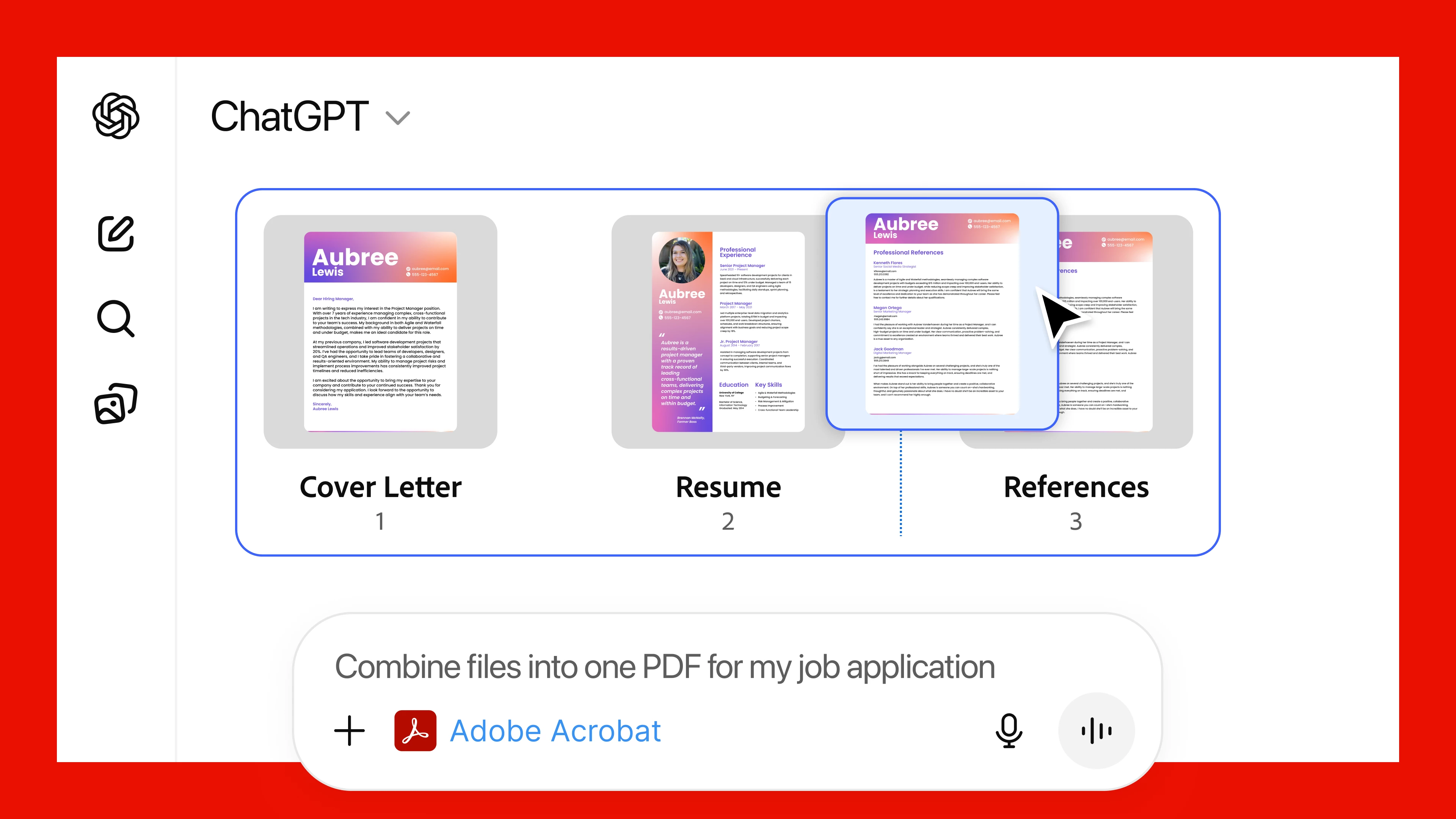
- PDF organization: Split or merge PDFs while maintaining their original layout and structure.
- PDF creation: Instantly create polished, compressed PDFs without losing formatting or quality.
Saving and sharing documents
Content created or edited using the Adobe Acrobat connector is not automatically saved to your Adobe account. To save your work, select Open in Acrobat within ChatGPT and manually save the file to Adobe Cloud storage.
Security and privacy
Adobe prioritizes user privacy and data security. The Acrobat connector is designed to protect sensitive information during processes like redaction and document editing. Adobe complies with industry standards and regulations to safeguard user data.
Use cases
Here are a few practical ways to use Adobe Acrobat in ChatGPT:
|
Use case |
Instructions |
|---|---|
|
Job application packet |
|
|
Security of personal information in medical reports |
|
|
Client proposal |
|
For more user case, please visit this help page: https://helpx.adobe.com/acrobat/web/use-acrobat-extensions/acrobat-for-chatgpt/overview.html
For more details, check out the press release and the latest Adobe blog post
Community Resources:
Check out Adobe’s official AI usage policy and limitations here:
|
Picture 1.png |
If this was helpful, please click the Upvote icon in the top left corner of this post. Your feedback helps us improve the experience. Thank you! |
 AdChoices