
Participant
February 14, 2023
Answered

Adobe Pro black start, no tools, no sidebar

  • February 14, 2023
  • 1 reply
  • 1259 views

Hi

I am using an Acrobat Pro licence to open pdffiles and generate and edit pdf forms. Now suddenly I am facing the following issues:

- Adobe regularly crashes (at the moment no report available)

- Tools are not properly displayed
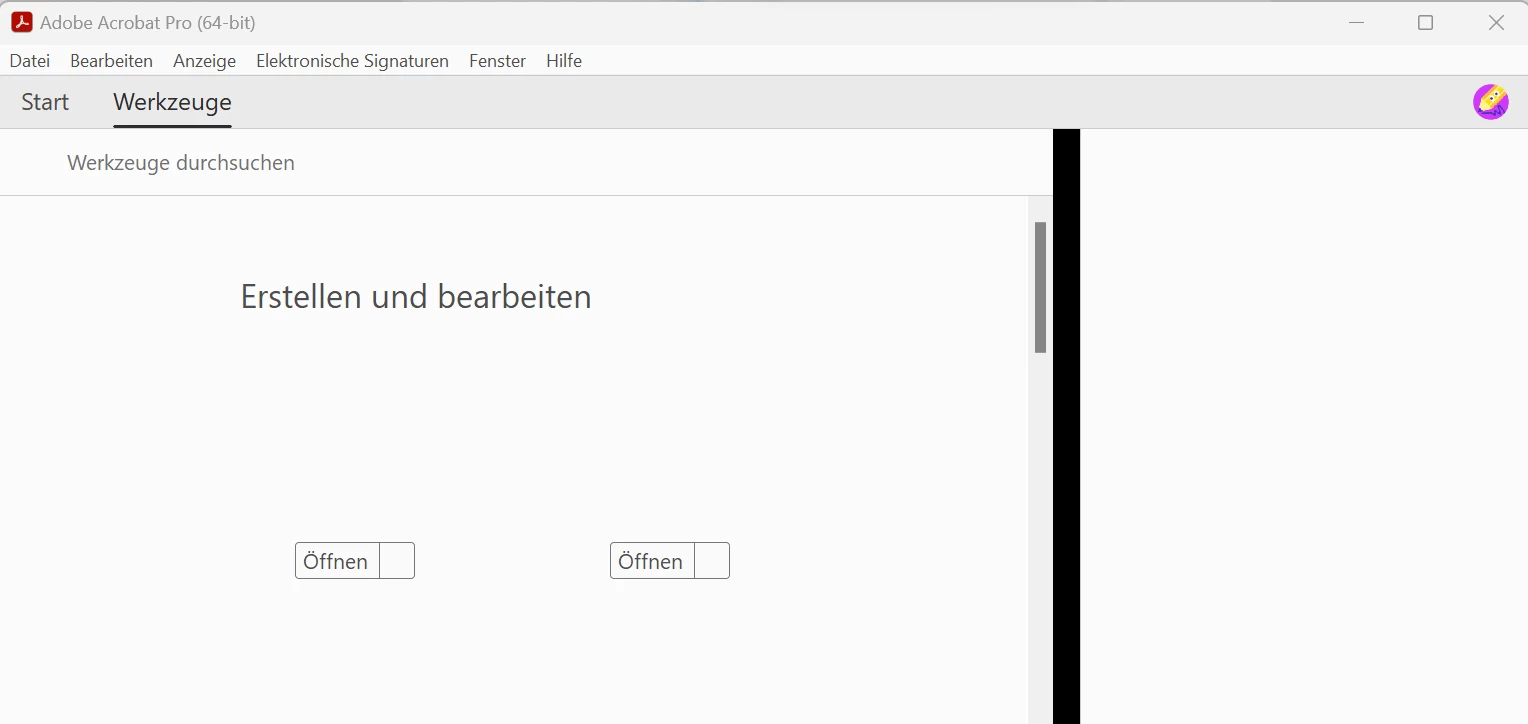
 

- Sidebar is not properly displayed

- Start is black
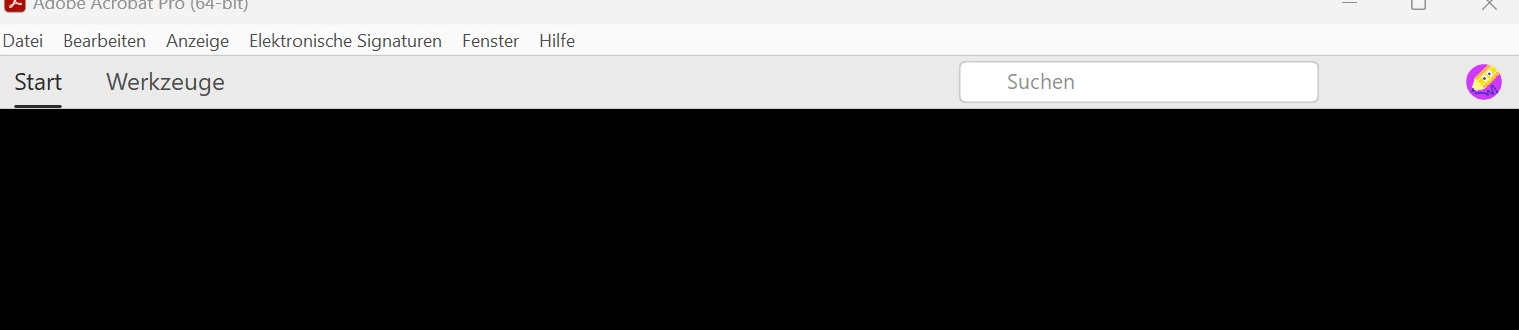
 

I tried the following things:

- Reinstall Adobe Acrobat

- Update Adobe Acrobat

- Repair Adobe Acrobat


Nothing has worked so far. Do you know the problem and can you help out?


Kind regards

This topic has been closed for replies.
Correct answer nando55

Hi Amal

Thanks for your reply. I managed to solve the issue yesterday. This is what I did:

- delete Adobe Acrobat with the deinstaller

- rename/delete the Adobe Acrobat folders on c: drive

Regards

Nando

1 reply

Amal.
Legend
February 14, 2023

Hi @nando55 

Hope you are doing well and sorry to hear that

What is the version of the Acrobat DC you are using? To check the version go to Help > About Acrobat and make sure you have the recent version 22.3.20314 installed. Go to Help > Check for updates and reboot the computer once.

Also try to repair the installation from the help menu (Win Only) and see if that works.

Please try to reset the Acrobat preferences as described here https://community.adobe.com/t5/acrobat-discussions/how-to-reset-acrobat-preference-settings-to-default/td-p/4792082

You may also try to create a new test user profile with full admin rights in Win or enable the root account in MAC and try using the application there and check.


Regards

Amal

nando55AuthorCorrect answer
Participant
February 15, 2023

Hi Amal

Thanks for your reply. I managed to solve the issue yesterday. This is what I did:

- delete Adobe Acrobat with the deinstaller

- rename/delete the Adobe Acrobat folders on c: drive

Regards

Nando