Participant
May 5, 2023
Question

Adobe returns the settings as default

  • May 5, 2023
  • 2 replies
  • 1814 views

Hello,

When I change the settings for my app the next day it returns as before

like dark mode, the position of the tools, size.....etc


is there any solution to this problem?


This topic has been closed for replies.

2 replies

Participant
August 10, 2023

I am having the same problem but dont know how to solve it. I use a Mac.

Amal.
Legend
August 11, 2023

Hi @Juan31607163k1in 


Thanks for reaching out.


Have you started experiencing this issue after the recent update?


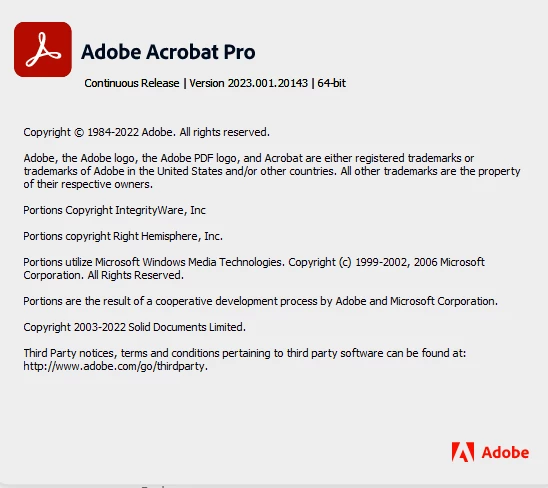
What is the version of the Acrobat DC you are using? To check the version go to Help > About Acrobat and make sure you have the recent version 23.03.20269 installed. Go to Help > Check for updates and reboot the computer once.

Also try to repair the installation from the help menu (Win Only) and see if that works.

Please try to reset the Acrobat preferences as described here https://community.adobe.com/t5/acrobat-discussions/how-to-reset-acrobat-preference-settings-to-default/td-p/4792082

You may also try to create a new test user profile with full admin rights in Win or enable the root account in MAC and try using the application there and check.


Regards

Amal

Amal.
Legend
May 5, 2023

Hi @Natheer0 


Thanks for reaching out. lso try to repair the installation from the help menu (Win Only) and see if that works.

Please try to reset the Acrobat preferences as described here https://community.adobe.com/t5/acrobat-discussions/how-to-reset-acrobat-preference-settings-to-default/td-p/4792082

You may also try to create a new test user profile with full admin rights in Win or enable the root account in MAC and try using the application there and check.

Regards

Amal


Natheer0Author
Participant
May 5, 2023

Hello

thanks for replying, but unfortunately it does not work

Amal.
Legend
May 26, 2023

Hi there,


Sorry to keep you waiting, please update the application to the recent version 23.01.2017x Go to Help > Check for updates and repir the installation from the help menu and see if that works.


~Amal
