
Participant
Jul 13, 2023 7:25 AM UTC
Answered

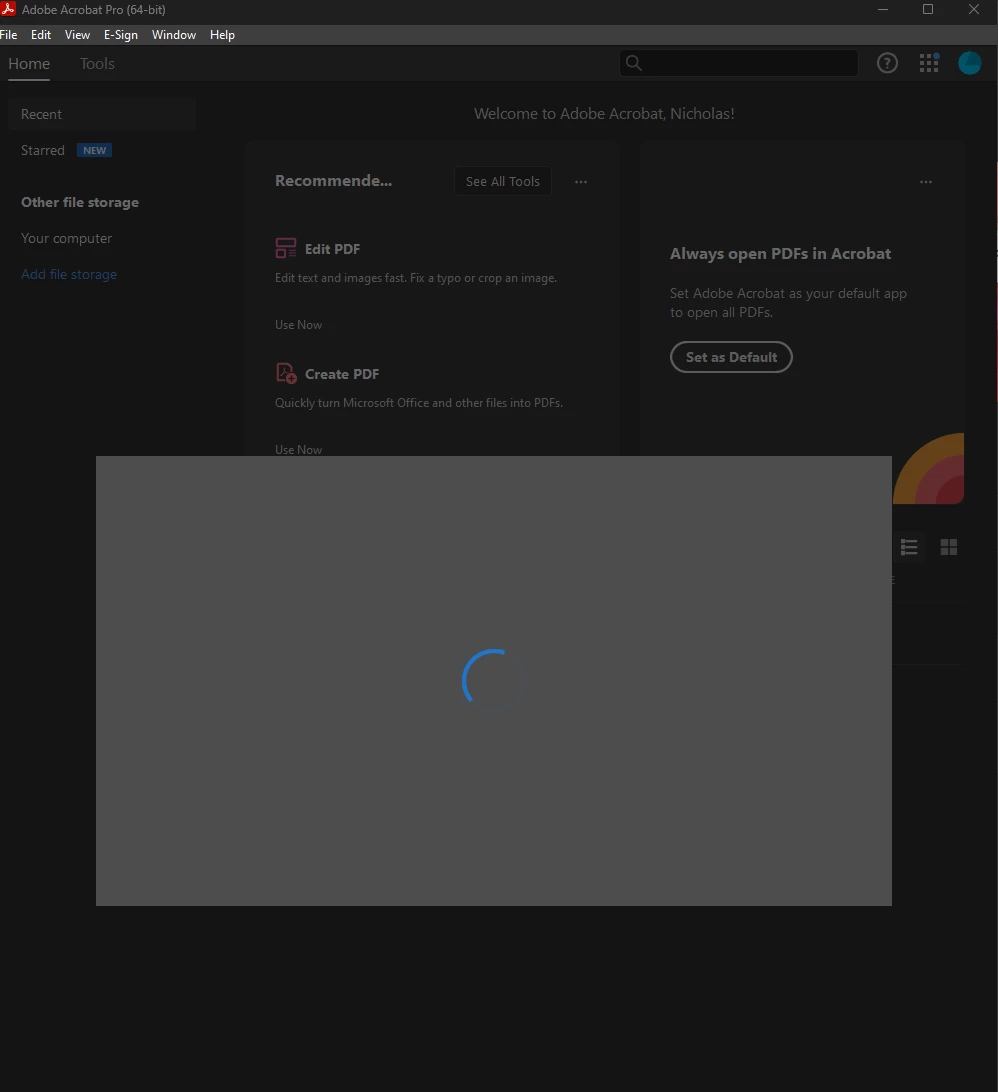
After I open Acrobat, I get a grey box with a progress circle appearing and it doesn't go away

After opening Acrobat, I get the below grey box with a progress circle appearing and it doesn't go away or load up.


Windows 11, fresh install of Adobe. Any help would be great. Thank you.
 

This topic is closed to new replies. Start a new post to keep the conversation going.
Amal.
Amal.Correct answer
Legend
Aug 9, 2023 5:29 PM UTC

Hi there


The new version of Acrobat (23.03.20269) is now available to address this issue. Please update the application from the help menu > Check for updates and reboot the computer once.


You may also download the patch manually from the link https://www.adobe.com/devnet-docs/acrobatetk/tools/ReleaseNotesDC/index.html and see if that works.


Regards

Amal

5 replies

Amal.
Amal.Correct answer
Legend
Aug 9, 2023 5:29 PM UTC

Hi there


The new version of Acrobat (23.03.20269) is now available to address this issue. Please update the application from the help menu > Check for updates and reboot the computer once.


You may also download the patch manually from the link https://www.adobe.com/devnet-docs/acrobatetk/tools/ReleaseNotesDC/index.html and see if that works.


Regards

Amal

Translate
mariahweyne
Inspiring
Jul 13, 2023 8:39 PM UTC

Trying these settings.


Translate
Participant
Jul 14, 2023 7:00 AM UTC

After a restart, that did it.


Thank you.

Translate
Participant
Jul 14, 2023 8:39 AM UTC

This is great. I tried it and worked.

Translate
https://shopfortool.com/yahoo-account-creation-yahoo-registration-yahoo-login-yahoo-app-download/
Amal.
Legend
Jul 13, 2023 10:18 AM UTC

Hi @nickuk4834950 


Hope you are doing well and thanks for reaching out.


What is the version of the Acrobat DC you are using? To check the version go to Help > About Acrobat and make sure you have the recent version 23.03.20244 installed. Go to Help > Check for updates and reboot the computer once.

Also try to repair the installation from the help menu (Win Only) and see if that works.

Please try to reset the Acrobat preferences as described here https://community.adobe.com/t5/acrobat-discussions/how-to-reset-acrobat-preference-settings-to-default/td-p/4792082

You may also try to create a new test user profile with full admin rights in Win or enable the root account in MAC and try using the application there and check.


Let us know how it goes.


Regards

Amal

Translate