



NursingNnenna
Participant
June 17, 2026
Answered

All Tools Pane Disappears/Empty When I Select Edit PDF?

  • June 17, 2026
  • 59 replies
  • 2942 views

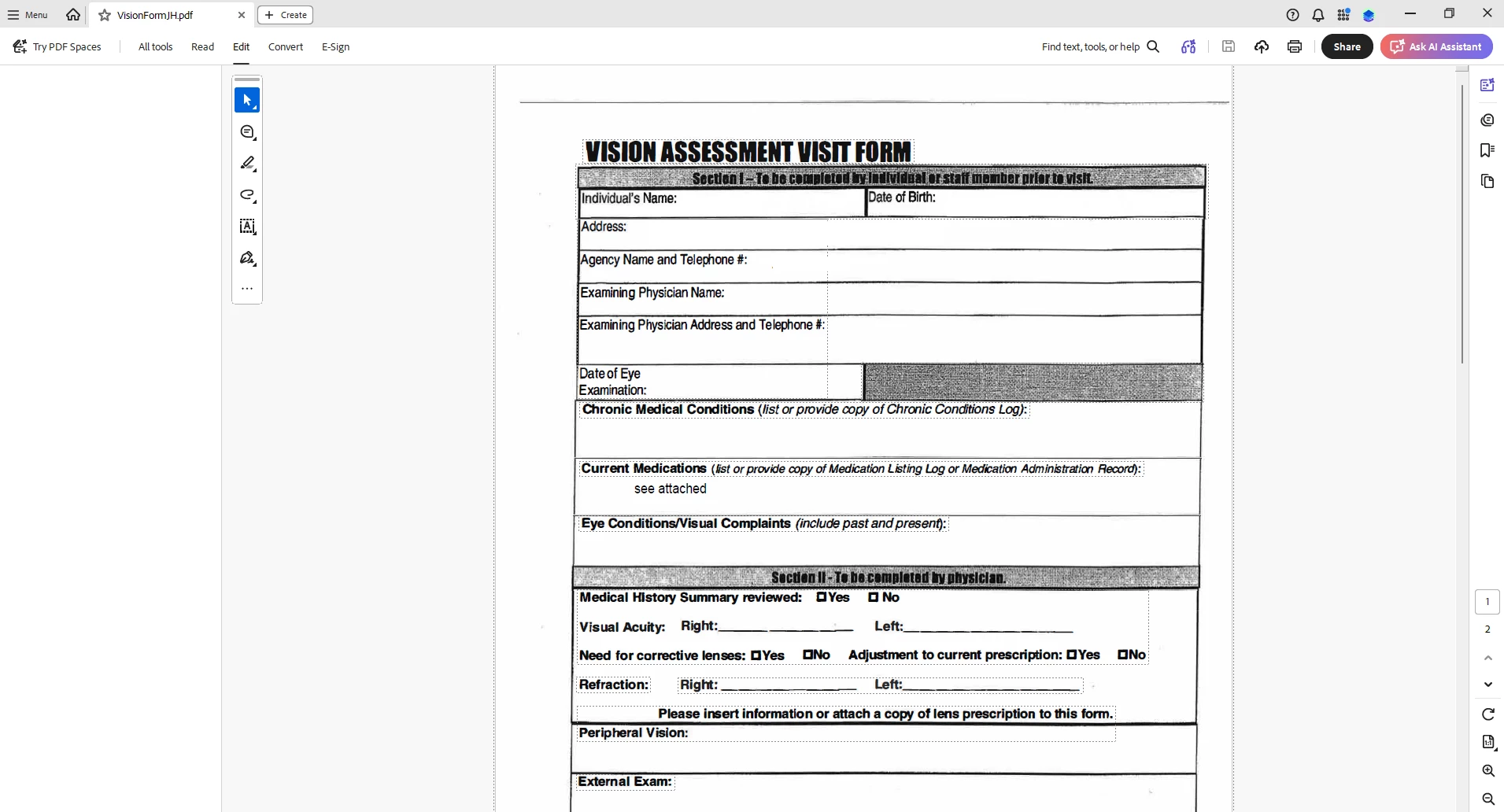
When I select “Edit PDF” option, the “All Tools” pane disappears.

This issue seems persistent.

I’ve tried looking at the view/show settings.

Running a repair on the installation.

Uninstalling and Reinstalling Adobe Acrobat.


Can someone please help or provide some suggestions?


Thank you,
 

    Correct answer Anand Sri Bhattacharya

    Hi All!


    Thanks for your patience and cooperation on this.


    Please try the following suggestions, and let us know if this fixes the issue for you.

    Please note: Create a backup of the registry settings before making any changes. To create a backup, check this article: https://support.microsoft.com/en-us/topic/how-to-back-up-and-restore-the-registry-in-windows-855140ad-e318-2a13-2829-d428a2ab0692


    • Go to the registry location: "Computer\HKEY_LOCAL_MACHINE\SOFTWARE\Policies\Adobe\Adobe Acrobat\DC\FeatureLockDown"
    • Right-click on the right blank space > select New > DWORD 32-bit value.
    • Rename it to:  bGenCoverPagesLabelStrings
    • Right click on the new value > Click Modify > add the value as ‘1’ (numeric one)
    • Restart the Acrobat and the machine and check the performance.

    Let us know if you experience any issues.

    Regards,

    Anand Sri.

    59 replies

    TMar2881
    Participant
    June 18, 2026

    This is affecting our org as well. Commenting for updates.

    khaledali
    Participant
    June 18, 2026

    Easiest solution (Thanks to Google Gemini). It worked perfectly for me! In fact, I prefer the older interface. 

    --------------------------------------------------------------------------------------------------------------------


    Taron432
    Participant
    June 18, 2026

    Hi,

    Is there an ETA on the patch to fix this bug? I have several hundred users,and have had to deploy this many time since yesterday. 

    Meenakshi0101
    Community Manager
    Community Manager
    June 18, 2026

    Hi Taron432,


    We currently do not have an ETA. However, the team is working on this as a priority, and the fix patch will be available soon.

    We appreciate your patience.


    Thanks,

    Meenakshi

    Colton+Rhodes
    Participant
    June 18, 2026

    Is there a case or incident number associated with this bug? I see that the product team is working on a fix. I want to know where I can check for status updates on this for our end users.

    -+Curls+-
    Participant
    June 18, 2026

    I’ve been working with one of our users in exactly the same situation. Anand’s fix helped us, but a patch would be appreciate it, thanks!

    TheyBrokeSomethingAgain
    Participant
    June 18, 2026

    Our org is also seeing this issue. How long until a patch is released? 

    Anand Sri Bhattacharya
    Community Manager
    Community Manager
    June 18, 2026

    Hello ! 


    I am sorry for the troube. The product team has already started deploying the fix, and it may take some time to reflect at your end/users.

    Thanks for your understanding and cooperation on this. 🙏🏼


    ~Anand Sri.

    Participant
    June 18, 2026

    I have an entire organization with this issue which all departments cannot have their IT change registries like this. Adobe really needs to patch this ASAP instead of everyone messing with registry options.

    Anand Sri Bhattacharya
    Community Manager
    Community Manager
    June 18, 2026

    Hello ​@PBCADA 


    I am sorry for the trouble. The suggestion is a workaround that you can apply to get the issue resolved immediately. The product team has already started deploying the fix, and it may take some time to reflect at your end/users.

    I will really appricate your cooperation and patience on this.


    ~Anand Sri.

    CityCRLuedtke
    Participant
    June 18, 2026

    Work around you can go to file and disable new Acrobat and it will change it to old look. Then if you select edit the tools will appear again.


    jasonlive
    Participant
    June 18, 2026

    This is affecting all users I have can we get a patch soon instead of having to reg piece each user.

    Participant
    June 18, 2026

    Having this exact issue on Mac version Build: 26.1.21662.0 - What is the fix on Mac?
