NicoC63
Participant
February 18, 2026
Answered

Blank popup windows after opening Acrobat

  • February 18, 2026
  • 2 replies
  • 45 views

Hello, 

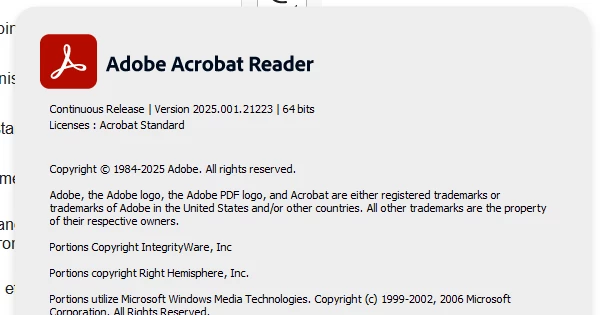
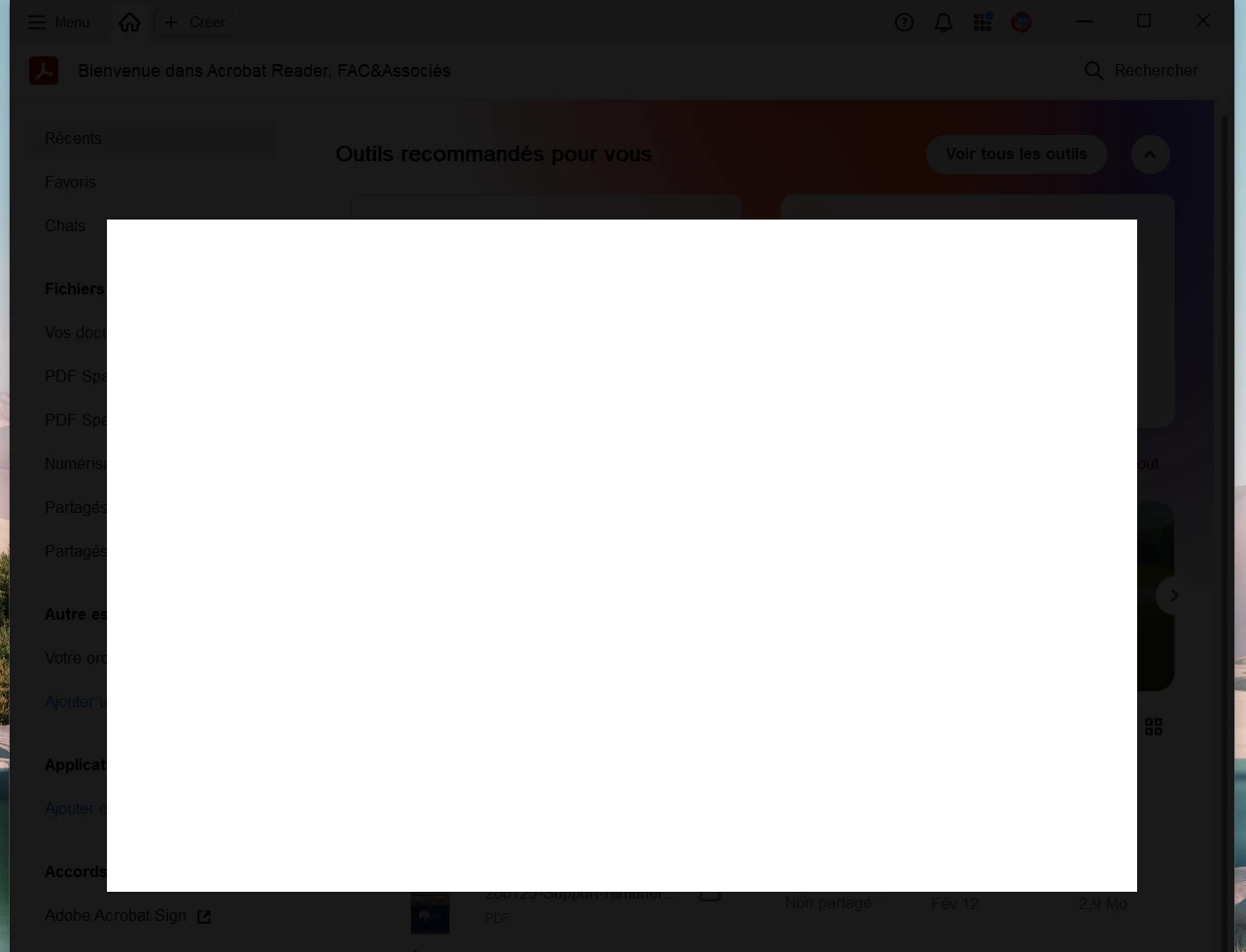
On a new Windows 11 laptop, I have installed Acrobat and when I start it, after some sec (5-10) a blank popup windows appeared and acrobat freezed. No possibility to close it, just possibility to kill it via the process manager tool. I updated it to version 2025.001.21233 64 bits without success. 

Behind the blank popup you can see the Acrobat view, confirming that the Blank popup is an acrobat popup.


Of course, I tried to repair / Uninstall / Resinstall acrobat without success.


Who face similar issue and what was done to unblock the situation ?


Tks for your support.
 

    Correct answer NicoC63

    I found a way to solve the problem myself : 

    • I removed the application via “parameters” into windows
    • I executed the cleanup adobe tool
    • I removed the AppData Adobe’s folder into my personal home folder, Default and Public one
    • I connect with my Adobe account on the webportal and download the installation file from the interface and not from the simple “google search”. I saw that installation name wasn’t the same.

    So I don’t know what was the good option, or both, but my pb is now solved.

    2 replies

    NicoC63
    NicoC63AuthorCorrect answer
    Participant
    February 23, 2026

    I found a way to solve the problem myself : 

    • I removed the application via “parameters” into windows
    • I executed the cleanup adobe tool
    • I removed the AppData Adobe’s folder into my personal home folder, Default and Public one
    • I connect with my Adobe account on the webportal and download the installation file from the interface and not from the simple “google search”. I saw that installation name wasn’t the same.

    So I don’t know what was the good option, or both, but my pb is now solved.

    Community Manager
    February 19, 2026

    Hi ​@NicoC63

    Sorry for the troubled experience, and thanks for reaching out. 
    Please try updating the app to the latest version: https://www.adobe.com/devnet-docs/acrobatetk/tools/ReleaseNotesDC/index.html and let us know how it works. 

    To check for any pending updates, launch Acrobat > Menu > Help > Check For Updates.

    Also, check whether you have any pending OS updates.


    ~Tariq 
     

    NicoC63
    NicoC63Author
    Participant
    February 19, 2026

    Hi Tarik, 

    As shared into the screenshot, the version installed is the lateste one available (21223). It was previously with version 21184 (and it was the same issue).

    No windows patches are pending.