
Participant
January 12, 2024
Question

Can 't sign documents through RDP

  • January 12, 2024
  • 3 replies
  • 1248 views

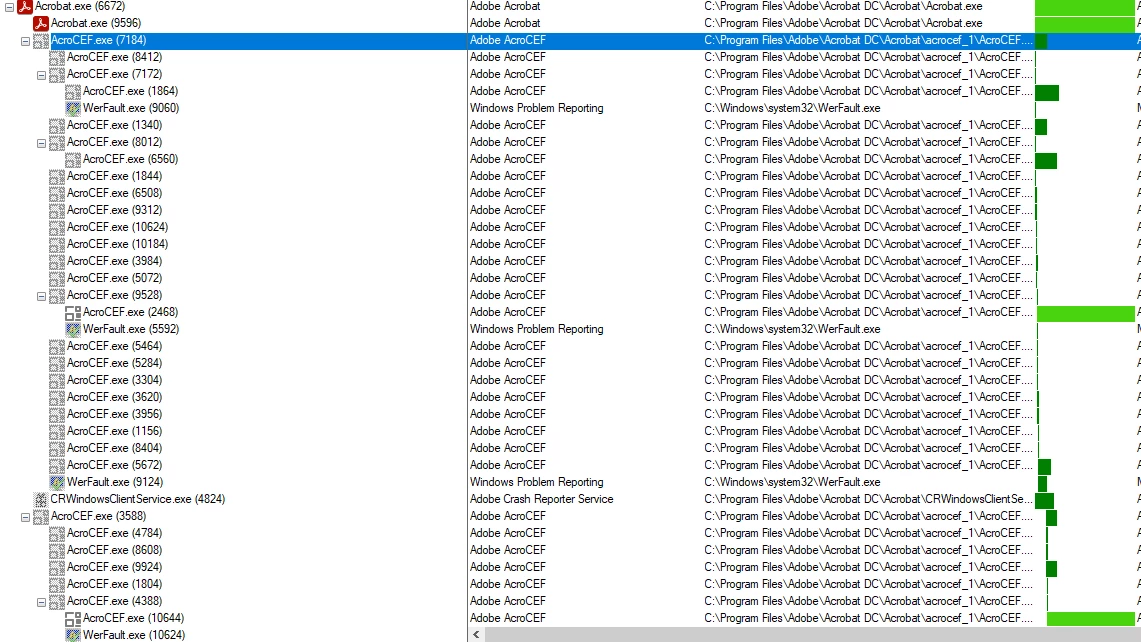
Can't sign documents with Adobe Acrobat through Remote Desktop Connection after applying Windows January Update. Tried on 2 more servers one with the January update and one without.


Adobe Version - 2023.008.20458 - 64 bit

Windows Server 2022


This topic has been closed for replies.

3 replies

Participant
January 17, 2024

by deleting the reg keys listed in this thread i was able to get the add signature page to pop in Adobe Reader 2023.008.20470.  Granted, don't know if the reg keys will recreate themselves on next update but the fix below allowed me to sign documents in Server 2022 Standard via a RDP connection.


https://community.adobe.com/t5/acrobat-discussions/actobat-reader-on-rds-2022-server-module-keeps-crashing/td-p/14360661

Participant
January 16, 2024

I'm having the same issue.  Server 2022 via RDP connection when i try to sign a doc i get a gray overlay screen. have deselected the 'use modern interface for signing' under preferences -> signatures -> creation and appearance preferences.  running version 2023.008.20470.

Participant
January 16, 2024

Sorry, should have noted i'm running Windows Server 2022 Standard 21H2, OS Build 20348.2227.

Abambo
Community Expert
Community Expert
January 14, 2024

Sorry, but I have no answer. But it would help to post the exact version of Acrobat (you did) and the OS (you said only Windows Server 2022).

ABAMBO | Hard- and Software Engineer | Photographer