


Question
Cannot open PDF from symbolic folder share
I encounted this error recently when I tried to open a PDF file from a symbolic shared folder.
I open same file in Chrome, Edge, Foxit Reader they're working without issue.
This issue happened recently because I was able to open same file with Acrobat or Reader like a month ago.
Example: I have a file path, P:\Dept\ABC\file.PDF . When I open this file, it's giving me error like this.
Notice: "Dept" folder is the symbolic link from "\\server\Dept" network shared folder
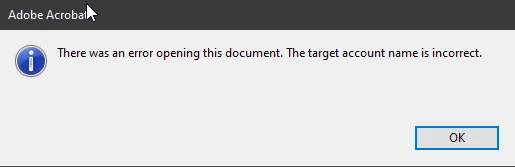
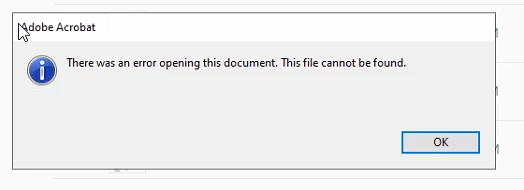
I found a thread that has similar issue like me but no response. I believe this is the bug in recent update.
 AdChoices