
Participant
November 4, 2020
Answered

Comments automatically open when opening a new PDF

  • November 4, 2020
  • 2 replies
  • 20834 views

Until last week I hadn't used the comments function. Since using it everytime I open a PDF if opens the comments tool bar.


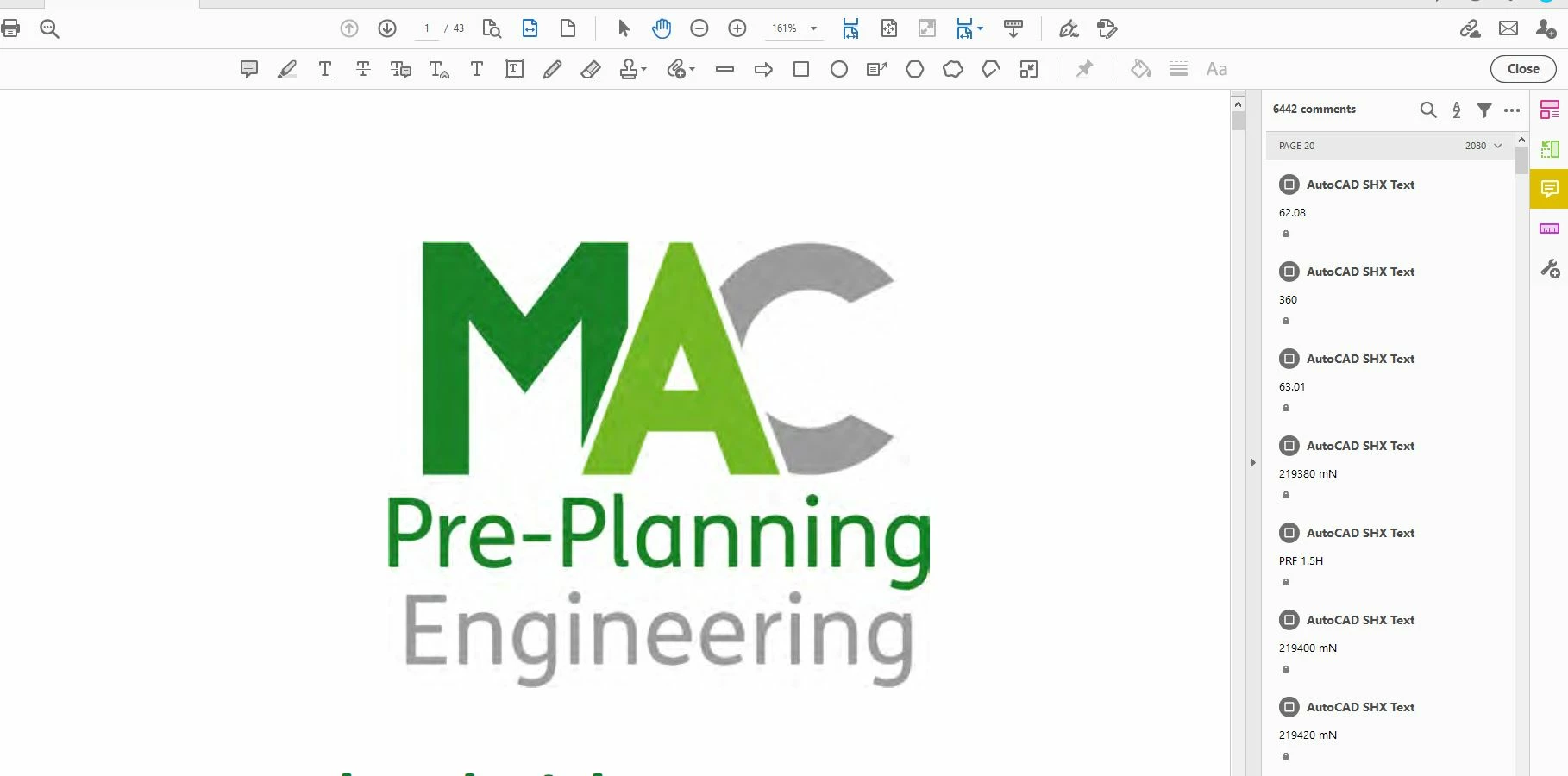
A lot of the PDFs have AutoCAD file in the rear, the comments tool autogenerates comments for these files where there are none.  This can cause some PDFs to be difficulat to naviagte and slows everything down.


For example a 43 page document with no human comments has 6442 autogenerated AutoCAD  comemnts.


Any ideas on how to stop the comments tool bar opening every time.
Correct answer S_S

@daniele_9749,


Please try resetting your application preferences. 

Steps can be found here: How to reset Acrobat Preference settings to default... - Adobe Community - 4792082


Once done, open Acrobat-> uncheck the option in the preferences->  restart Acrobat


Let me know if that works.


-Souvik


Hello all!


Good News! The issue has been resolved, and now the preferences you set, should remain as it is, even after a restart.


Please update the app to the latest version (2024.003.20180), give it a try and let me know if it works for you.


-Souvik

2 replies

Participating Frequently
October 18, 2024

I tried the reported-successful:

Computer\HKEY_LOCAL_MACHINE\SOFTWARE\Policies\Adobe\Adobe\Acrobat\DC\FeatureLockDown\bReplaceOnKeyDown=0


It kept the comments checkbox turned off, as mine was permanently on after toggling off and saving the preferences, but it did not effect the appearance of comments on file open. Box unchecked, comments still reopen. 

S_S
Community Manager
Community Manager
October 18, 2024

Thanks @change screen name @ioconnex for letting me know of this.


I'll share the feedback with the team and get back to you as soon as possible. I really appreciate the quick response and collaboration in helping me get to the bottom of this.


-Souvik

Participant
November 4, 2020

resolved


Adobe Employee
November 4, 2020

Hi Martin5E0C,

Thanks for letting us know that this is resolved.

Please note that this is a new feature: open the comment app automatically when PDF has comments.

You can disable this feature by either of the following ways:

-By disabling the Commenting Preference "Show comments pane when a PDF with comments is opened"

-By using the bezel (When comment app opens automatically and you close it within 30 seconds, a bezel is shown to retain this behaviour or not.)


Regards,

Arvind

Participant
September 1, 2023

Thanks for this solution.  Would you let me know where to diable the commenting preference?  i don't see it in edit preferences options, thank you