

質問
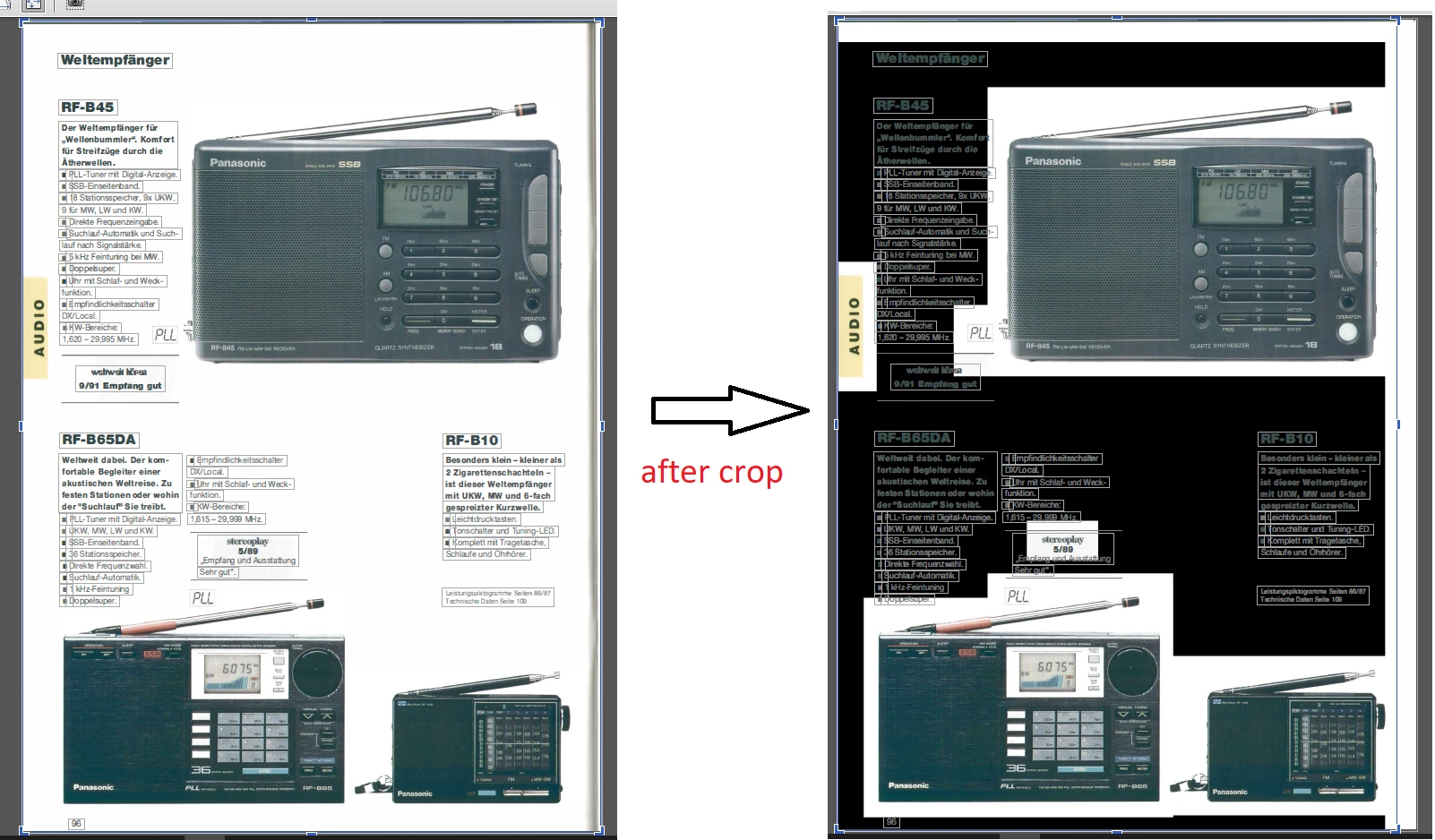
Dark areas within the pictures created after optimizing a scanned page
This always happens when one optimizes a scanned image turned into a pdf, if the scanned page has images scrambled between text, as many brochures have. All well till you optimize the page and let it as it was optimized. However, if you try to give it a touch of cleanliness using the crop tool in the editing content tab, here is what happens:
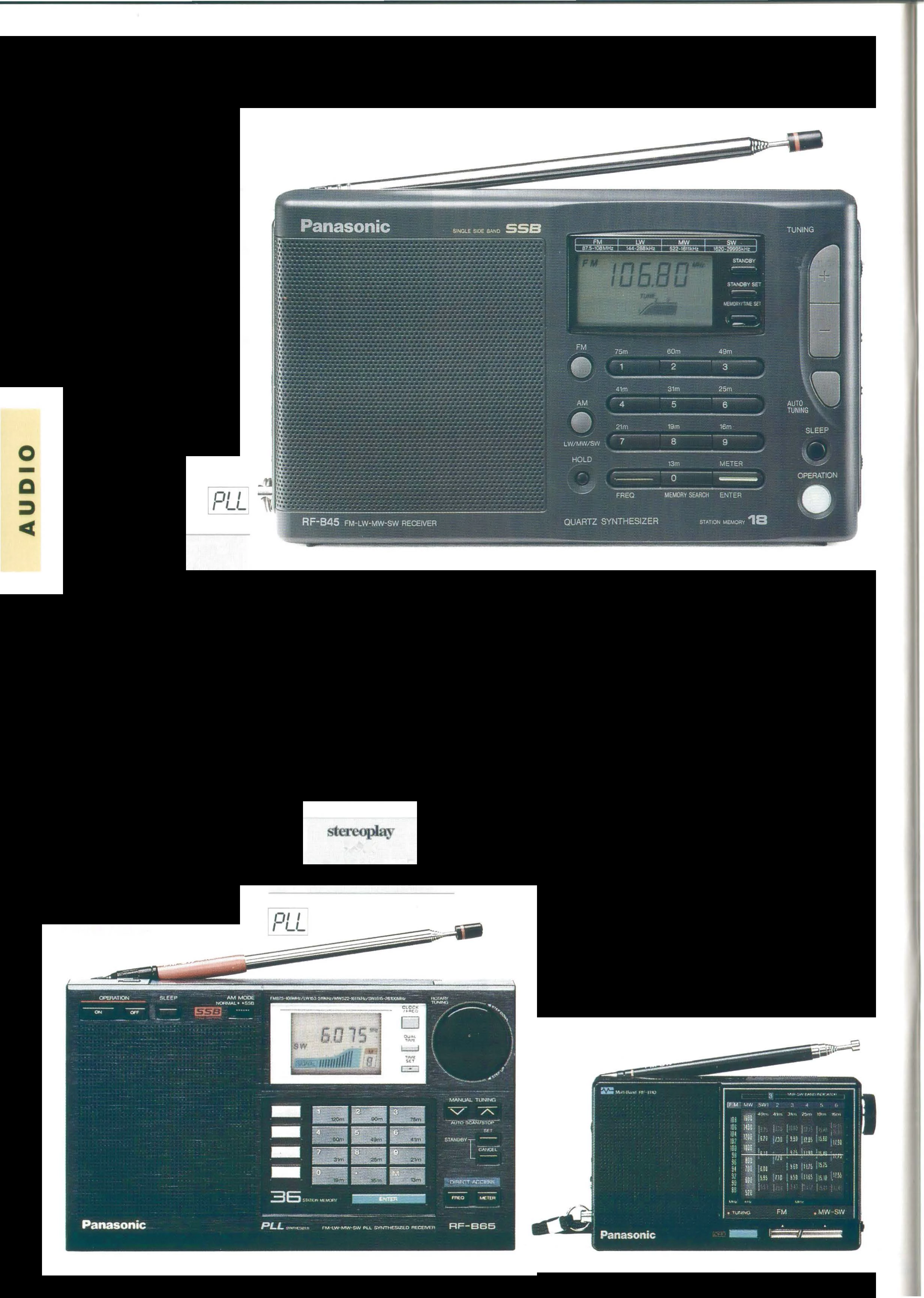
say that we want to remove the shadow border of a scanned document by cropping the image in the optimized page. After the crop the result is the one depicted in the first attached picture. The cause is more obvious if you try to edit the image with photoshop, see the second attached picture.
Is there any way out of this behaviour?
 AdChoices