
Participant
July 13, 2023
Question

Fast printing does not work with adobe acrobat pro

  • July 13, 2023
  • 2 replies
  • 449 views

Good morning,

I've been trying to print quickly from outlook or from windows explorer, but it doesn't work.


What it does is when I give the option to print from any area it opens Adobe Acrobat pro and does not launch the print.

Attached is a screenshot of the screen that appears
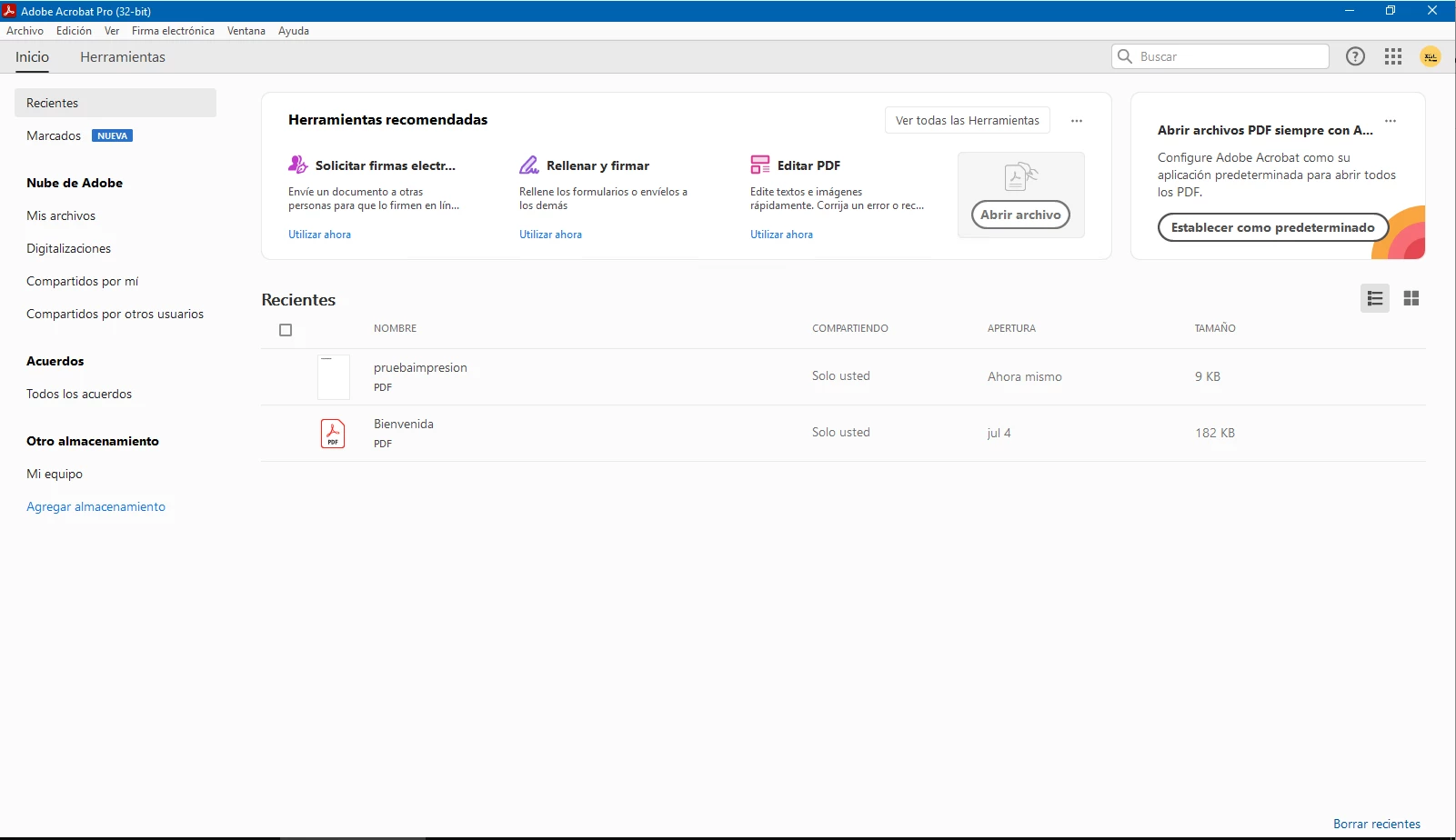
 

If I open the document and print it from the program, it prints it correctly. What fails is the direct printing.


Operating System: Windows server 2019 Standard.
Adobe pro version: 23.003.202150.

This topic has been closed for replies.

2 replies

mariahweyne
Inspiring
July 13, 2023

It sounds like this is a printer properties issue. Check those.

Amal.
Legend
July 13, 2023

Hi @Estefania31055612zzlf 


Hope you are doing well and thanks for reaching out.


Please update the application to new version 23.03.20244, go to help > check for updates and reboot the computer once.

You may also download the patch manually from the link https://www.adobe.com/devnet-docs/acrobatetk/tools/ReleaseNotesDC/index.html also, check for any missing/pending updates for your operating system and try updating it and see if that works.


Also, try to repair the installation from the help menu (Win Only) and see if that works.

Please try to reset the Acrobat preferences as described here https://community.adobe.com/t5/acrobat-discussions/how-to-reset-acrobat-preference-settings-to-default/td-p/4792082


Let us know how it goes.


Regards

Amal