Hi @Essam E
Hope you are doing well and thanks for reaching out.
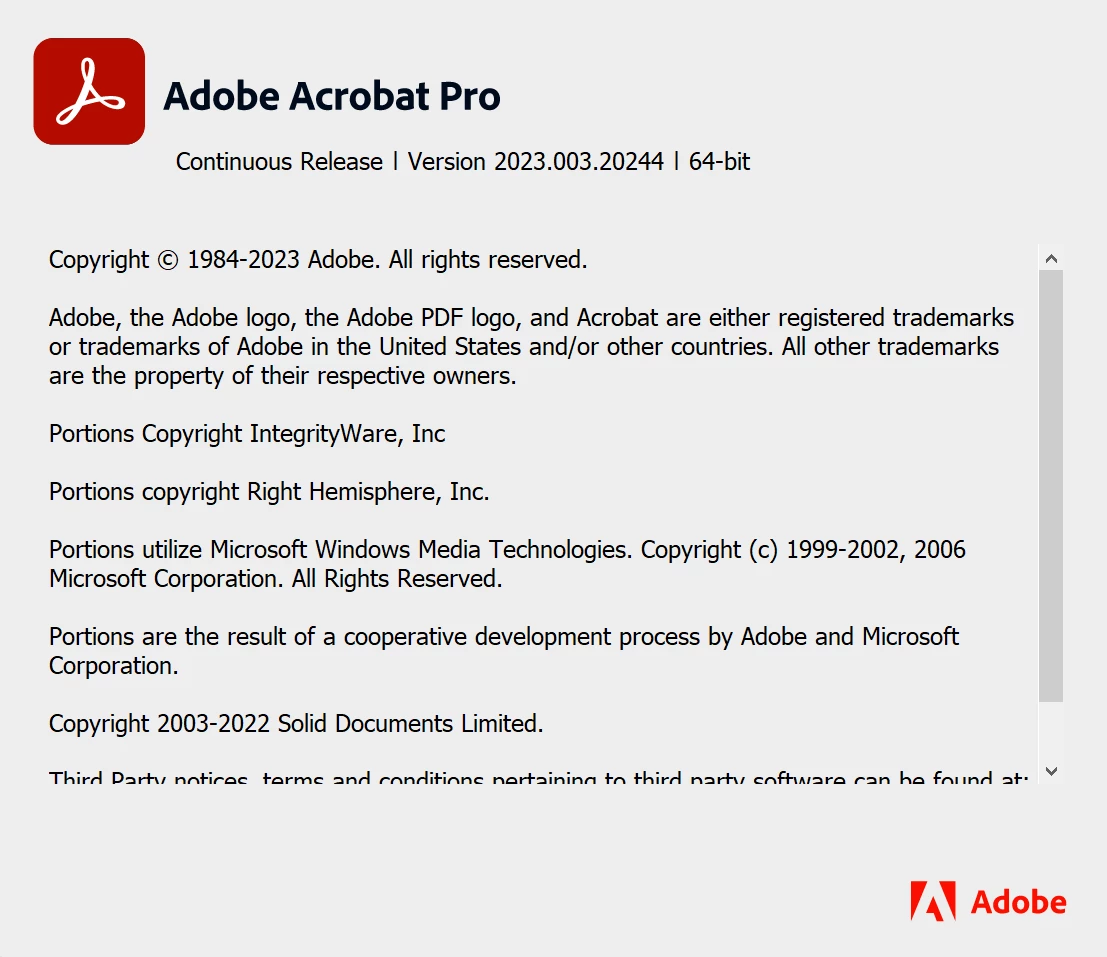
As you have the recent application version, please try to repair the installation from the help menu (Win Only) and see if that works.
Please try to reset the Acrobat preferences as described here https://community.adobe.com/t5/acrobat-discussions/how-to-reset-acrobat-preference-settings-to-default/td-p/4792082
You may also try to create a new test user profile with full admin rights in Win or enable the root account in MAC and try using the application there and check.
If it still doesn't work, please remove the application using the Acrobat cleaner tool https://www.adobe.com/devnet-docs/acrobatetk/tools/Labs/cleaner.html , reboot the computer once and reinstall the application using the direct link
https://helpx.adobe.com/acrobat/kb/acrobat-dc-downloads.html and see if that works.
Regards
Amal
 AdChoices