Participant
September 28, 2023
Question

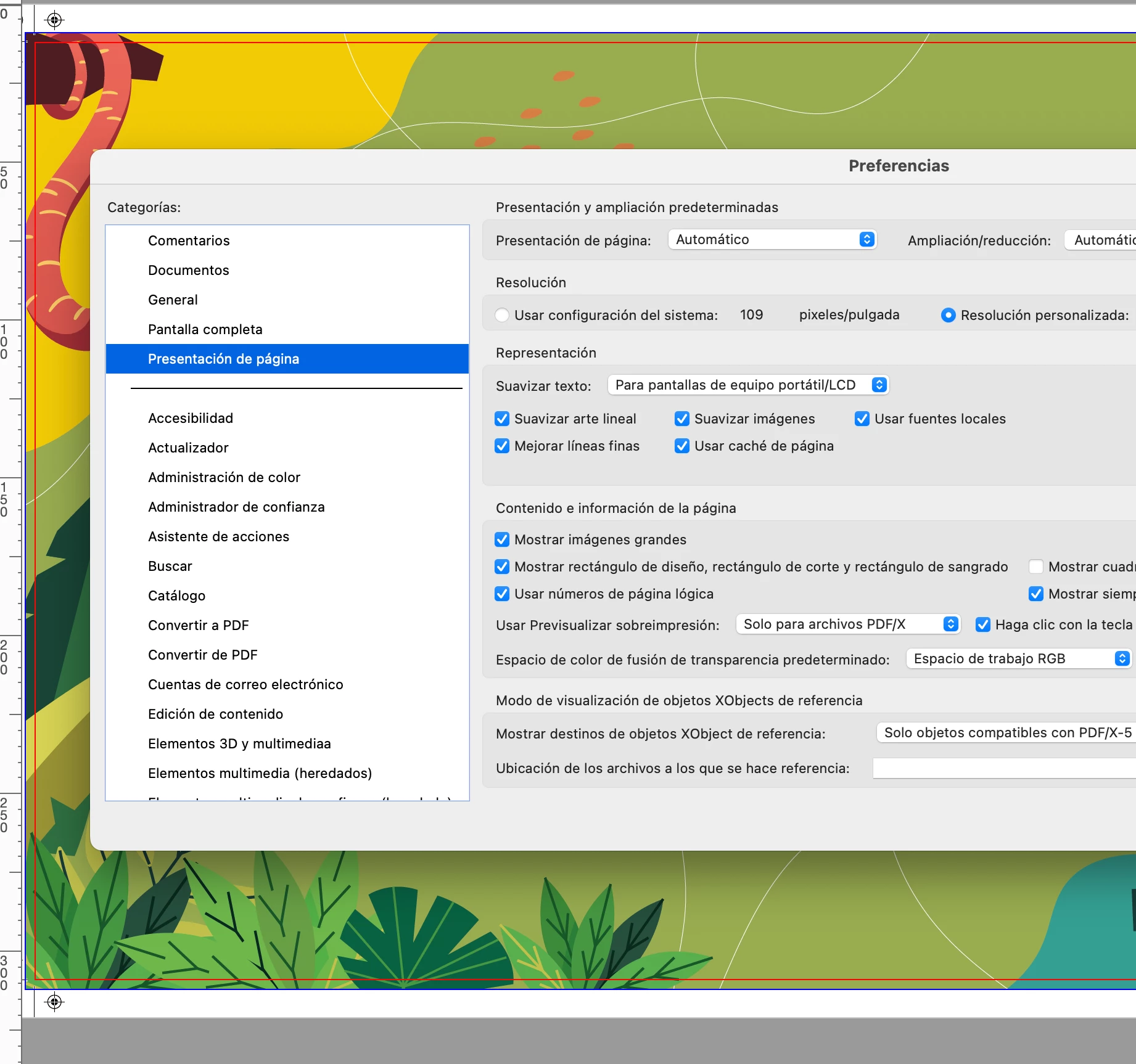
mostrar siempre el tamaño de páginas del documento

  • September 28, 2023
  • 3 replies
  • 578 views

Desde la última actualización no me muestra a pie del documento abierto el tamaño de página.
This topic has been closed for replies.

3 replies

Meenakshi_Negi
Legend
October 26, 2023

Hi Manuel32591754d8zy,


The latest Adobe Acrobat version (23.06.20360) released addresses this issue. Please update the application to the newest version using the following steps:

- In Acrobat, go to Menu > Help
- Select "Check for Updates."


For more information about the new release, refer to the following link: Adobe Acrobat Release Notes.


Let us know how it goes.


Thanks,
Meenakshi

Meenakshi_Negi
Legend
September 28, 2023

Hi Manuel32591754d8zy,


Thank you for reaching out, and sorry about the trouble caused.


As you mentioned about the page size, this has been reported to the team, and they are looking into this. In the meantime, please refer to the information provided here: https://community.adobe.com/t5/acrobat-discussions/acrobat-scroll-framework-upgrades-for-macos/td-p/14096153.


We acknowledge that the new Acrobat represents a notable change. However, we hope that as you get familiar with the new interface, you can be more productive & get more out of Acrobat. To learn more about the new Acrobat, you may refer to the following featured post: https://community.adobe.com/t5/acrobat-discussions/learn-about-new-acrobat/td-p/14078856.


As we made these changes in the interface, we have tried to ensure all tools & features that are currently supported retain their familiar functionalities and workflows as they did in the previous version. We are committed to addressing any gaps or issues reported by users related to any break in current workflows in all our past & upcoming releases. In case any of your current workflows are not functioning as expected, do share them with us on this thread, and we will address them with the highest priority.


Thanks,

Meenakshi

Amal.
Legend
September 28, 2023

Hi @Manuel32591754d8zy 


Hope you are doing well and thanks for reaching out.


Please go through the help article https://community.adobe.com/t5/acrobat-discussions/acrobat-scroll-framework-upgrades-for-macos/td-p/14096153 and see if that works


Let us know how it goes


~Amal