Participant
January 31, 2024
Question

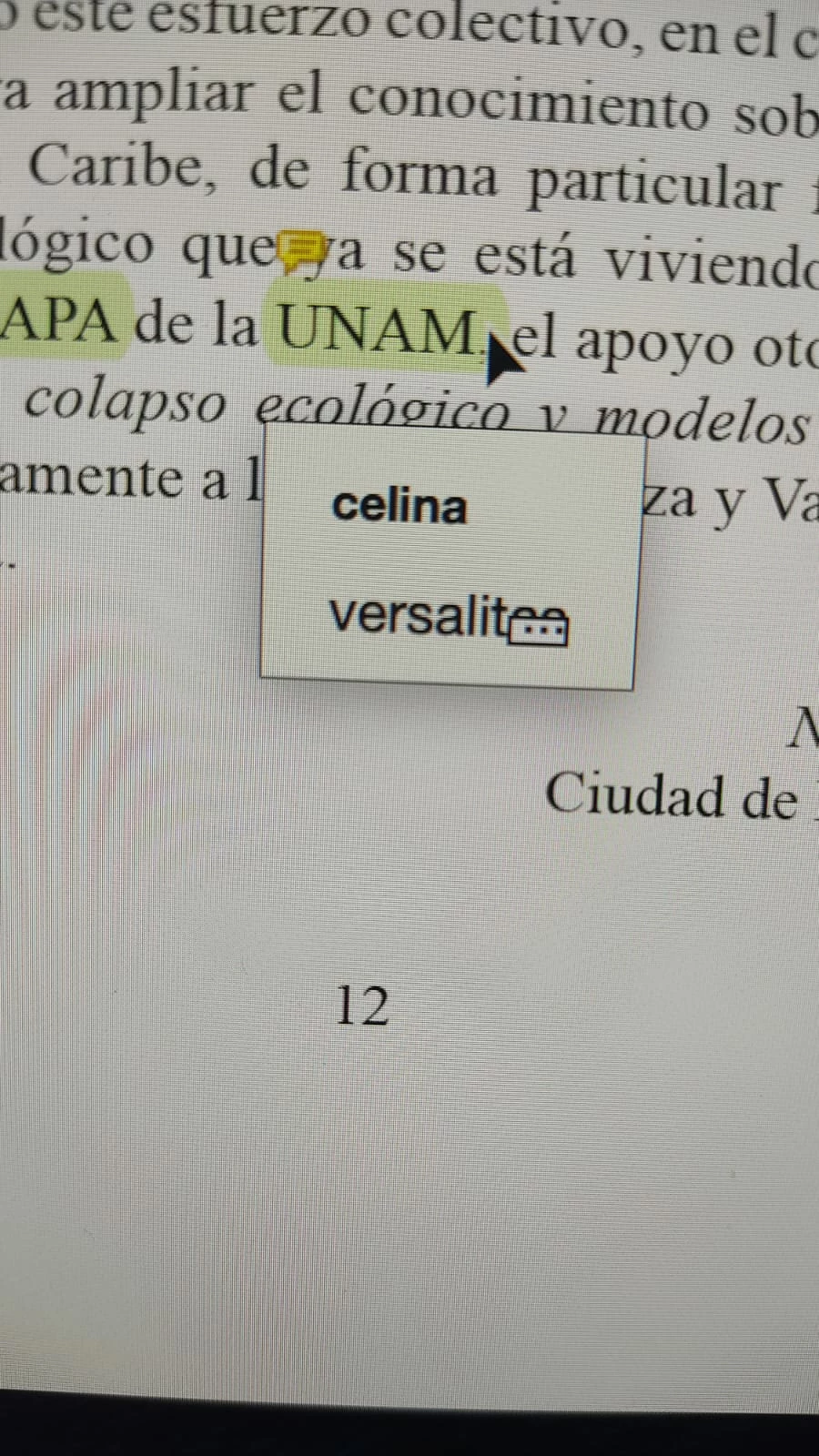
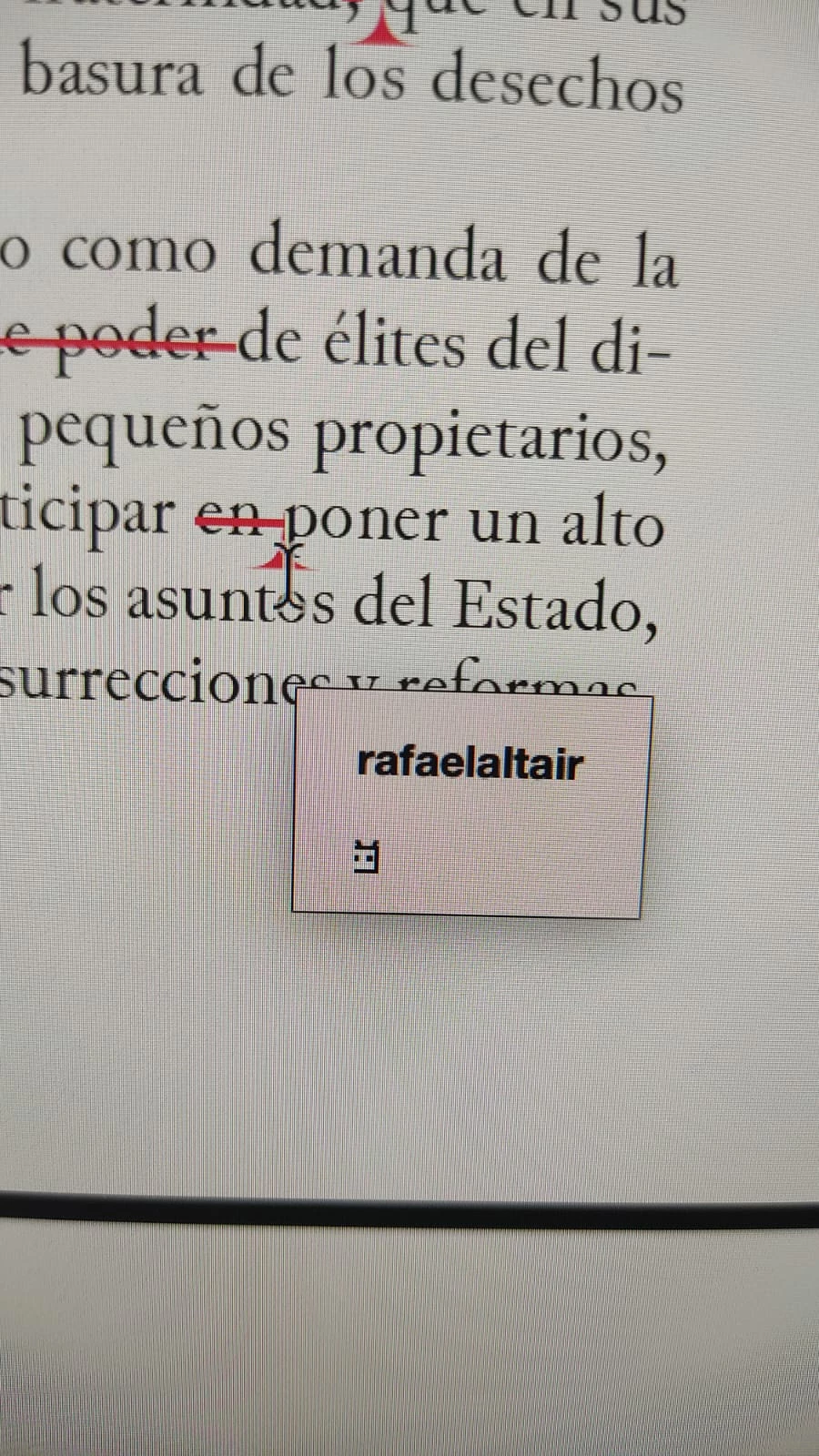
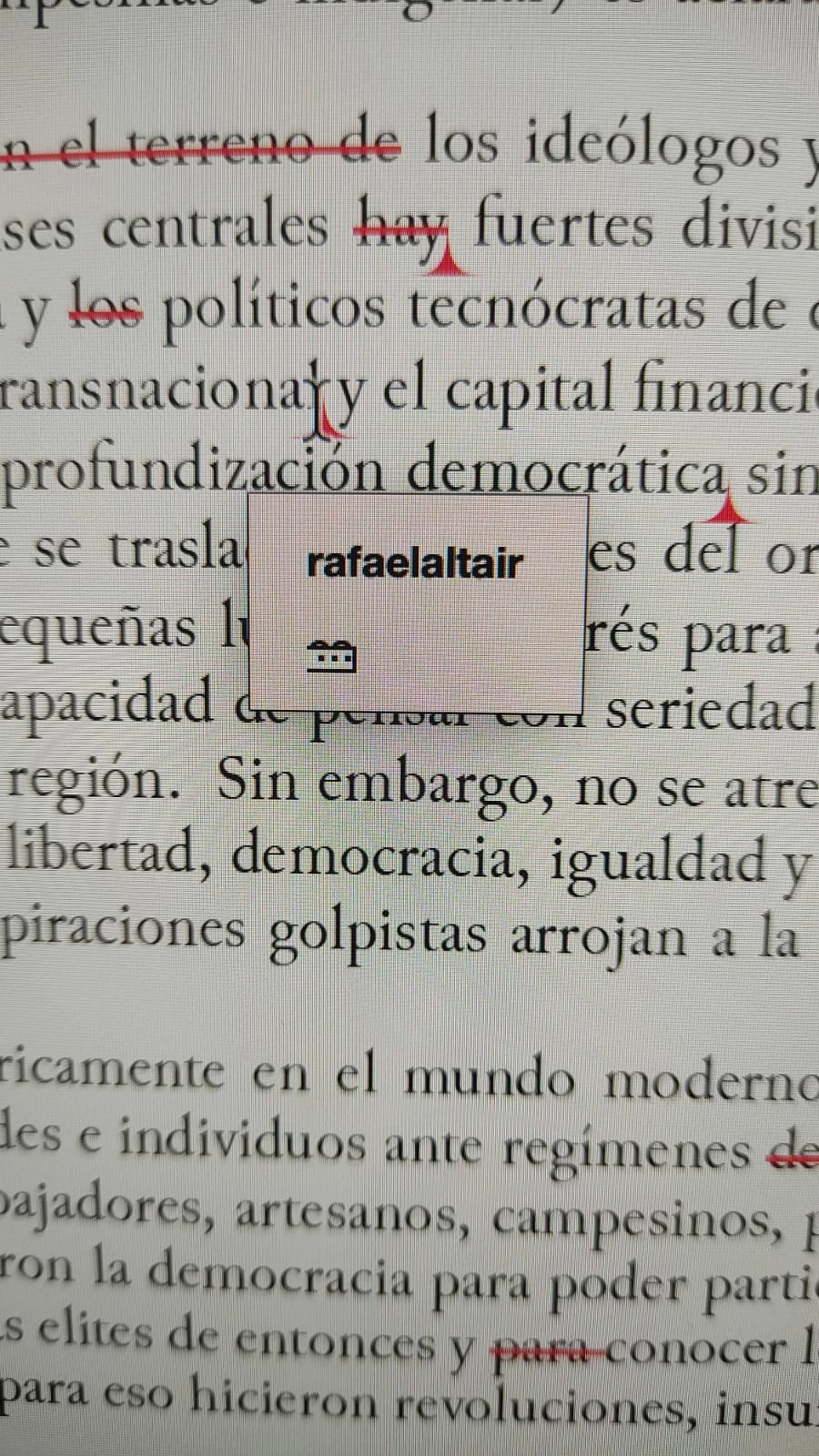
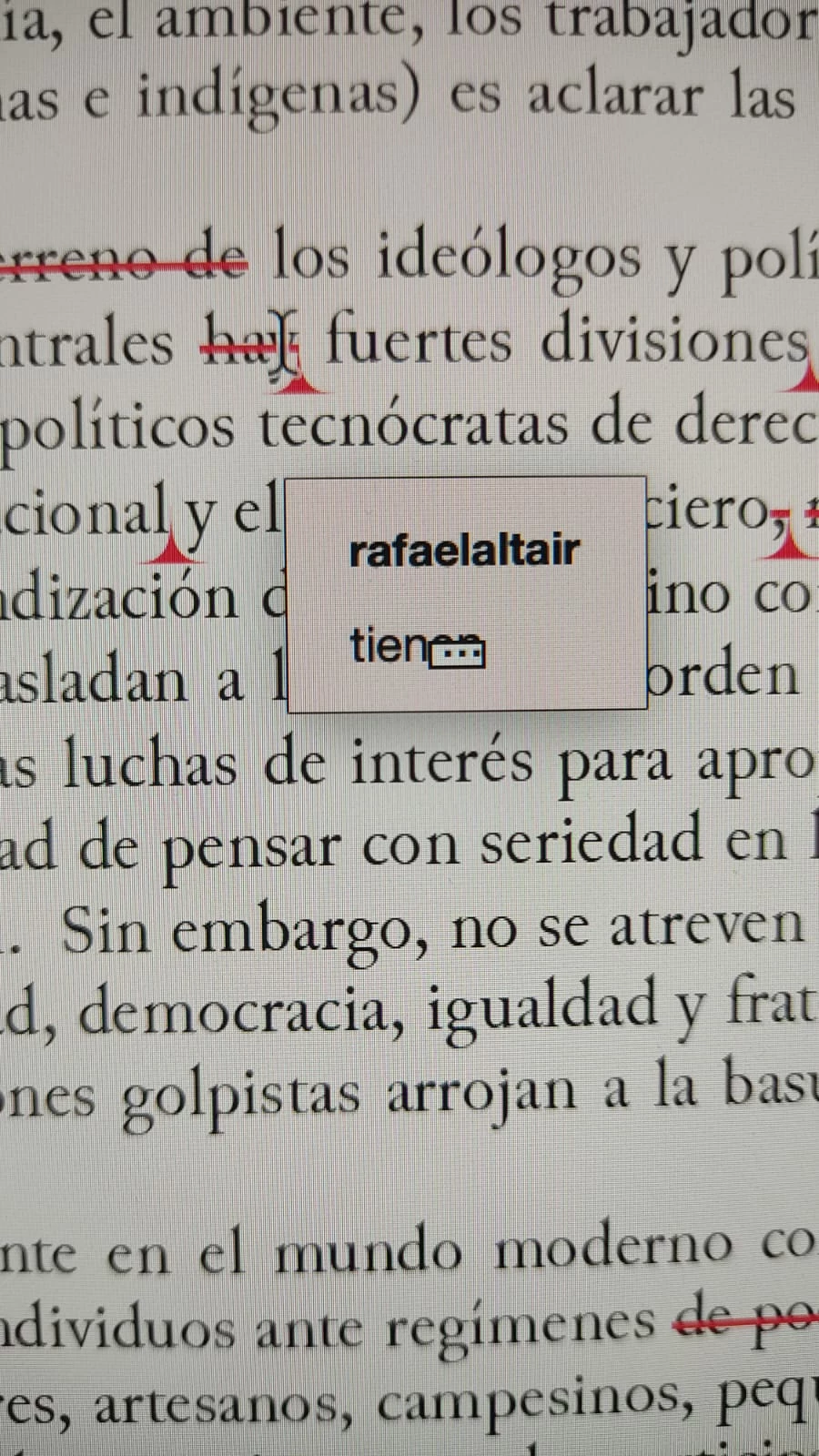
Problem with comments popup after update Acrobat Pro 23.8.20470.0

  • January 31, 2024
  • 1 reply
  • 221 views

Hi, I'm having problems with text comments popups in PDF documents (any document) on Acrobat after update to 23.8.20470.0 version. Text appears covered with a square with dots (See screenshots attached). What could be happening? Thank you for your help & answers.


This topic has been closed for replies.

1 reply

Amal.
Legend
February 5, 2024

Hi @Rafael35140295l7n1 


Hope you are doing well and sorry to hear that


I tried to reproduce the issue at my end and its working fine. Would you mind sharing small video recording of the steps you are doing for more clarity.

Is this an issue with a particular PDF file or with all the PDFs? Please try with a different PDF file and check. If the file is stored on a shared network/drive please download it to your computer locally and then try again.

As you have the most recent version please try to repair the installation from the help menu (Win Only) and see if that works.

Please try to reset the Acrobat preferences as described here https://community.adobe.com/t5/acrobat-discussions/how-to-reset-acrobat-preference-settings-to-default/td-p/4792082 and see if that helps.


~Amal