Participant
March 17, 2021
Question

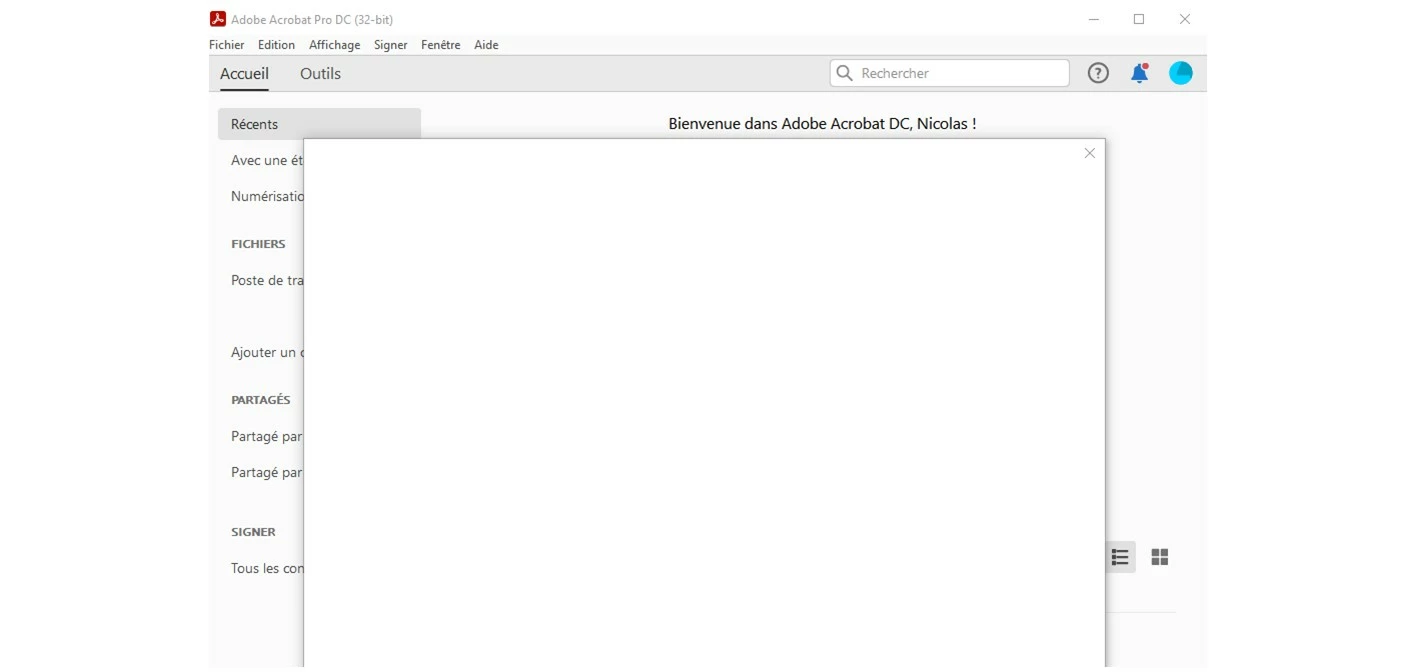
Stuck when opening Acrobat Pro DC

  • March 17, 2021
  • 1 reply
  • 1251 views

Hi there. I constantly have the same problem. Each time I open Acrobat DC, I have a new window opening, trying to load something and staying blank for ages. Have to use task manager to close Acrobat and when restarting, same problem again. I have uninstalled and reinstalled, updated windows etc ... any clue what Acrobat is trying to do there and how I can solve it ? thanks !! 
This topic has been closed for replies.

1 reply

Amal.
Legend
March 18, 2021

Hi Nicolas


Hope you are doing well and sorry for the trouble. As described you get a blank page when you open the application.


Would you mind sharing the version of the Adobe Acrobat DC you are using? To check the version go to Help > About Acrobat and make sure you have the latest version 21.01.20145 installed. Go to Help > Check for Updates. You may also download the patch manually from the link https://www.adobe.com/devnet-docs/acrobatetk/tools/ReleaseNotesDC/index.html and reboot the computer once and check if that helps.


Also, please try to turn off the protected mode for testing (Win Only). Go to Edit > Preferences > Enhanced security > Uncheck 'Enable Protected mode at startup' Turn Off the Protected mode and Uncheck 'Enhanced Security' > Click OK and reboot the computer once.

Note: Please turn on the security after testing to avoid any security risks.


If it still doesn't work, please try to create  a new test user profile in Windows or enable the root account in Mac with full admin rights and try using the application there and check.


Hope it will help


Regards

Amal


Participant
March 18, 2021

Hi Amal. Thanks for your reply. I have the 21.01.20145. Installed yday. I unchecked the two boxes, rebooted, no change. When opening DC, I have to quickly click on Edit or Help in the top menu to avoid the blank page to pop. As soon as I am off the options menu, it pops and have to kill the app on task manager. 

Amal.
Legend
March 23, 2021

Hi there


I am sorry for the delay in response. Have you tried using the application in a new test user profile as described earlier?

Also, please try to reset the Acrobatpreferences to default as descrined in the help page: https://community.adobe.com/t5/acrobat/how-to-reset-acrobat-preference-settings-to-default/td-p/4792082 and check if that works for you.


Regards

Amal