Participant
March 16, 2023
Question

Text boxes/table headings black block printing
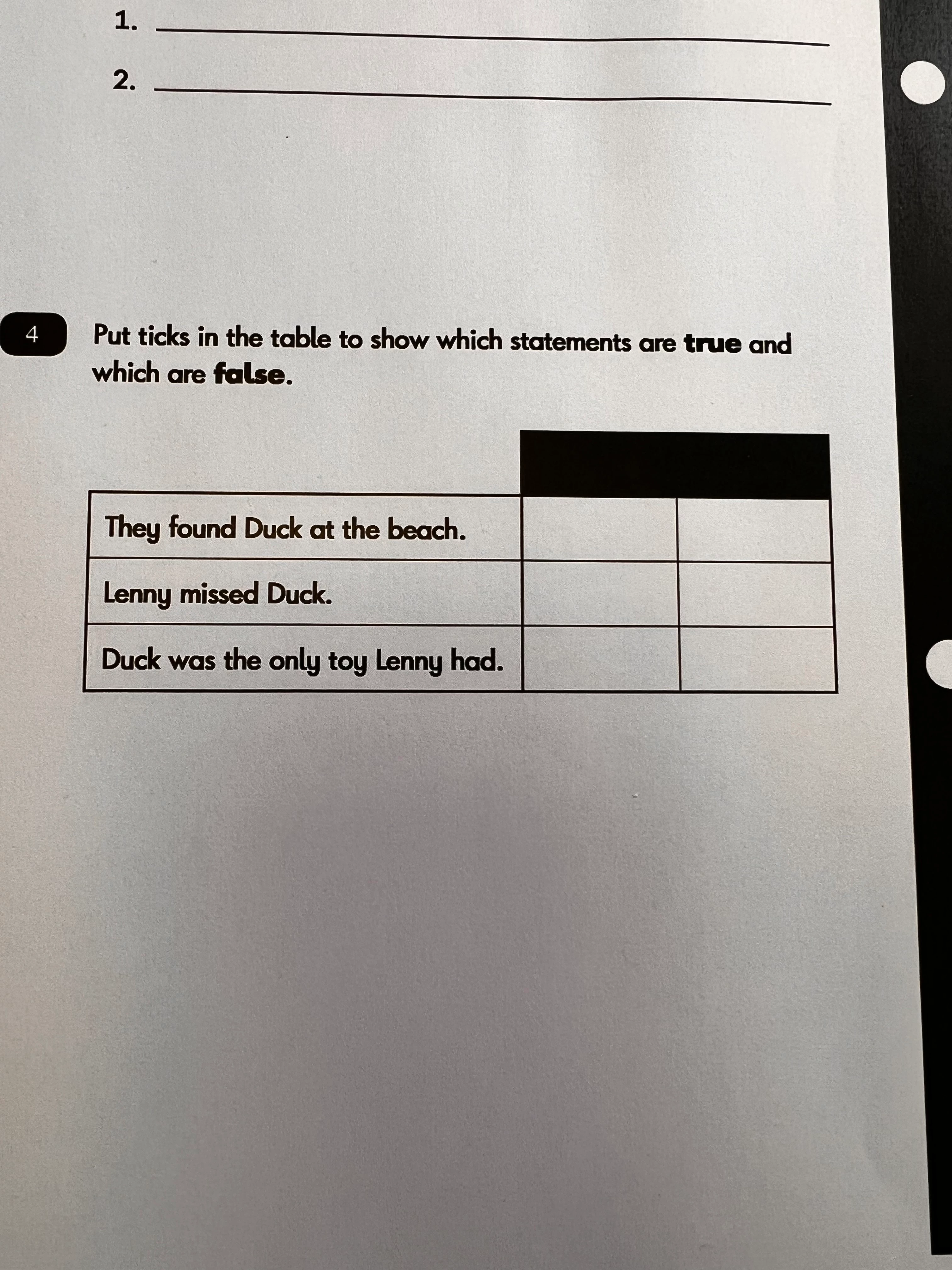
  • March 16, 2023
  • 1 reply
  • 689 views


I've set my 'advanced' printing options to 'print as image' but keep getting the same issue and my other colleagues are struggling with it too. Any suggestions?

This topic has been closed for replies.

1 reply

Amal.
Legend
March 16, 2023

Hi @Ryan28907334p1hx 

Hope you are doing well and sorry to hear that

Is this an issue with a particular PDF file or with all the PDFs? Please try with a different PDF file and check. If the file is stored on a shared network/drive please download it to your computer locally and then try again.

What is the version of the Acrobat DC you are using? To check the version go to Help > About Acrobat and make sure you have the recent version 23.01.2006x  installed. Go to Help > Check for updates and reboot the computer once.


Also, check for any missing/pending updates for the printer driver and firmware and try updating it. Please go through the help page https://helpx.adobe.com/acrobat/kb/troubleshoot-pdf-printing-acrobat-reader.html

Also try to repair the installation from the help menu (Win Only) and see if that works.

Please try to reset the Acrobat preferences as described here https://community.adobe.com/t5/acrobat-discussions/how-to-reset-acrobat-preference-settings-to-default/td-p/4792082


Regards

Amal


Marking a reply or response “Correct” will help future users with the same issue quickly identify the correct answer.