Answered
The top Menu dissapearing when hovering the mouse over it in Acrobat 23.00.
The menu is dissapearing when hovering over it to select an item.
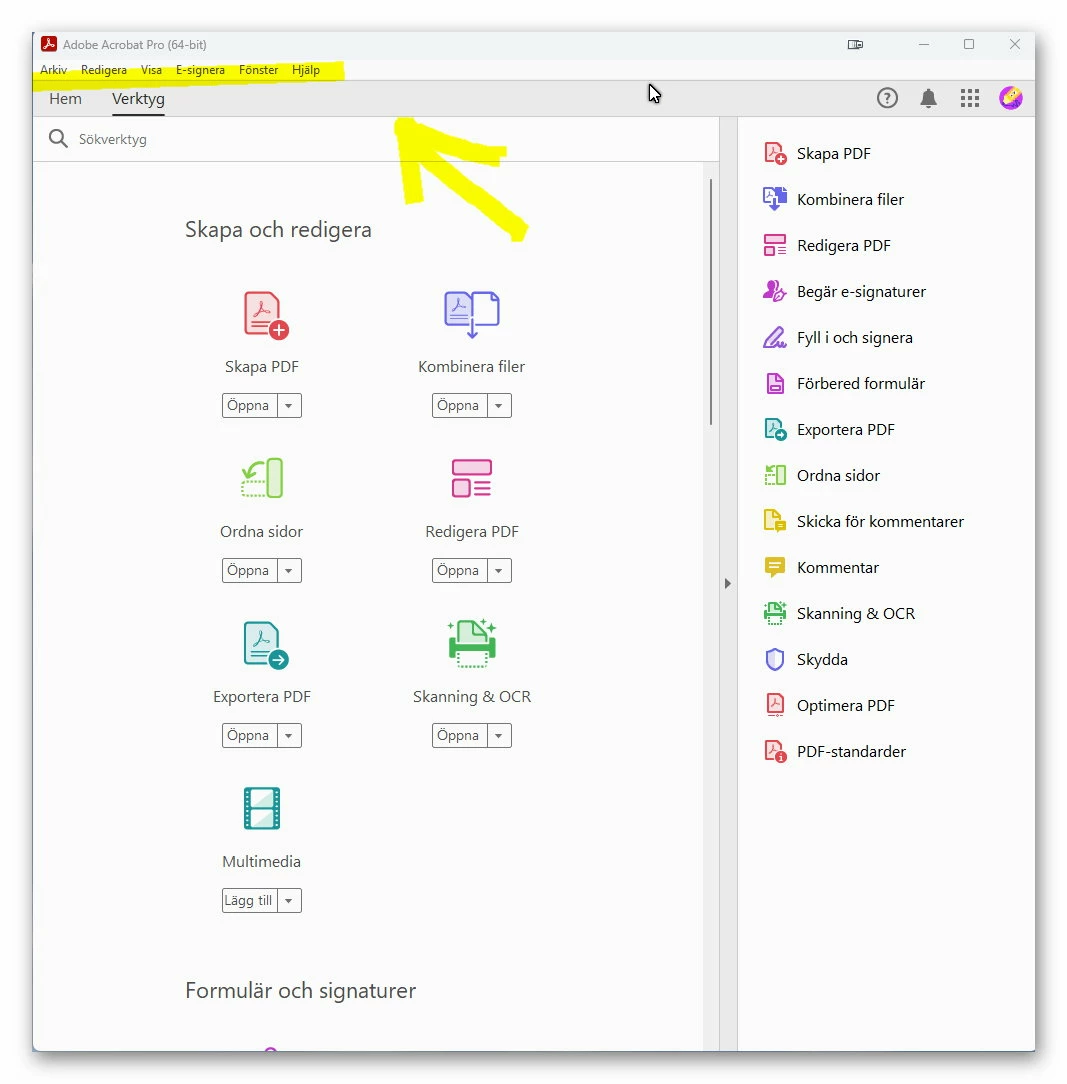

The menu is dissapearing when hovering over it to select an item.
1. Stop the 3Dconnexion driver (Start -> All Apps -> 3Dconnexion -> Stop 3DxWare)
2. Close your 3D application.
3. Navigate to %APPDATA% (e.g. C:\Users\USERNAME\AppData\Roaming\)
4. Rename the folder ‘3Dconnexion’ to ‘3Dconnexion.bak’.
5. Navigate to %LOCALAPPDATA% (e.g. C:\Users\USERNAME\AppData\Local\)
6. Rename the folder ‘3Dconnexion’ to ‘3Dconnexion.bak’.
7. Restart the 3Dconnexion driver (Start -> All Apps -> 3Dconnexion -> Start 3DxWare).
If this resolves the issue your are experiencing, please share the backed-up files with your 3Dconnexion Support Representative.
From
https://3dconnexion.com/uk/support/faq/how-do-i-clean-up-the-configuration-on-windows/
Already have an account? Login
Enter your E-mail address. We'll send you an e-mail with instructions to reset your password.


 AdChoices